Append sheets
How to combine Excel sheets when the columns are in a different order
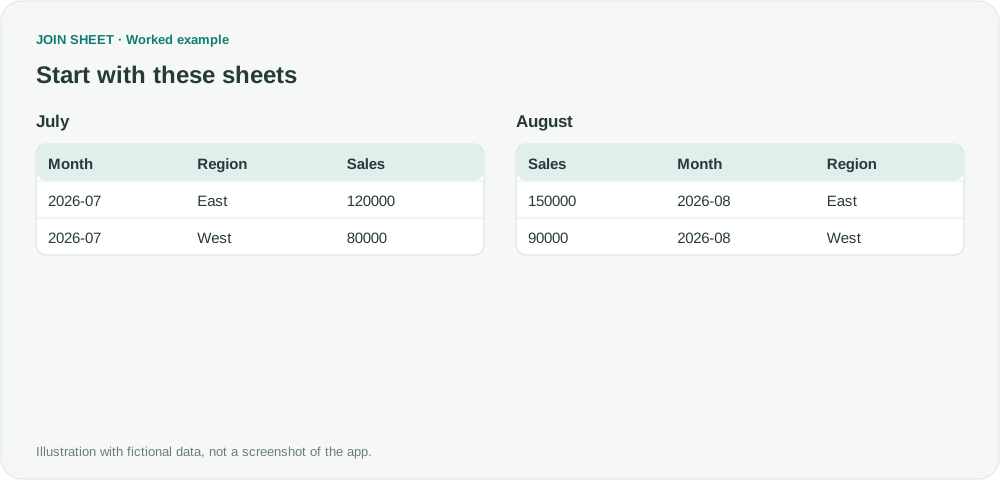
Append monthly sales by matching column names rather than positions. Check the four-row result, sales total and limits when headers are missing or different.

Match customer lists, find missing values, and combine spreadsheets. See how to solve everyday Excel problems with worked examples in JOIN SHEET.
Append monthly sales by matching column names rather than positions. Check the four-row result, sales total and limits when headers are missing or different.
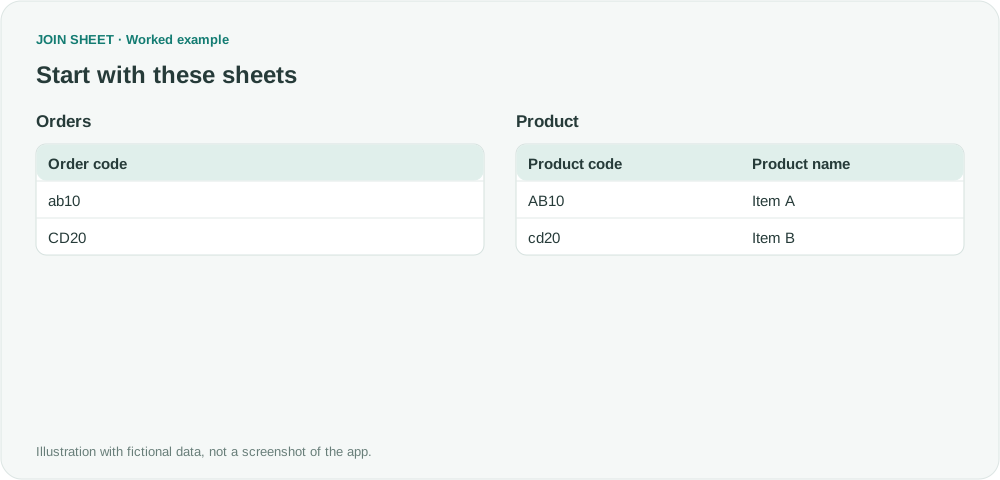
Decide whether ABC and abc identify the same item before joining. Compare case-sensitive matching with Ignore letter case while preserving original values.
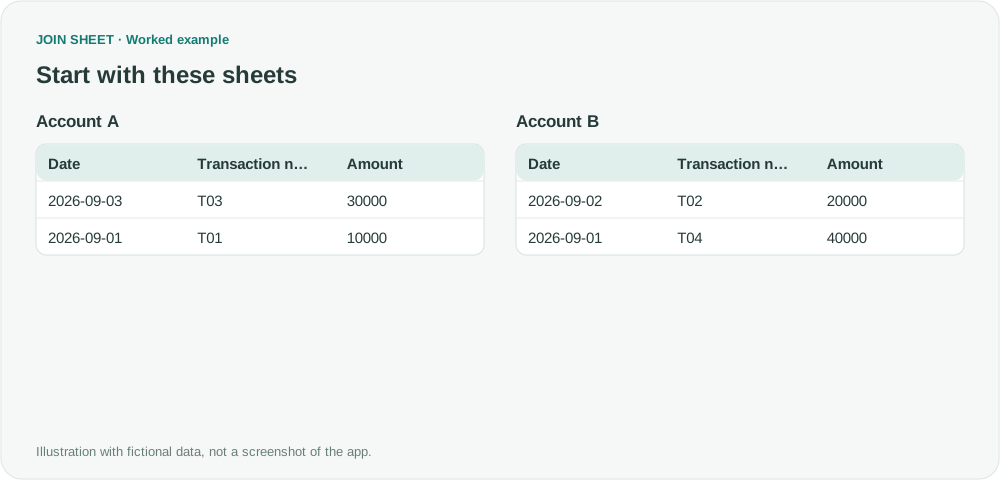
Append transaction sheets, then sort the combined result by date and transaction number. Preserve all records and check the total before saving.
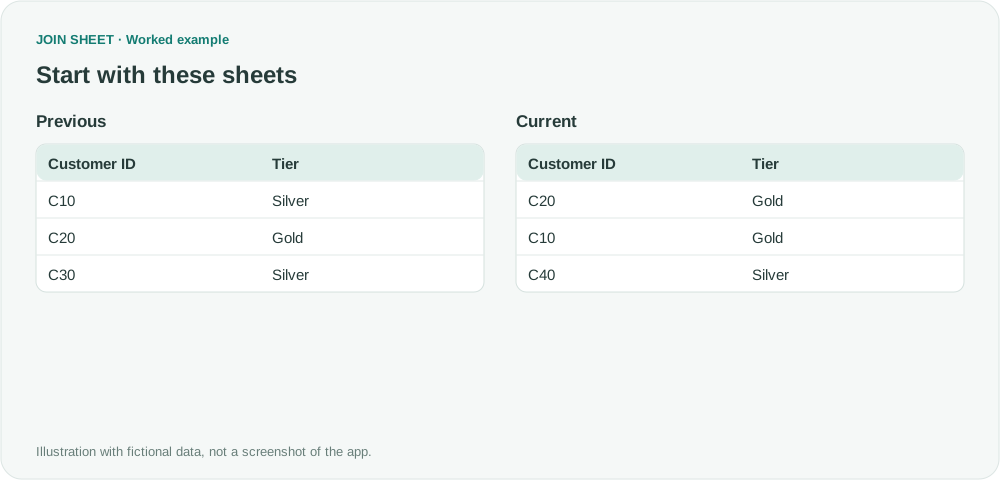
Match records by customer ID before comparing their values. Identify changed, unchanged, added and missing records without relying on row positions.
Compare product-and-region combinations instead of a single column. Find shared and unmatched records without inventing an ID or assuming a change occurred.
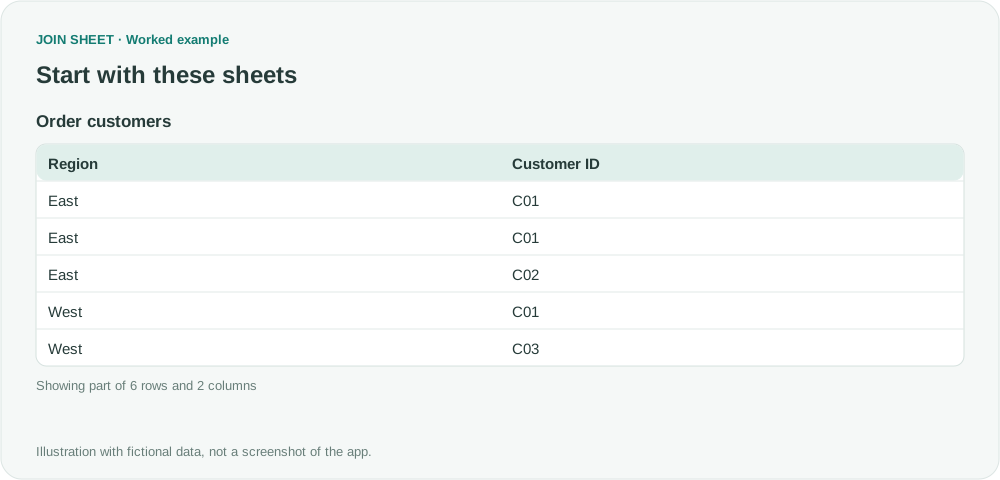
Group by region and customer ID, then count those combinations by region. Separate order counts, regional customer counts and company-wide unique customers.