How to remove every occurrence of duplicate rows, not keep one
Group by the fields that define a row, count occurrences and keep only counts of one. Exclude every repeated combination without deleting source data.
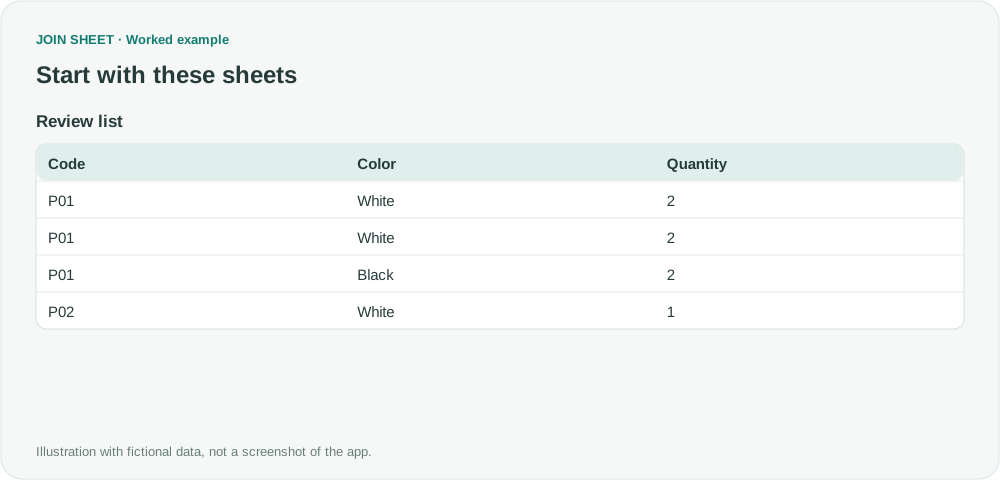
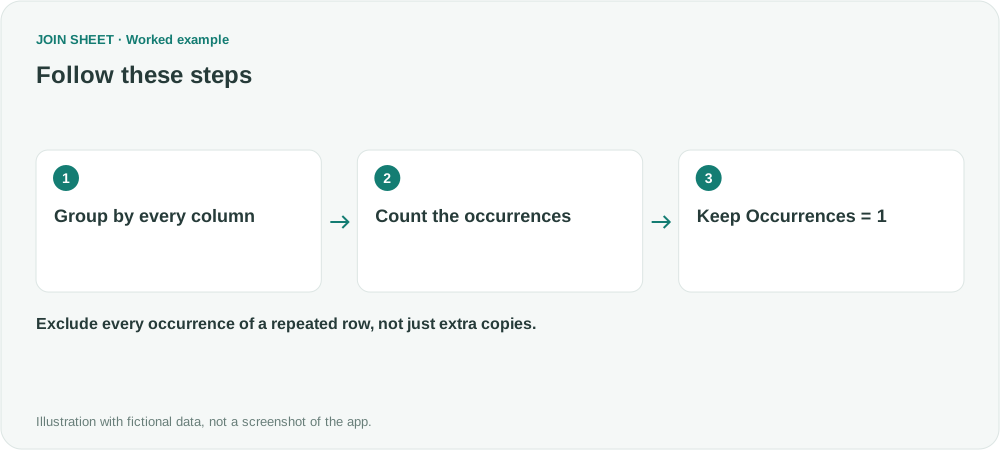
To exclude every occurrence of a repeated row, group by the columns that define it, count the rows in each group and filter for a count of one. Keeping one copy of each duplicate is a different operation. JOIN SHEET can perform this with Summarize → Filter in Refine results.
Decide what “remove duplicates” means
The append option Keep one copy of identical rows deliberately retains one copy. It cannot remove all copies of a repeated combination on its own.
In this fictional review list, P01–White–2 occurs twice. P01–Black–2 is different because Color differs.
| Code | Color | Quantity |
|---|---|---|
| P01 | White | 2 |
| P01 | White | 2 |
| P01 | Black | 2 |
| P02 | White | 1 |
Count complete combinations, then keep counts of one
- Load the sheet and select it as the result source. A single sheet is sufficient.
- Open Refine results and add Summarize. Under Group by, include Code, Color and Quantity.
- Choose Count as the summary method and name the output Occurrences.
- Add Filter below the summary. Select Occurrences, Equals, and 1, then choose Apply.
Omitting Color would change the definition of a duplicate. Conversely, including a unique sequence number would prevent otherwise identical records from grouping together. Select the fields that represent the business record you intend to compare.
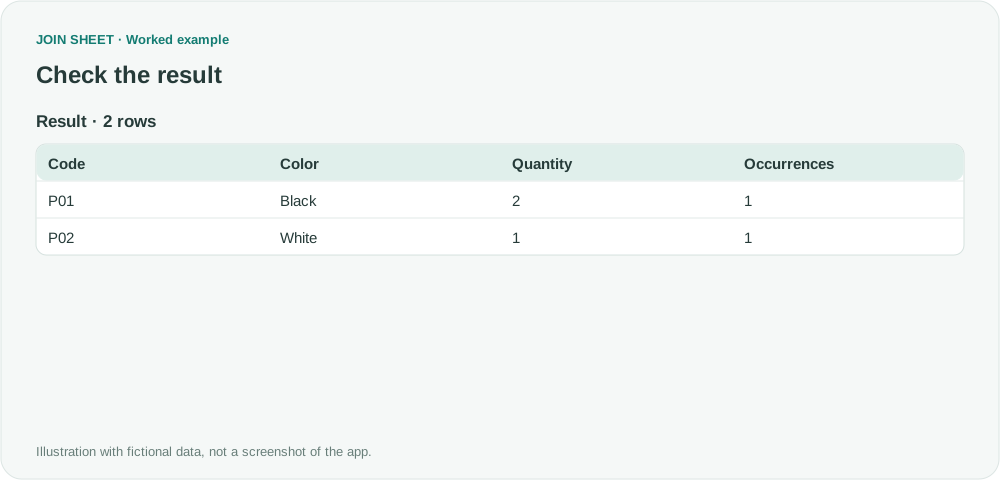
Expected result: both repeated white P01 records disappear
| Code | Color | Quantity | Occurrences |
|---|---|---|---|
| P01 | Black | 2 | 1 |
| P02 | White | 1 | 1 |
The four input rows become two output rows. Both occurrences of the repeated combination are excluded.
Are the original rows deleted?
No. This produces a new result without editing the original file. A summary keeps only its grouping fields and calculated outputs; all three original fields remain here because all three were selected for grouping. Occurrences also remains for verification.
Do not apply this rule to identical-looking transactions that genuinely happened twice. Check data types and blanks as well, since they can affect whether values group together. To report repeated codes instead of removing them, see counting repeated values.
Spend less time on repetitive work
Connect and compare sheets to get the results you need.
This walkthrough uses the Pro plan.
Start with JOIN SHEET ↗Use a desktop computer for Excel and CSV work. Opens in a new tab without replacing your current work.
Example last verified:
Sources
How to remove duplicate rows — Reddit r/excel
The distinction between retaining one copy and removing all occurrences informed this independently constructed example. No source formulas or data are reproduced.