How to count how many distinct values appear more than once
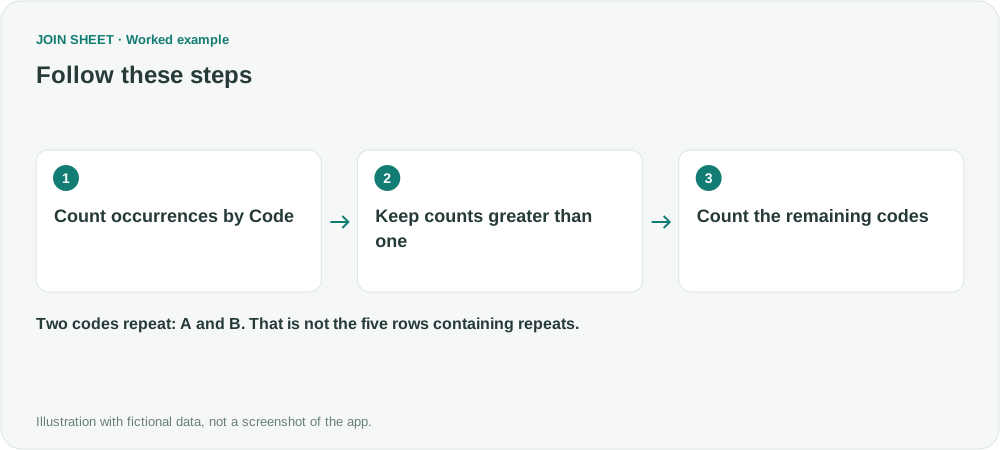
Count repeated codes once each, rather than counting duplicate rows. Summarize by code, filter counts above one, then count the remaining codes.
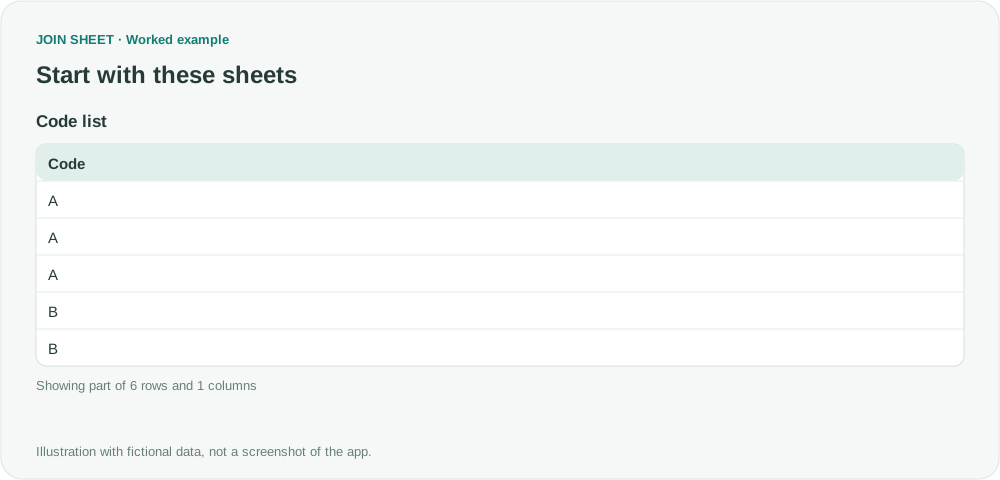
To count how many different values repeat, first count occurrences by value, retain counts greater than one, then count the remaining groups. In a list containing A, A, A, B, B, C, the answer is 2 repeated codes, not five rows or three extra occurrences.
Three valid counts answer different questions
In this fictional six-row list, five rows contain a repeated code: the three A rows and two B rows. Three occurrences remain after allowing the first occurrence of each code. But only two different codes repeat: A and B.
| Code | Occurrences in the source |
|---|---|
| A | 3 |
| B | 2 |
| C | 1 |
This table summarizes the input for explanation. For the walkthrough, import the original six rows with one code per row.
Summarize, filter, then count the groups
- Select the sheet and open Refine results. Add Summarize with Code under Group by.
- Choose Count and name the output Occurrences.
- Add Filter below it. Select Occurrences, Greater than, and 1.
- Add another Summarize step. Leave Group by empty and create a Count named Repeated codes.
- Check the three-step order and choose Apply.
To inspect the intermediate counts, initially apply just the first summary. Check A=3, B=2 and C=1 in Result preview, then reopen Refine results and add the remaining steps.
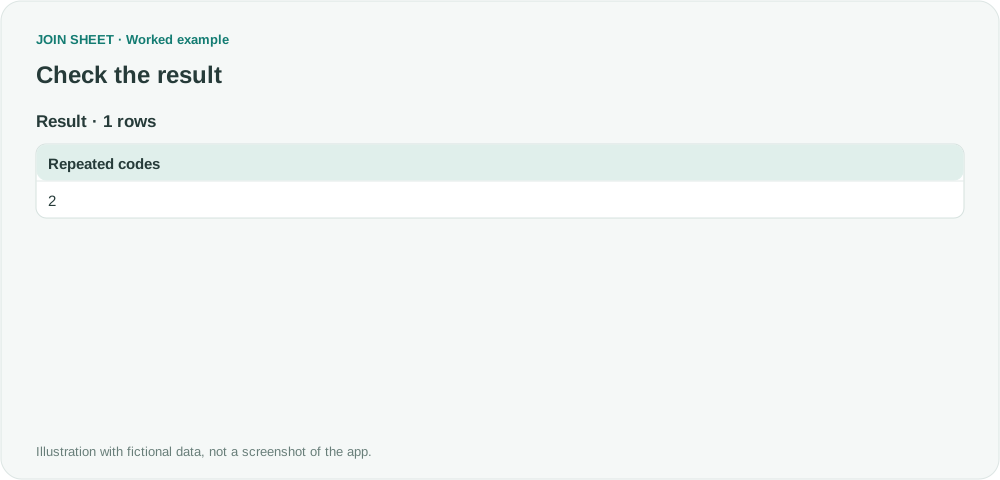
Expected result: one output row containing 2
The second summary counts the two rows left for A and B, not the six original records. Repeated codes is therefore 2. If no code repeats, the final count is zero. To retain the actual code list, stop after the filter instead of adding the last summary.
Should blank codes count as a repeated value?
Decide before summarizing. To exclude them, add a Code Is not empty filter before the first summary. To count repeated code-and-branch combinations, group by both fields at the start.
Capitalization and surrounding spaces can create separate groups. Review the source values rather than assuming that visually similar codes are identical. This workflow counts only the data included after any existing filters.
Spend less time on repetitive work
Connect and compare sheets to get the results you need.
This walkthrough uses the Pro plan.
Start with JOIN SHEET ↗Use a desktop computer for Excel and CSV work. Opens in a new tab without replacing your current work.
Example last verified:
Sources
Counting duplicates with each instance once — Reddit r/excel
The question informed the counting distinction. The codes, numbers and JOIN SHEET steps are an independent example, not a report of the author's product use.