How to calculate minimum, maximum and average by group
Put a team's minimum, maximum and average processing times in one summary. Understand why blank records do not count as zero in the average.
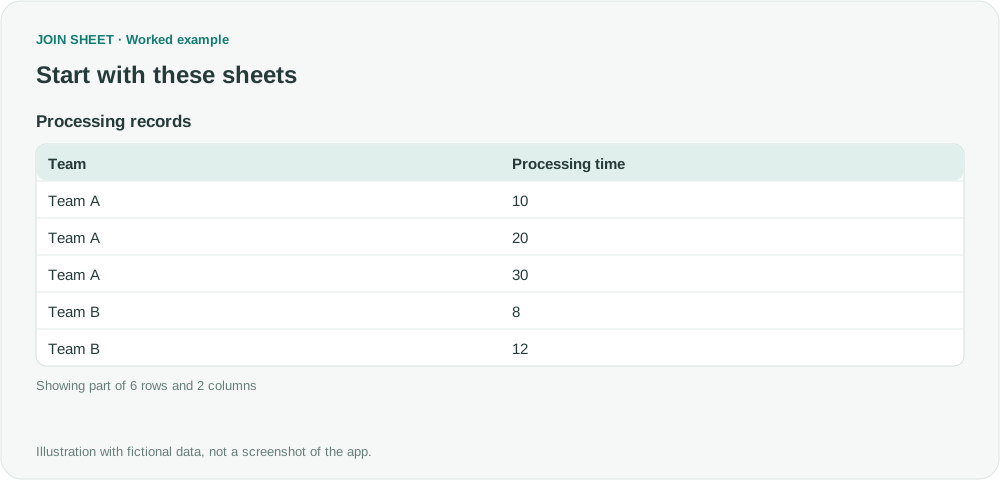
Add Minimum, Maximum and Average within one Summarize step to compare each group's range and typical value. JOIN SHEET excludes blank or nonnumeric values from these numeric calculations; a missing duration is not treated as zero.
An average alone can hide a wide range
In these fictional processing records, Team A takes 10, 20 and 30 minutes. Team B takes 8 and 12 minutes, with one duration not yet entered. All recorded durations use minutes.
| Team | Processing time |
|---|---|
| Team A | 10 |
| Team A | 20 |
| Team A | 30 |
| Team B | 8 |
| Team B | 12 |
| Team B | Blank |
Check that Processing time is numeric. Text such as “10 minutes” may not be interpreted as a number. Put the unit in a header or documentation and keep the numeric cells consistent.
Add three measures to one summary
- Load and select the sheet. Open Refine results, add Summarize, and select Team under Group by.
- Set the first summary method to Minimum for Processing time and name it Minimum time.
- Use Add summary within that step to add Maximum for the same field, named Maximum time.
- Add Average for Processing time, name it Average time, and choose Apply.
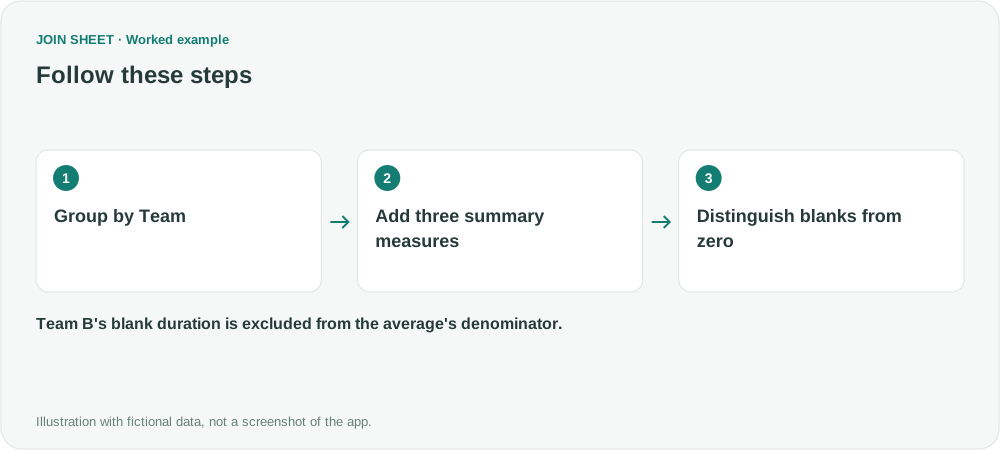
Do not create three successive Summarize steps. After the first summary, the original Processing time field would no longer be available; only grouping fields and summary outputs remain.
Expected result
| Team | Minimum time | Maximum time | Average time |
|---|---|---|---|
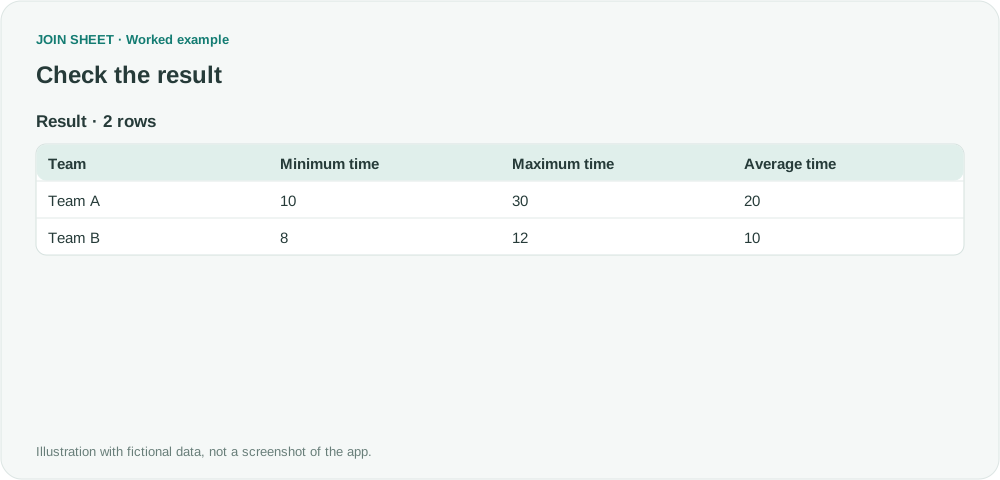
| Team A | 10 | 30 | 20 |
| Team B | 8 | 12 | 10 |
Team B's average is (8 + 12) ÷ 2 = 10, not 20 ÷ 3. Its blank record is excluded from the average's denominator.
Why can a group's count be three but its average use only two values?
Count includes all records, including the blank-duration record. The numeric average uses only usable numeric values. A group with no usable durations may show blank numeric measures; that does not mean its duration was zero.
This workflow does not calculate medians, standard deviations or statistical significance. For weekly grouping, prepare a Week column in the source rather than assuming this summary automatically derives weeks from dates.
Spend less time on repetitive work
Connect and compare sheets to get the results you need.
This walkthrough uses the Pro plan.
Start with JOIN SHEET ↗Use a desktop computer for Excel and CSV work. Opens in a new tab without replacing your current work.
Example last verified:
Sources
Discussion of grouped minimum, maximum, averages and blank values — Reddit r/excel
The problem informed an independent team-duration example. The source LAMBDA formulas and business data are not reused.