
Clean up and summarize data
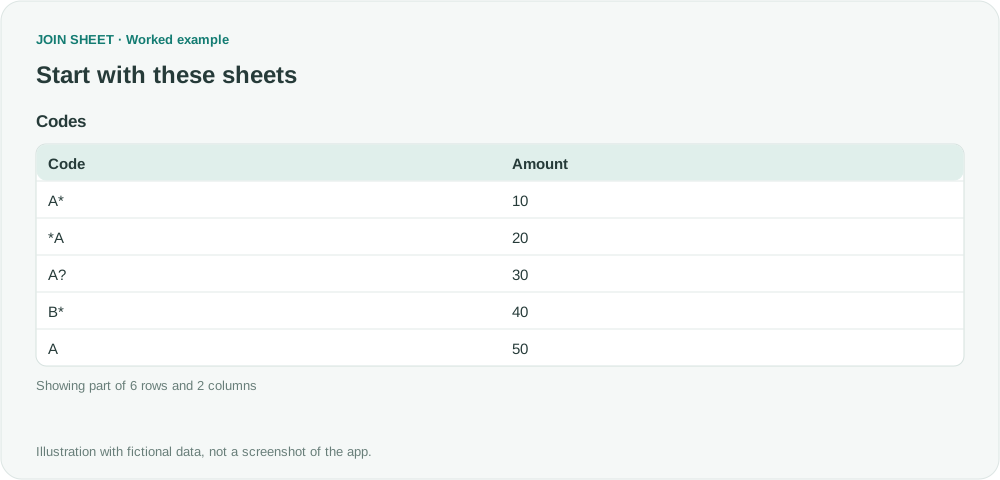
How do I filter codes that end with an asterisk?
Use the source-column Ends with filter to match * as a literal final character, keeping A* and B* without treating * as a wildcard.
Match customer lists, find missing values, and combine spreadsheets. See how to solve everyday Excel problems with worked examples in JOIN SHEET.
Use the source-column Ends with filter to match * as a literal final character, keeping A* and B* without treating * as a wildcard.
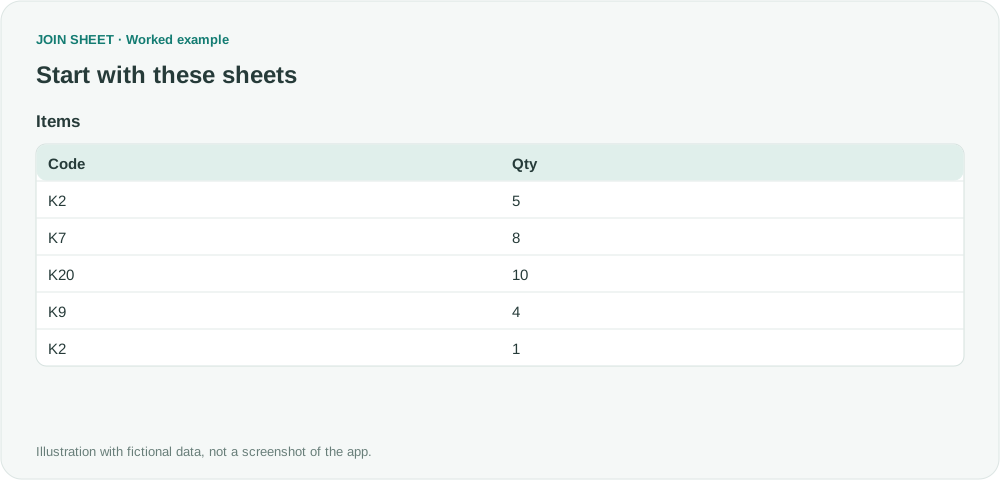
Select K2 and K9 without also selecting K20. Use the source filter's value list to keep every row with one of your chosen codes.
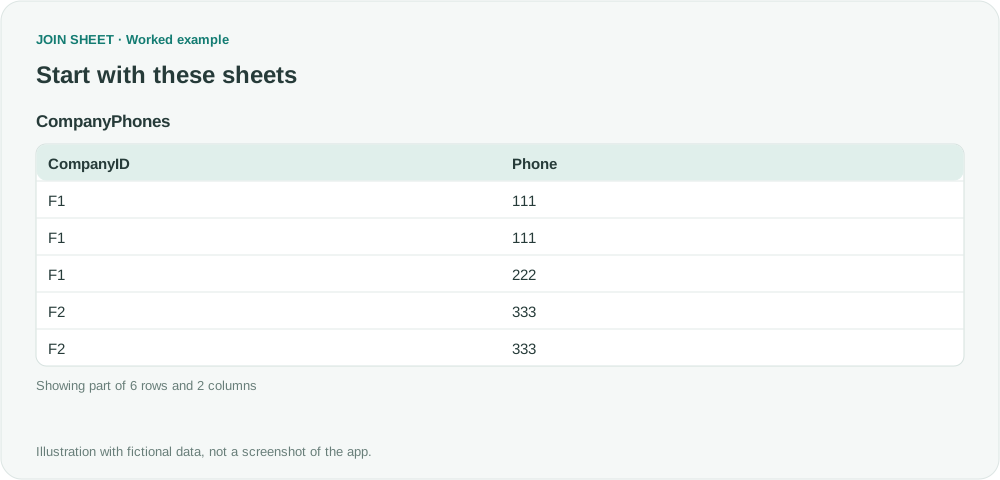
Find company IDs that have different phone numbers, without counting repeated copies of the same number. Review missing numbers separately.
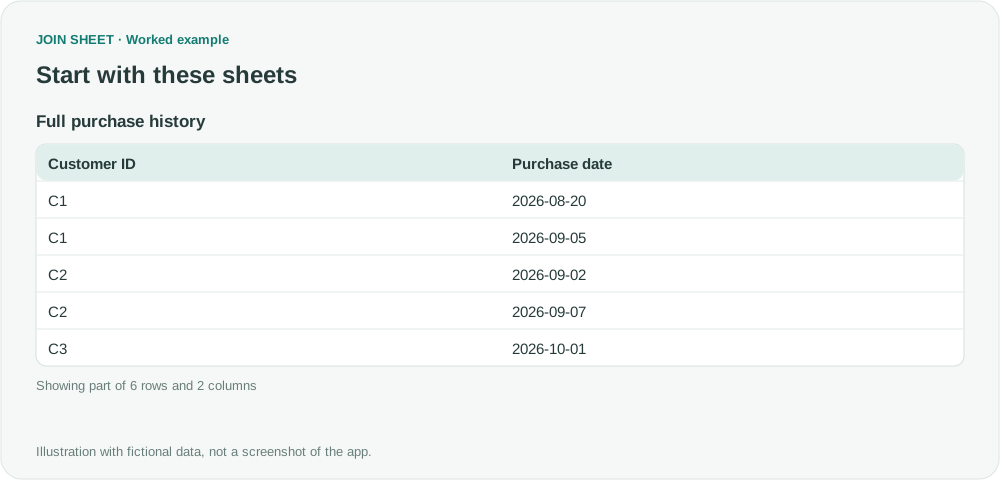
Find each customer's earliest purchase in the full history, then filter those dates to the reporting month. This separates first purchases from repeat purchases during the month.
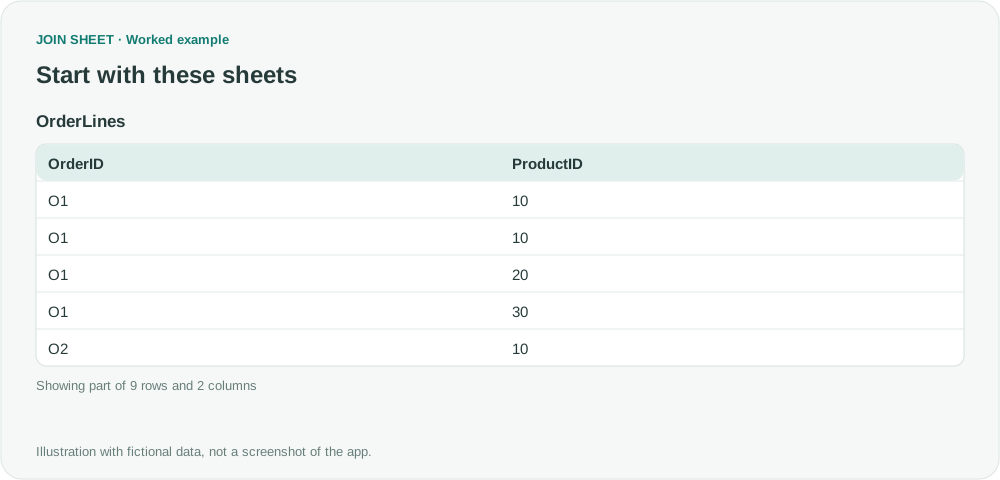
Find which products appear together in orders. Count each pair once per order, even when an order lists the same product several times.
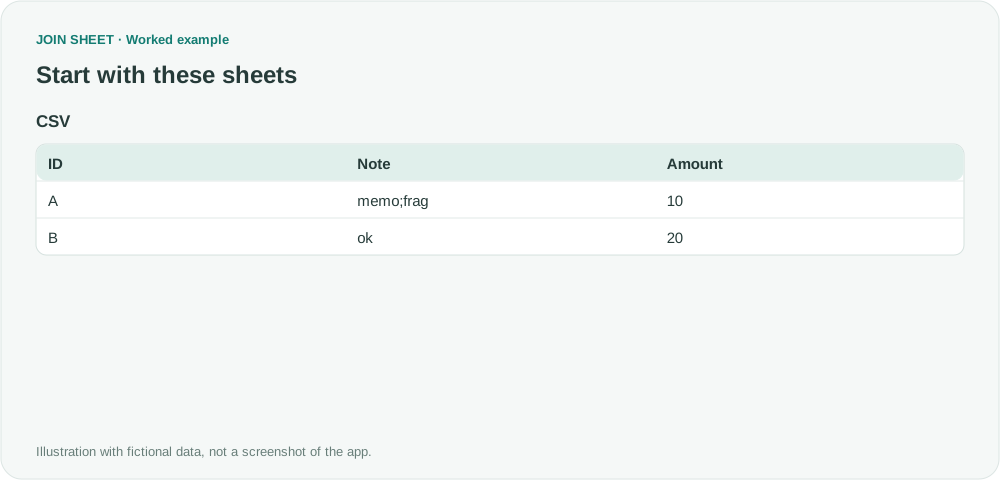
Import the CSV file directly and check its field boundaries. A semicolon inside a quoted value should remain in that cell.