Find companies listed with more than one phone number
Find company IDs that have different phone numbers, without counting repeated copies of the same number. Review missing numbers separately.
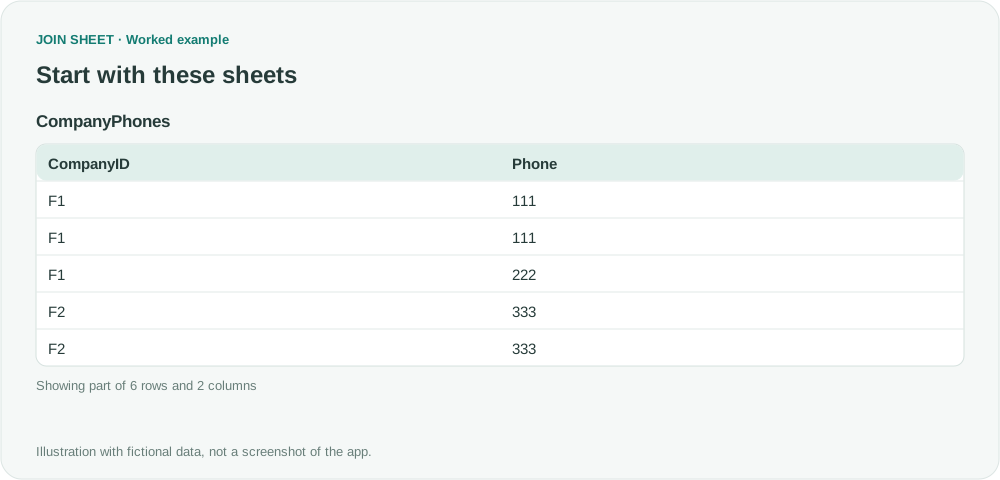
To find companies listed with different phone numbers, group by company and phone first, then count the groups for each company. This counts a repeated number only once and gives you a list of companies whose numbers need review.
Repeated records versus different phone values
This fictional extract keeps two columns from employee-level company records. Phone values 111, 222 and 333 are illustrative codes. F1 has two copies of 111 and one of 222; F2 has two copies of 333. F3 has no phone value, so it belongs in a separate missing-data check.
The symbol ∅ represents a blank cell, not text to type.
CompanyPhones
| CompanyID | Phone |
|---|---|
| F1 | 111 |
| F1 | 111 |
| F1 | 222 |
| F2 | 333 |
| F2 | 333 |
| F3 | ∅ |
Count distinct pairs, then count by company
- Load CompanyPhones and set CompanyID and Phone to text. Apply an Is not blank source filter to Phone.
- Select CompanyPhones as the result base and open Refine results. Add Summarize and select CompanyID and Phone one at a time under Group by. Keep the default Count method and change Output field name to Occurrences. A summary value is required even when the immediate goal is one row per pair.
- Add a second Summarize step. Group only by CompanyID, keep Count, and enter Variants in Output field name. This counts the pair rows from the first step; do not sum Occurrences.
- Add a Filter for Variants Greater than 1, then select Apply. Only F1 should remain. Inspect its original 111 and 222 values to decide whether either needs correction.
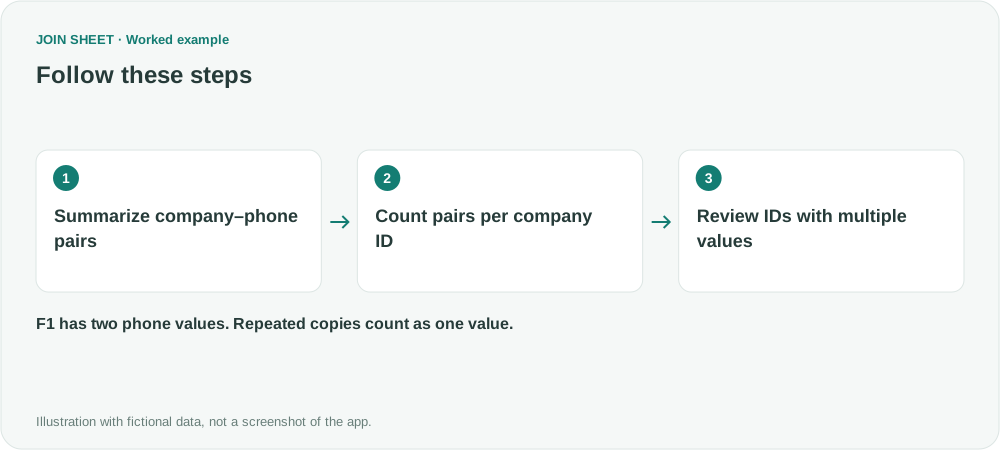
F1 has two phone values to review
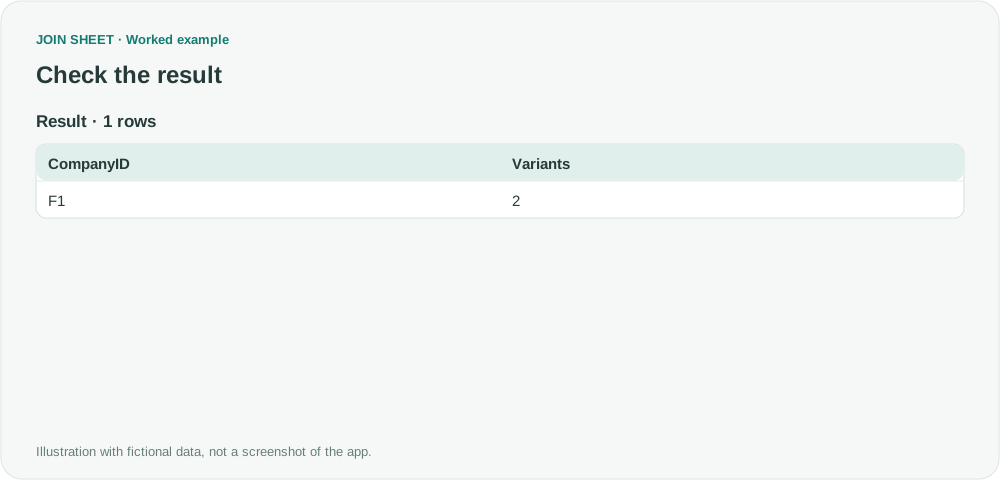
F1 has Variants = 2. A value of 3 would count employee records instead; check whether the second step sums Occurrences. F2 is excluded because it repeats just one phone value.
| CompanyID | Variants |
|---|---|
| F1 | 2 |
Check the real company record before correcting it
Two numbers may both be valid, for example when they belong to different branches or reflect a change over time. This check compares the text exactly, so decide how to handle punctuation and country codes in a copy of the source. F3 is excluded because its number is missing; it still needs review. You can repeat the check for addresses or names by using that column instead of Phone.
Try it with your own files
Start with JOIN SHEET ↗Use a desktop computer for Excel and CSV work.
Opens in a new tab without replacing your current work.
Example last verified:
Sources
Microsoft Access Question: I want to identify mistmatched data in the same query/table (Microsoft Q&A)
This Microsoft Access question asks about inconsistent phone numbers and addresses for a company ID. The author confirmed a solution in that discussion. This guide uses fictional Excel or CSV data to check phone numbers only; it does not modify an Access database or present the question as a JOIN SHEET review.