How do you find customers whose first purchase was this month?
Find each customer's earliest purchase in the full history, then filter those dates to the reporting month. This separates first purchases from repeat purchases during the month.
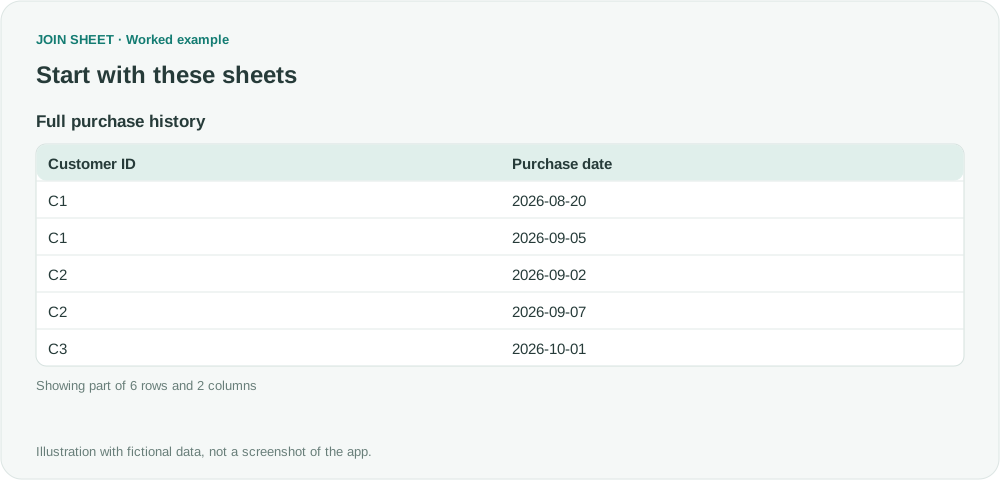
Filtering purchases to September first can make an existing August customer look new. In JOIN SHEET, find the earliest date for each customer before applying the September date range.
Keep the earlier history
The sample records include C1's August purchase, C2's two September orders and C3's first purchase in October. Use the same Customer ID for every purchase by one customer and review records with missing IDs before grouping. Otherwise, different unidentified customers can be combined. The earliest date can only be found in the history you load, so include earlier periods too.
| Customer ID | Purchase date |
|---|---|
| C1 | 2026-08-20 |
| C1 | 2026-09-05 |
| C2 | 2026-09-02 |
| C2 | 2026-09-07 |
| C3 | 2026-10-01 |
| C4 | 2026-09-30 |
Filter after finding the minimum date
- Load Full purchase history and set Purchase date to Date. Do not restrict the source to September.
- In Refine results, add Summarize, group by Customer ID, and take Minimum of Purchase date as First purchase date.
- Add Filter below the summary. Keep First purchase date Greater than or equal to 2026-09-01.
- Add another Filter for First purchase date Less than 2026-10-01 and choose Apply.
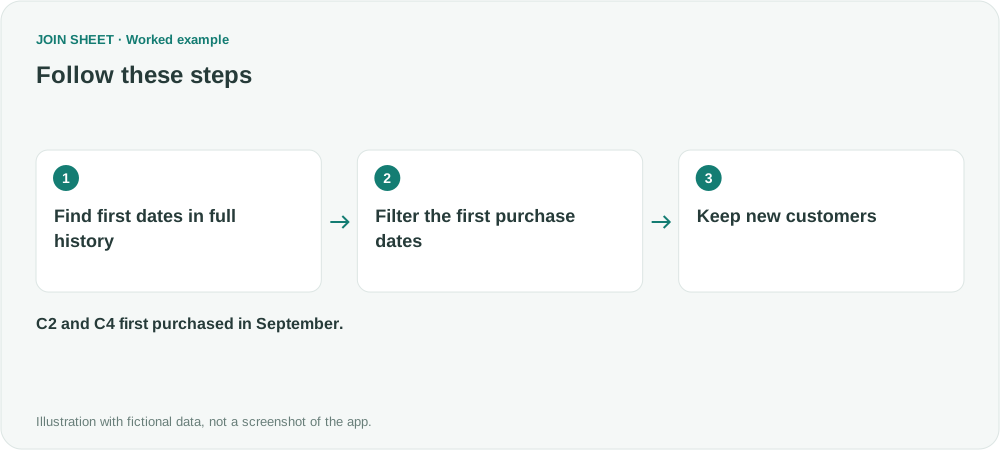
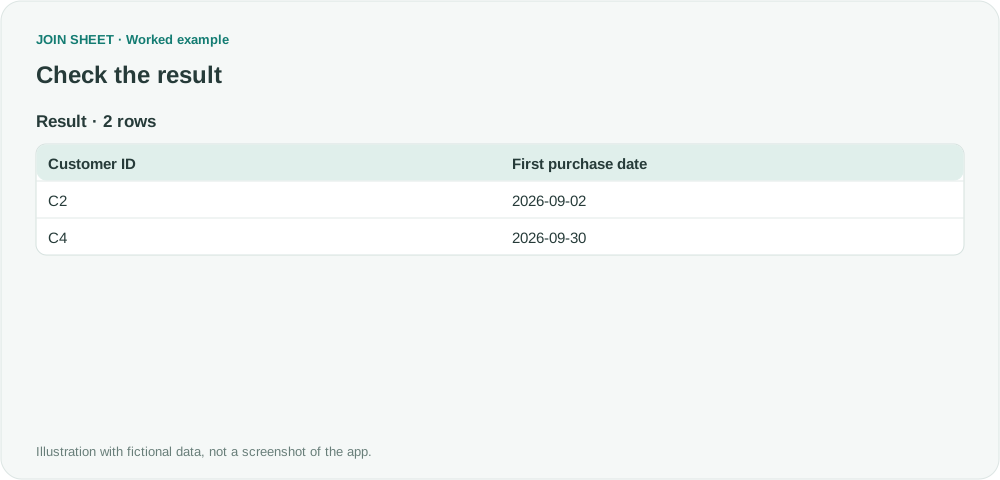
Only C2 and C4 remain
C2 first purchased on September 2 and C4 on September 30. C1 purchased in September but started in August; C3 starts in October. If C2 appears twice, check the customer-level summary.
| Customer ID | First purchase date |
|---|---|
| C2 | 2026-09-02 |
| C4 | 2026-09-30 |
If the file starts in September, you cannot tell whether a customer bought something before then. Check that you have the earlier history before calling these customers new. For another month, update both filter dates: the start of that month and the start of the next. The filters will not advance to the current month automatically.
Try it with your own files
Start with JOIN SHEET ↗Use a desktop computer for Excel and CSV work.
Opens in a new tab without replacing your current work.
Example last verified:
Sources
The question Determining New Customers uses customers' Active Since dates across brands to identify new customers. Those dates mark the start of activity with each brand. The author confirms the suggested formula works when last_activity is later than active_since. This fictional example applies the earliest-date approach to purchase history instead; it does not reproduce all of those activity-date conditions.