How to import a semicolon-separated CSV into separate columns
Import the CSV file directly and check its field boundaries. A semicolon inside a quoted value should remain in that cell.
If Excel opens a semicolon-separated CSV in one column, import the original file directly into JOIN SHEET. It reads the separators and quoted values in the CSV itself. Use the file, rather than copying text that Excel has already put into one cell.
A semicolon inside a note should stay in the same cell
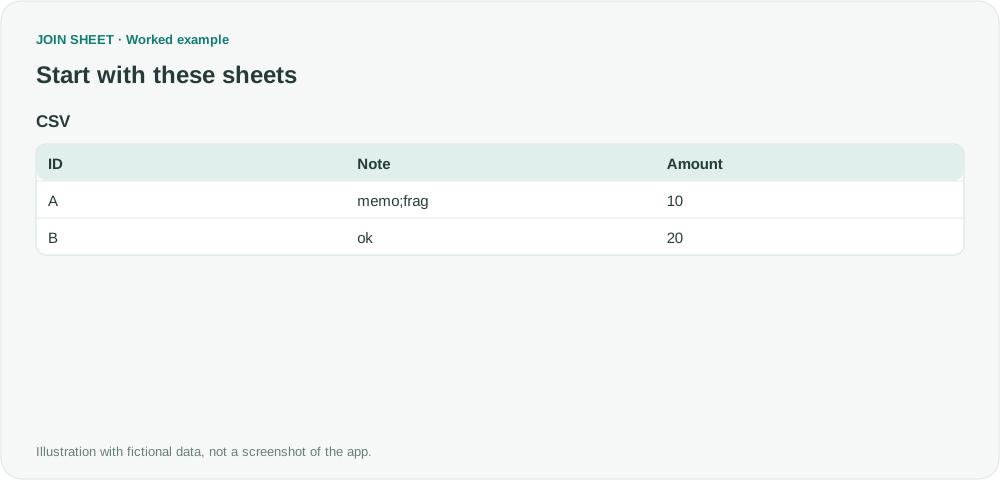
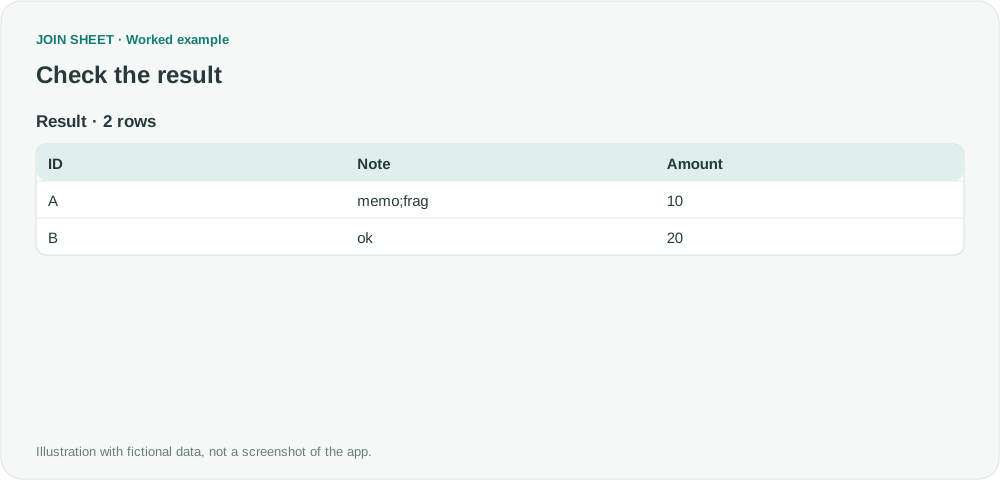
The fictional CSV starts with ID;Note;Amount, followed by A;"memo;frag";10. The semicolon in memo;frag belongs inside Note. The table below shows the correctly parsed data.
CSV
| ID | Note | Amount |
|---|---|---|
| A | memo;frag | 10 |
| B | ok | 20 |
Import the file and check the three columns
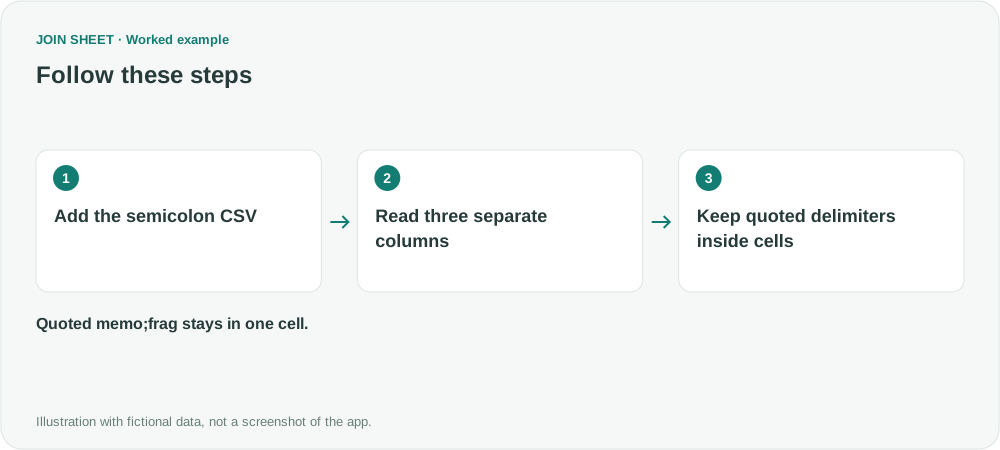
- Choose the original CSV with Add files. This example is parsed without a manual delimiter setting.
- Confirm that ID, Note and Amount are three separate columns. Do not build connections if the file has become one long header.
- Check that A’s Note is memo;frag and Amount is 10. If the actual file does not split correctly, export a conventional comma-delimited CSV or an Excel workbook from the source program.
Expected result
Expect two rows and three columns. memo and frag must stay together in one Note cell.
| ID | Note | Amount |
|---|---|---|
| A | memo;frag | 10 |
| B | ok | 20 |
Do not replace every semicolon with a comma
Replacing every semicolon can alter notes inside quotes or values formatted for a particular locale. Automatic separator detection cannot handle every CSV format. Importing here also does not change how someone else's Excel opens CSV files; save the result as an Excel workbook when that is the format you need to share.
Try it with your own files
Start with JOIN SHEET ↗Use a desktop computer for Excel and CSV work.
Opens in a new tab without replacing your current work.
Example last verified:
Sources
How to open semicolon delimited CSV-files in US-version of Excel (Super User)
This question concerns opening a CSV by double-clicking it in US Excel. The fictional example here uses direct import into JOIN SHEET and leaves Windows settings unchanged. It is not a product review from the question's author.