Filter a long table for several exact codes
Select K2 and K9 without also selecting K20. Use the source filter's value list to keep every row with one of your chosen codes.
When the codes you need are scattered through a long table, use a list condition on the source column. In a long value list, search for each code in turn; changing the search keeps earlier selections. Every row matching one of the selected codes remains, including repeated records.
Keep K2 and K9, but not K20
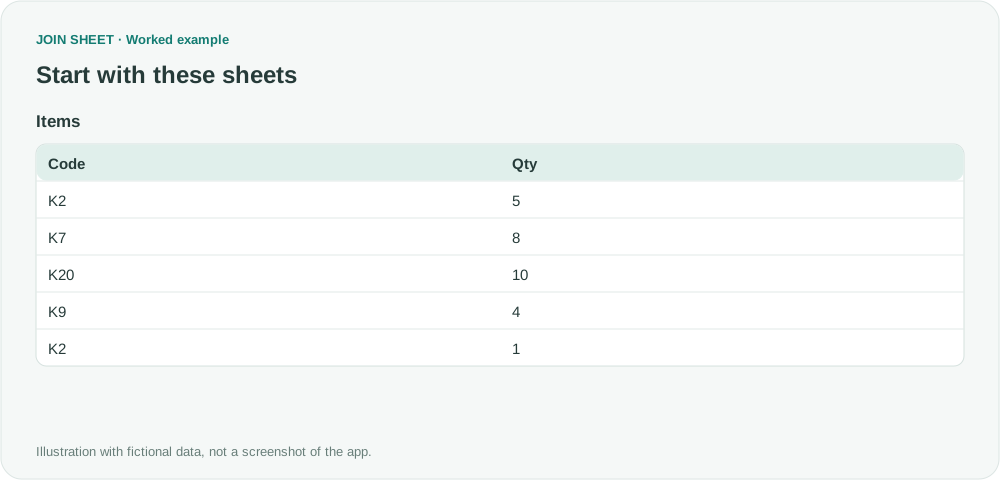
The fictional Items table should retain K2 and K9. K2 occurs twice. K20 shares a prefix but is not requested.
Items
| Code | Qty |
|---|---|
| K2 | 5 |
| K7 | 8 |
| K20 | 10 |
| K9 | 4 |
| K2 | 1 |
Select the codes in the source filter
- Load Items and open the filter icon on the Code header.
- Choose Is one of the selected values. For this small example, select K2 and K9 directly, then continue to step 5.
- For a longer list, enter K2 in Search values and select the exact K2 checkbox. Leave K20 unchecked. The search field may not appear for a short list like this example.
- Replace the search text with K9 and select K9. K2 remains selected when the search changes, even if it is no longer visible in the list.
- Confirm that the filter shows 2 values selected, then choose Apply.
- In Result preview, check that both K2 rows remain and K20 is absent.
- To change the requested codes, reopen the source filter and change its selected values. Do not edit result cells.
What to check in the result
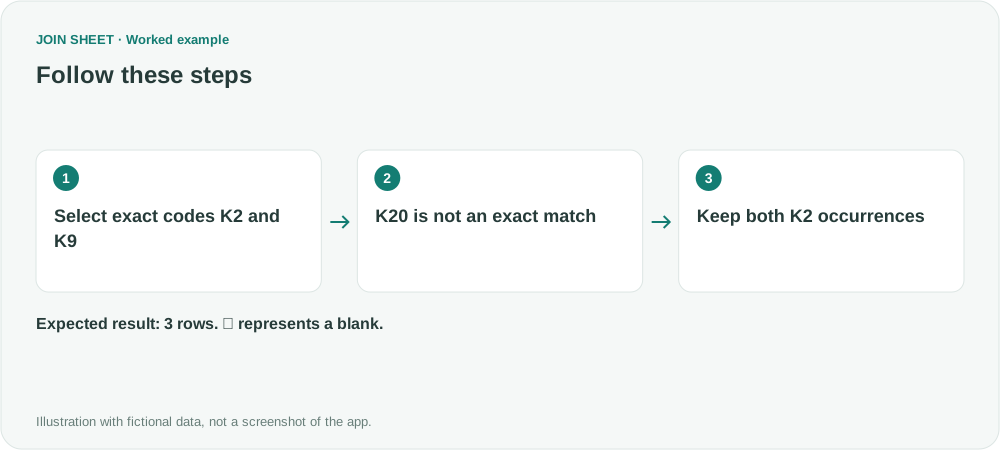
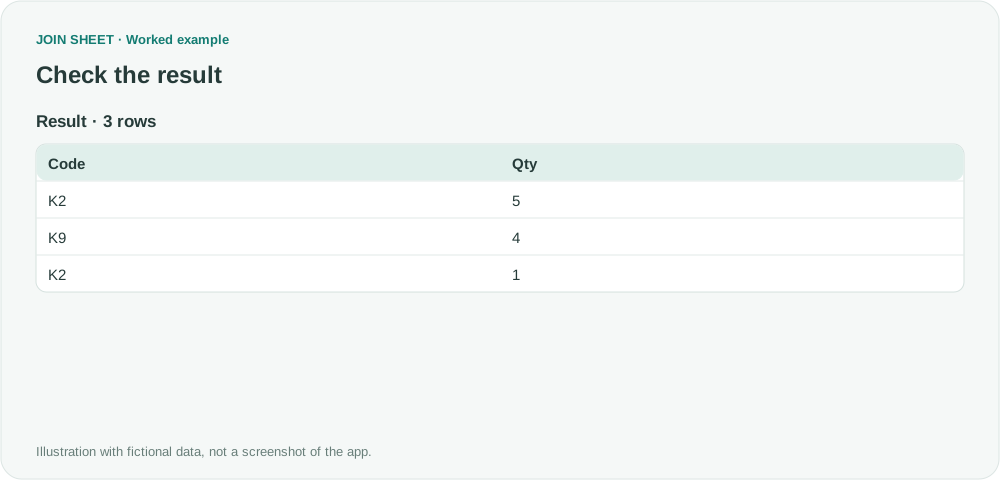
Three rows remain. The two K2 quantities, 5 and 1, are neither summed nor deduplicated. A Contains K2 filter would also admit K20 and produce a different result.
| Code | Qty |
|---|---|
| K2 | 5 |
| K9 | 4 |
| K2 | 1 |
Check whether letter case changes a code’s meaning
Text filters do not distinguish uppercase and lowercase letters. Do not use this condition to separate codes that differ only by letter case. Also check for extra spaces and inconsistent data types in the source.
Try it with your own files
Start with JOIN SHEET ↗Use a desktop computer for Excel and CSV work.
Opens in a new tab without replacing your current work.
Example last verified:
Sources
Select multiple values in Excel filters without scrolling (Reddit r/excel)
This question describes losing earlier selections when searching for different item numbers in Excel. The author confirmed a solution using Excel's option to add the current selection to the filter. The JOIN SHEET steps above use selections retained across successive value searches. The code list is fictional, not the question author's data or a review of JOIN SHEET.