Import transaction rows without the total at the bottom
Keep the total row out of your import so it is not counted again. Set Last cell to the end of the transaction rows and check the loaded data.
If the source already contains a footer total, set Last cell to the end of the detail rows. Importing that total as another transaction can double the amount in a later summary.
Keep the two transactions and leave out Total
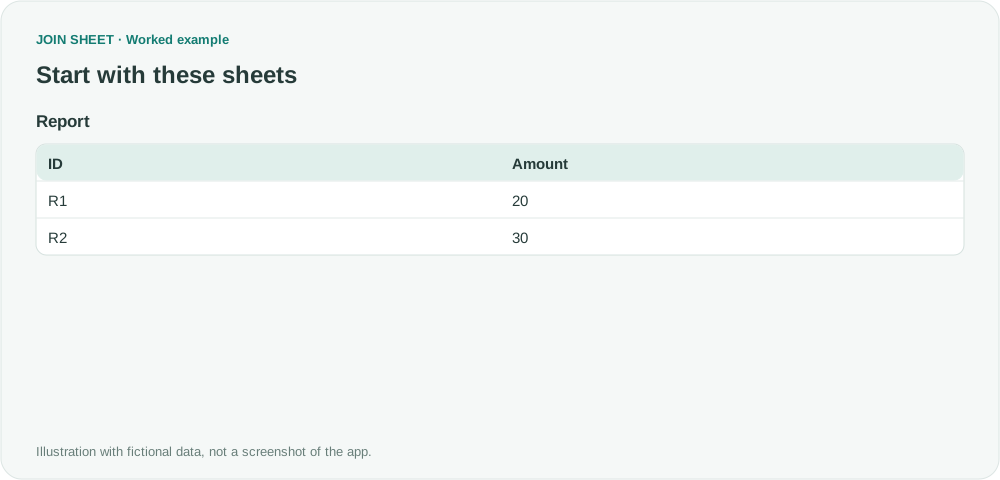
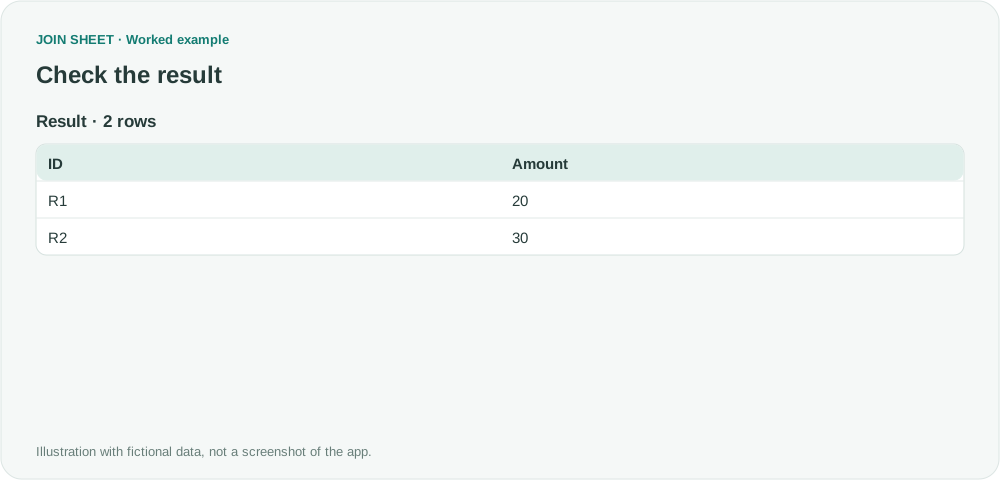
The sample Report fills A1:B4. The first row contains the ID and Amount headers, followed by R1 with 20, R2 with 30, and a Total row with 50. Import A1:B3 to get the two transaction rows shown below without the Total row.
Report
| ID | Amount |
|---|---|
| R1 | 20 |
| R2 | 30 |
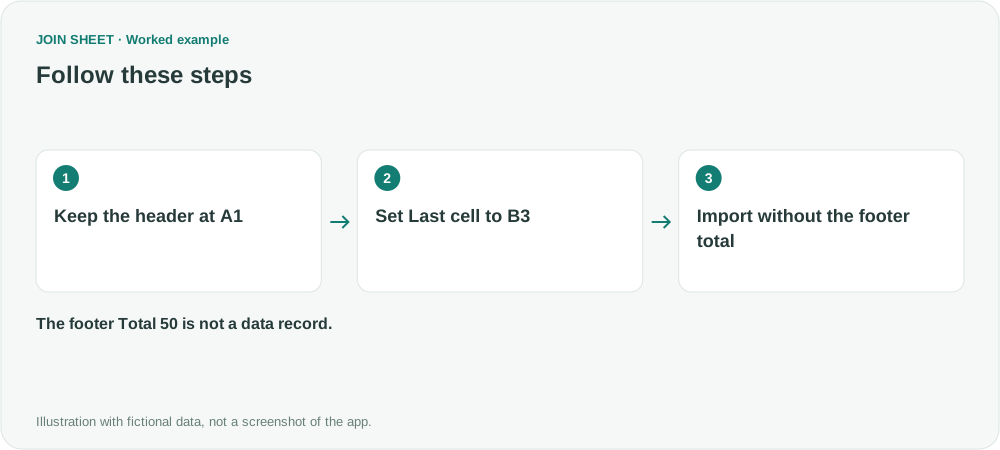
Set the last cell to B3
- Load the file and, if needed, open Change start position for the sheet.
- Keep First column header cell at A1. Open Adjust the range to load and set Last cell to B3.
- Choose Load selected sheets and check that only R1 and R2 remain. For another quarter, set Last cell to that file's actual last transaction row.
Expected result
The two retained amounts are 20 and 30. A subsequent sum should be 50, not the 100 obtained by including the Total row.
| ID | Amount |
|---|---|
| R1 | 20 |
| R2 | 30 |
Update the range when the report changes
Last cell stays where you set it; it does not automatically find the total row in a new report. Recheck the range when the number of transactions changes. If the footer is the only place with the date or quarter, copy that information into the transaction rows before excluding it. Subtotals within the table also need to be handled separately.
Try it with your own files
Start with JOIN SHEET ↗Use a desktop computer for Excel and CSV work.
Opens in a new tab without replacing your current work.
Example last verified:
Sources
How to refresh with Quarterly reports (Reddit r/PowerBI)
The discussion covers quarterly refreshes, including totals and dates in report footers. This guide uses fictional data to show how to exclude a footer manually; it does not set up automatic refreshes or quote a JOIN SHEET review.