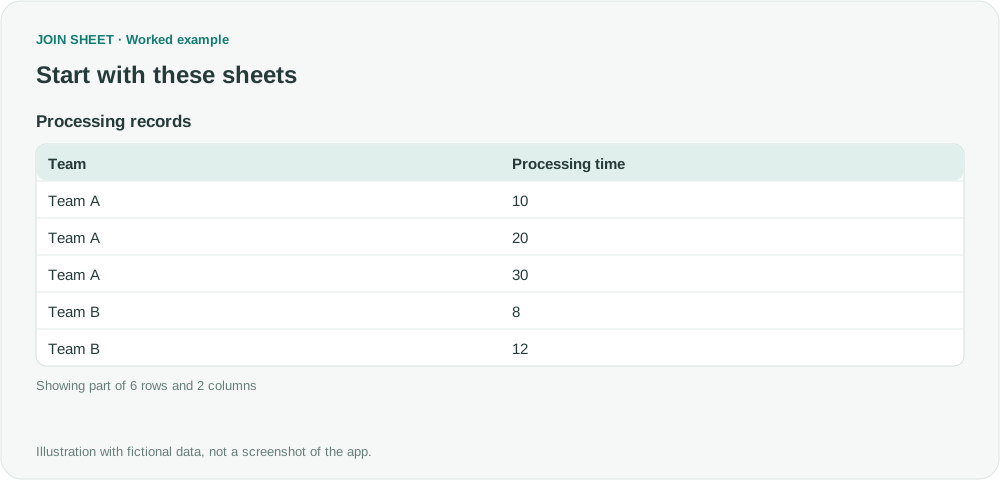
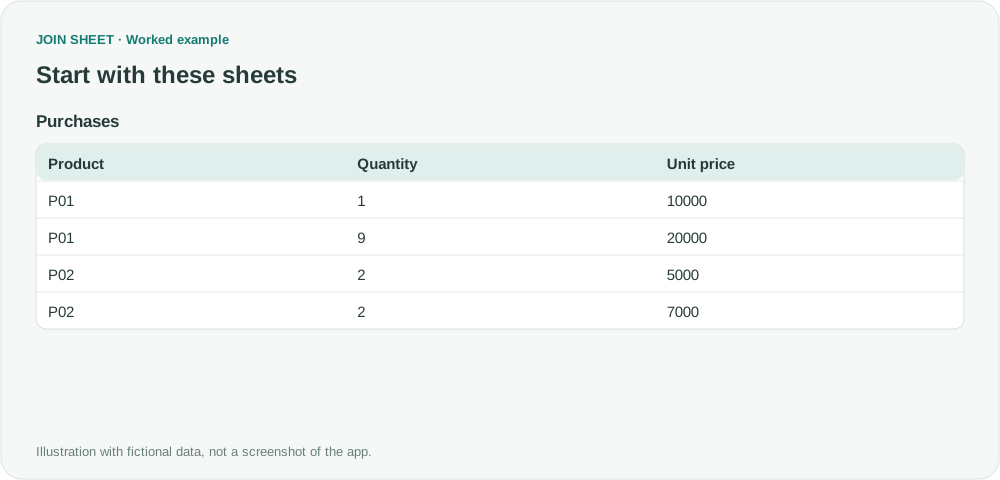
Calculate variance within each group
Join each group's mean back to its observations and summarize squared deviations. Compare population and sample variance, including the one-observation case.
Two groups can have the same average but very different spreads of values. To calculate variance in JOIN SHEET, save each group's mean and join it to the original measurements. Then square each value's difference from its mean and summarize those squares. This takes several steps because there is no dedicated variance option.
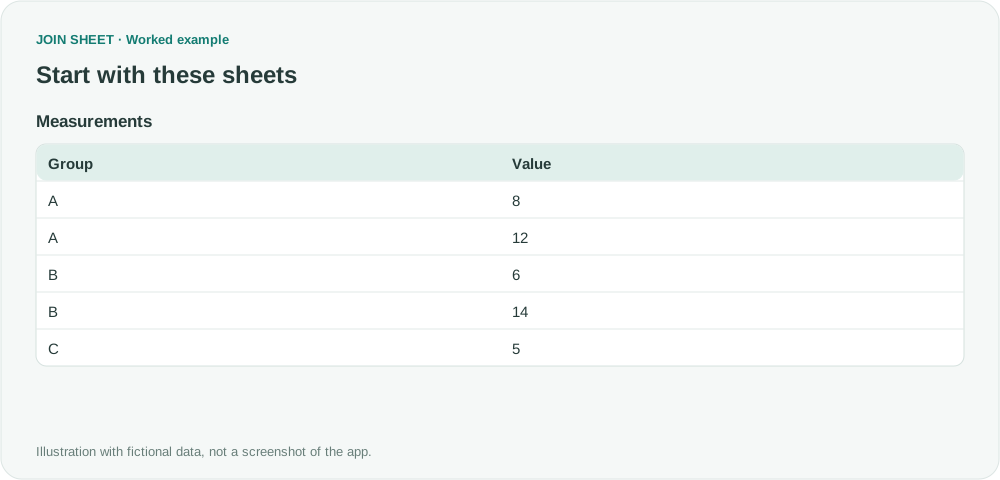
Both A and B have a mean of 10
All fictional Value measurements use the same unit. A contains 8 and 12, while B contains 6 and 14. C has only one observation.
| Group | Value |
|---|---|
| A | 8 |
| A | 12 |
| B | 6 |
| B | 14 |
| C | 5 |
Variance is expressed in squared units. Do not read it as standard deviation in the original unit. This workflow measures variation around each group's own mean, rather than error between an actual value and a forecast.
Prepare the means table
Set Value to a numeric type and check for blanks or values that cannot be read as numbers. Use the same cleaned records for the mean calculation and the later join. Count all records counts every remaining row, so leaving invalid measurements in place would give the sample variance an incorrect count.
- Select the source as the result base and add Summarize in Refine results.
- Group by Group and take the Average of Value, naming it Mean. Click Apply and check A=10, B=10 and C=5.
- Save this means table. In a new workspace, load the cleaned observations and the means. Connect Group to Group with Matching rows only. Hide the duplicate Group from the means table.
Square deviations before summarizing
Open Refine results on the joined result and add these steps in order.
- Calculate Value minus Mean as Deviation.
- Multiply Deviation by itself as SquaredDeviation. Squaring makes negative deviations positive too.
- Add Summarize and group by Group. Keep Count and enter N in Output field name. Use Add summary within the same step to add Sum for SquaredDeviation, named SquaredSum. Use Add summary again for Average of SquaredDeviation, named PopulationVariance.
- Below the summary, calculate N minus 1 as SampleDenominator. Divide SquaredSum by SampleDenominator as SampleVariance. Add an ascending Group sort and click Apply.
Choose population or sample variance for your question
| Group | N | SquaredSum | PopulationVariance | SampleDenominator | SampleVariance |
|---|---|---|---|---|---|
| A | 2 | 8 | 4 | 1 | 8 |
| B | 2 | 32 | 16 | 1 | 32 |
| C | 1 | 0 | 0 | 0 | ∅ |
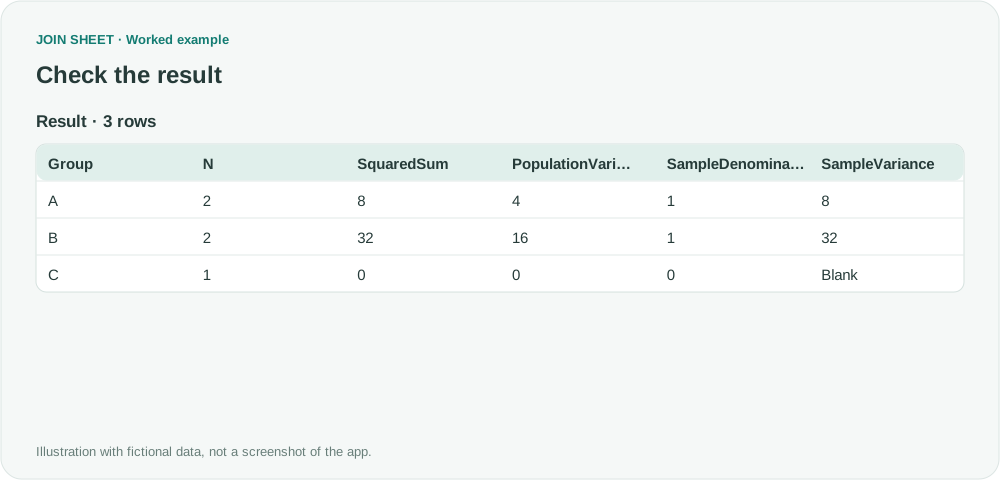
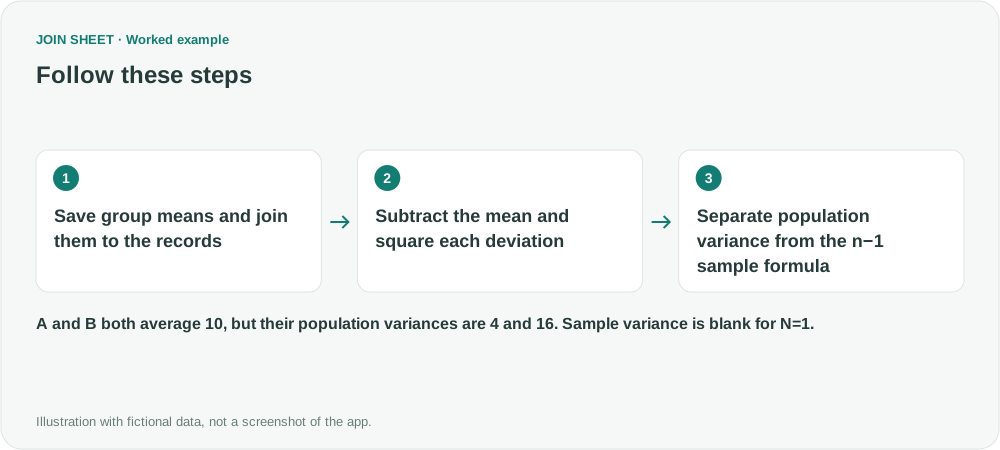
A has squared deviations of 4 and 4, totaling 8. Dividing by N=2 gives a population variance of 4. Dividing by N−1=1 gives a sample variance of 8. B has the same mean but a larger population variance, 16.
Use population variance to describe the complete set of measurements you are analyzing. Use the n−1 sample calculation when estimating a larger population's variance from a sample, subject to the assumptions of that sampling method. Choose the column that answers your question.
C has population variance 0, but sample variance is undefined. JOIN SHEET shows the division by zero as a blank (∅). Keep that distinction: replacing it with zero would suggest that one observation is enough to estimate sample variation.
Try it with your own files
Start with JOIN SHEET ↗Use a desktop computer for Excel and CSV work.
Opens in a new tab without replacing your current work.
Example last verified:
Sources
Calculate Variance with Excel ignoring some values inspired this independently created fictional example.