Find daily debit and credit differences when overall totals agree
Find dates whose debit and credit totals differ, even when the overall ledger balances. Sum by date, subtract and filter out zero differences.
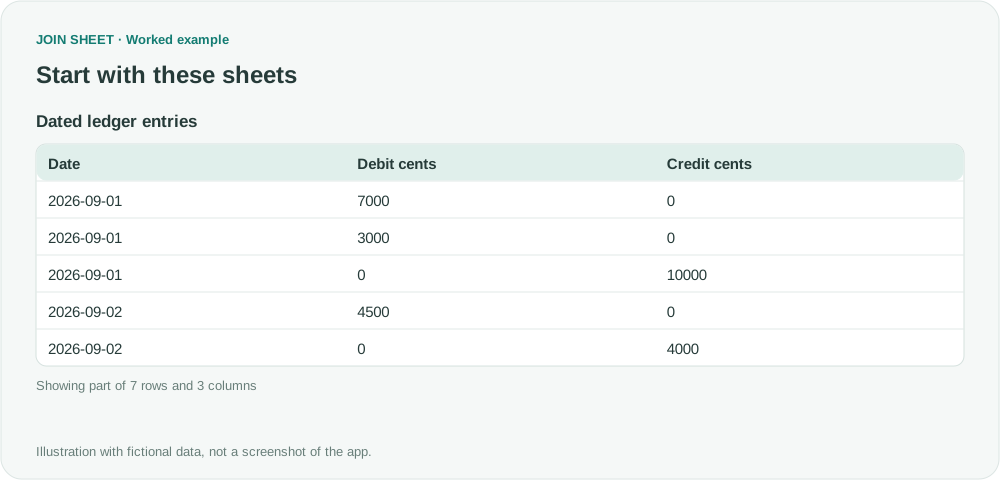
Debit and credit totals can agree overall even when individual days do not balance. Sum both columns by date, subtract the daily credit total from the debit total, then keep dates with a difference. Keep repeated amounts unless you have confirmed they are duplicate entries.
Use whole cents and one currency
This fictional input uses integer cents from one ledger and one currency: 100 cents equal one currency unit. A side with no amount contains a verified zero. Unknown amounts must not be silently converted to zero. Use calendar dates consistently if timestamps are present.
| Date | Debit cents | Credit cents |
|---|---|---|
| 2026-09-01 | 7000 | 0 |
| 2026-09-01 | 3000 | 0 |
| 2026-09-01 | 0 | 10000 |
| 2026-09-02 | 4500 | 0 |
| 2026-09-02 | 0 | 4000 |
| 2026-09-03 | 2000 | 0 |
| 2026-09-03 | 0 | 2500 |
Compare the two totals per date
- Select the data as the result source. In Refine results, add Summarize grouped by Date.
- Change the existing Summary method to Sum, select Debit cents, and enter Total debit cents in Output field name. Choose Add summary within the same step, set Sum for Credit cents, and name it Total credit cents.
- Add Calculate below the summary: Total debit cents minus Total credit cents, named Difference cents.
- Add Filter for Difference cents not equal to 0 and choose Apply.
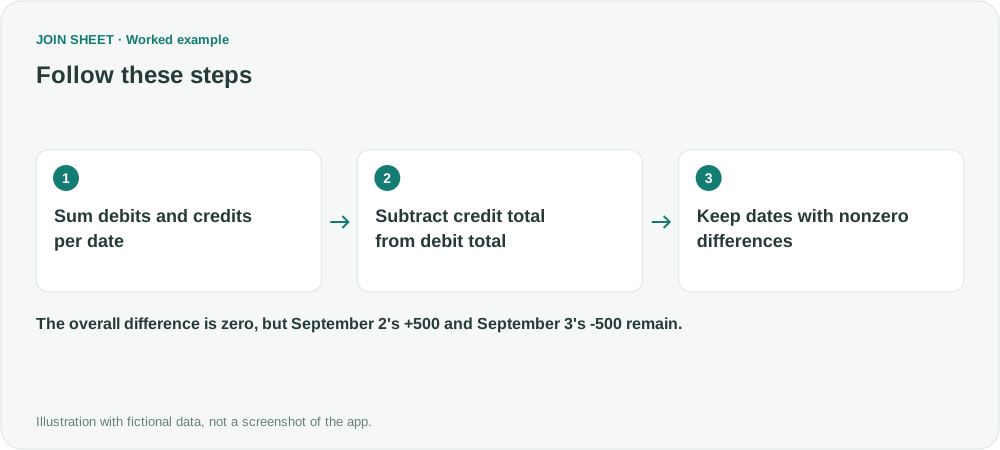
Two offsetting dates remain visible
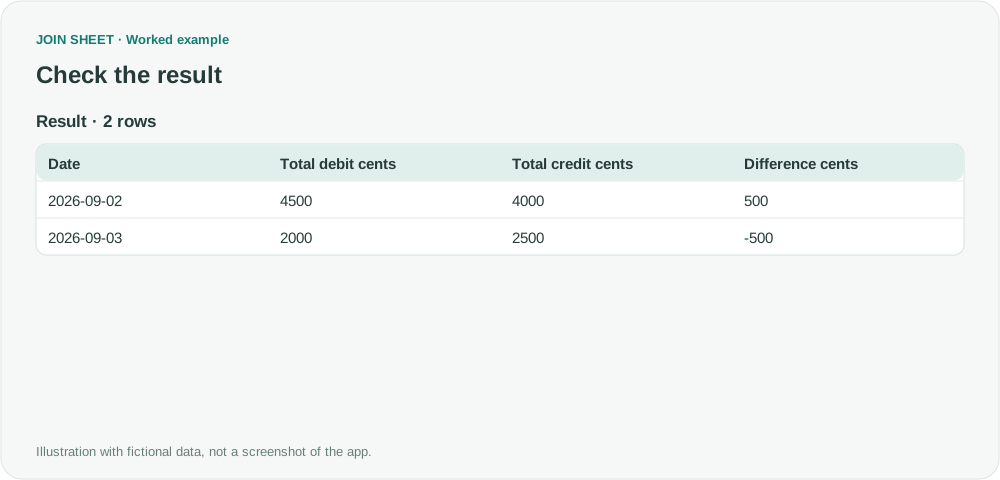
September 1's debits of 7000 and 3000 match its credit of 10000, so that date disappears. September 2 remains at +500 and September 3 at −500. Combining all dates would hide those differences, but the daily check keeps each available for review.
| Date | Total debit cents | Total credit cents | Difference cents |
|---|---|---|---|
| 2026-09-02 | 4500 | 4000 | 500 |
| 2026-09-03 | 2000 | 2500 | -500 |
A zero difference means the totals agree; it does not confirm that individual entries match. If you need to check each journal separately, group by both date and journal identifier. Use this result to find entries for review. It does not correct the ledger or establish that the accounting is accurate.
Try it with your own files
Start with JOIN SHEET ↗Use a desktop computer for Excel and CSV work.
Opens in a new tab without replacing your current work.
Example last verified:
Sources
The question Excel function to fix ledger out of balance informed this independently created fictional example.