Add up group averages with two summary steps
Calculate each machine’s average load for each day, then add those averages to get a daily total without counting one machine’s readings repeatedly.
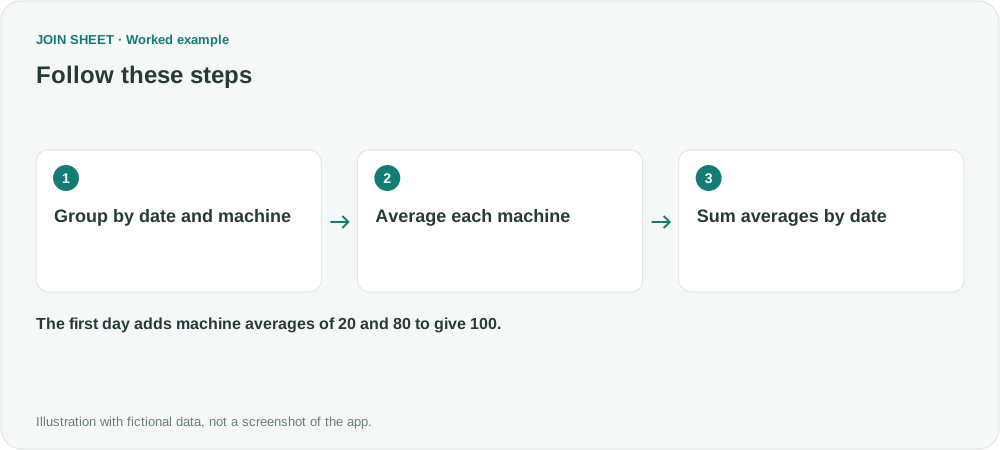
To add up machine averages for each day, first average the readings for each machine and date. Then sum those averages by date. JOIN SHEET can use the first summary's results in a second summary, so machines with more readings do not contribute extra values to the daily total.
Two machines with different reading counts
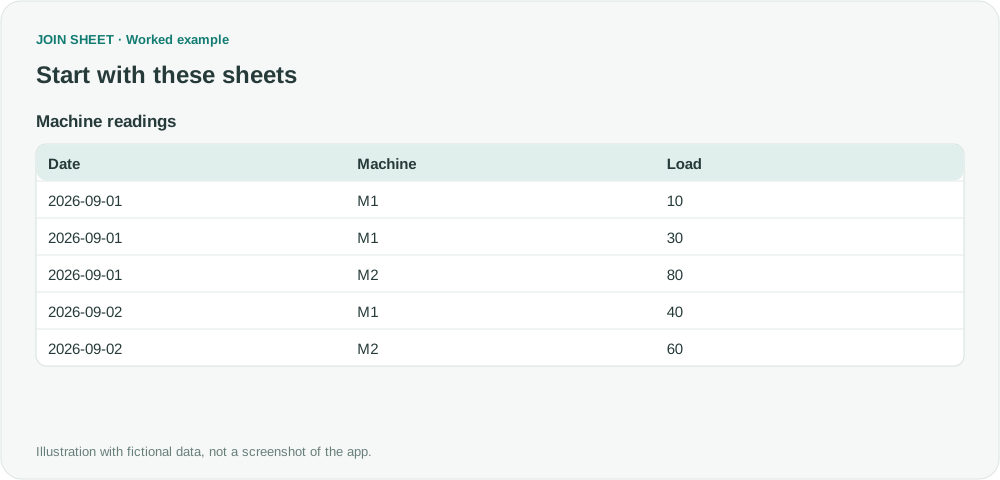
These fictional loads use the same unit. M1 has two readings on the first day and M2 has one. Confirm that your report calls for a sum of machine averages; it has a different meaning from an average across all readings.
| Date | Machine | Load |
|---|---|---|
| 2026-09-01 | M1 | 10 |
| 2026-09-01 | M1 | 30 |
| 2026-09-01 | M2 | 80 |
| 2026-09-02 | M1 | 40 |
| 2026-09-02 | M2 | 60 |
Average each machine, then total the averages by date
- Select the sheet as the result source and add Summarize in Refine results.
- Group by both Date and Machine. Average Load into Machine average.
- Choose Apply. Check M1 = 20 and M2 = 80 on the first day, then reopen Refine results.
- Add a second Summarize below the first. Group only by Date, sum Machine average into Sum of average loads, and choose Apply.
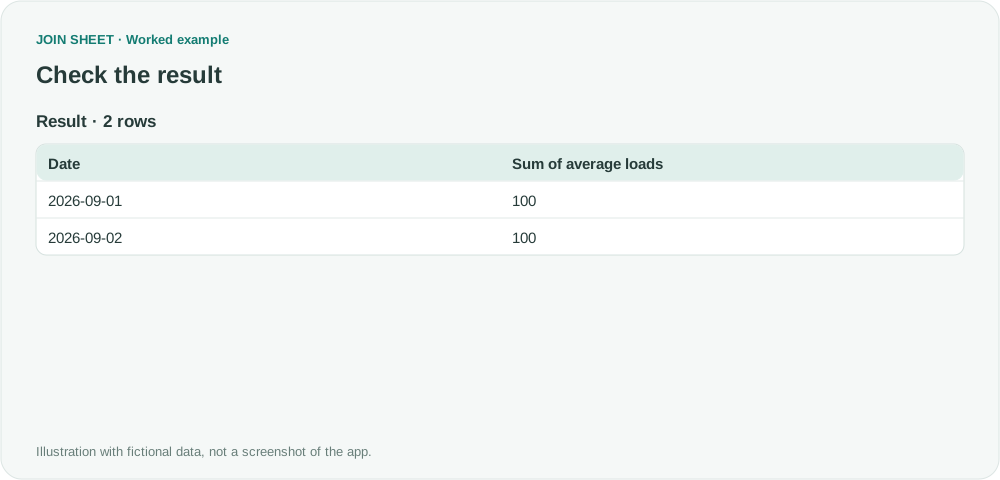
Each date has a total of 100
The first date gives (10+30)÷2+80=100. The second gives 40+60=100. A first-day result of 120 suggests a direct sum of the raw readings; 40 is their direct average.
| Date | Sum of average loads |
|---|---|
| 2026-09-01 | 100 |
| 2026-09-02 | 100 |
Keep Date in the first summary so readings from different days do not get mixed together. If Load is blank, check whether that machine still has valid readings. When a daily total looks wrong, inspect the machine averages first; the final summary no longer shows the individual measurements.
Try it with your own files
Start with JOIN SHEET ↗Use a desktop computer for Excel and CSV work.
Opens in a new tab without replacing your current work.
Example last verified:
Sources
The question Need for a pivot table in the subtotal row the sum of column with averages. informed this independently created fictional example.