Append only the detail worksheets from a workbook
Combine a workbook’s monthly detail sheets without counting the summary twice. Exclude unwanted sheets before appending.
When you add an Excel workbook, JOIN SHEET loads worksheets containing data as separate sheets. Append detail sheets such as Jan and Feb, but leave out a Summary sheet whose totals already include those records. Otherwise, the combined total can count the same amounts twice.
Keep monthly details and leave out their summary
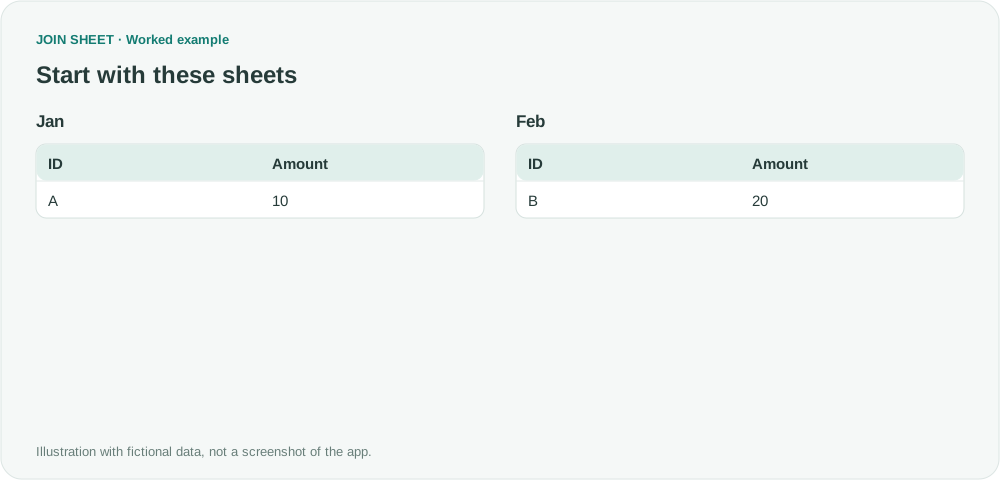
The fictional workbook has A·10 in Jan, B·20 in Feb and SUM·30 in Summary. The input and diagrams below show the two detail sheets after excluding Summary.
Jan
| ID | Amount |
|---|---|
| A | 10 |
Feb
| ID | Amount |
|---|---|
| B | 20 |
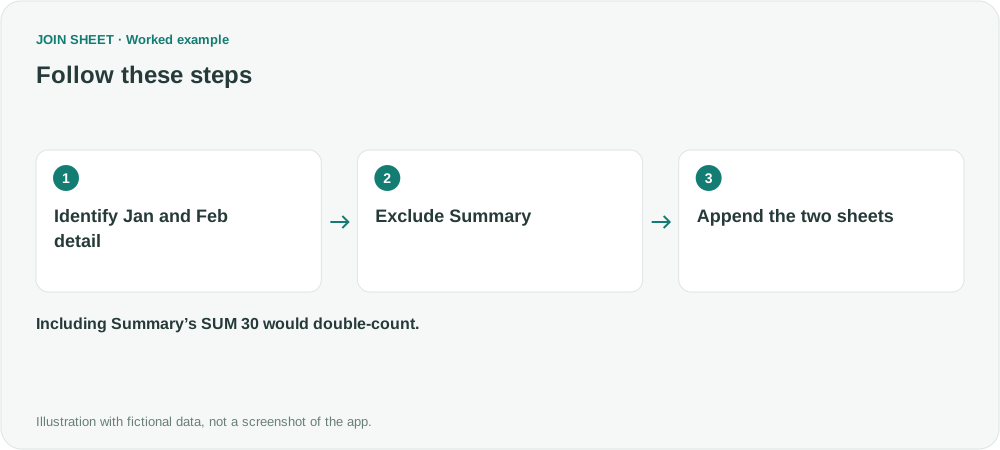
Exclude Summary before appending Jan and Feb
- Add the workbook. If Check sheet start positions opens, keep Include enabled for Jan and Feb and disable it for Summary.
- If valid A1 sheets load without a review dialog, use Delete sheet on Summary to remove it from the dashboard. This does not delete the original Excel file.
- Check that Jan and Feb have the same column names and count. Select Jan as the result source, drag its bottom + point to Feb's top + point, and choose Keep all rows (including duplicates). Ensure Summary is not connected.
The total should stay at 30
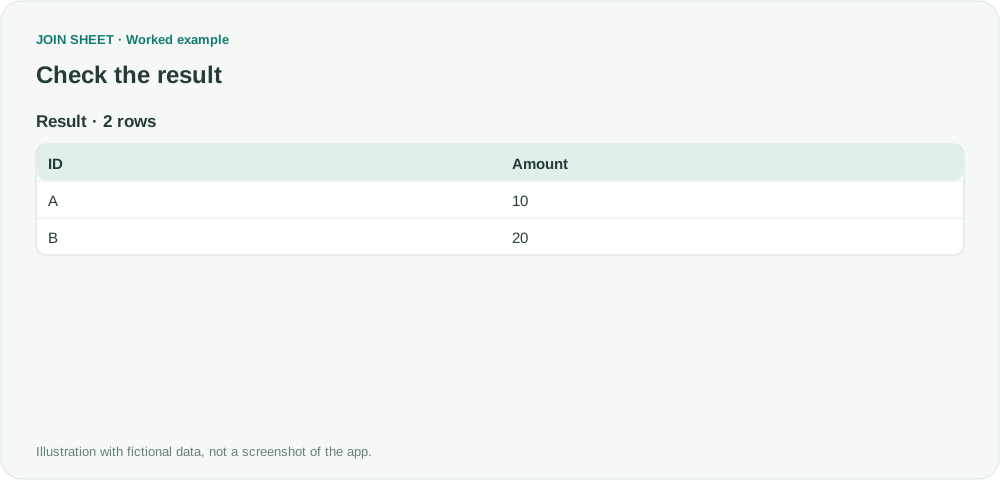
Expect two detail rows, A·10 and B·20. Their sum is 30, not the 60 produced by including SUM·30.
| ID | Amount |
|---|---|
| A | 10 |
| B | 20 |
Check the columns as well as the sheet names
Before appending, check what each sheet contains and whether its columns match. A familiar name alone is not enough. You will need to repeat the import for new workbooks; this workflow does not watch a folder or automatically collect a named sheet from future files.
Try it with your own files
Start with JOIN SHEET ↗Use a desktop computer for Excel and CSV work.
Opens in a new tab without replacing your current work.
Example last verified:
Sources
Power query, multiple workbooks and sheets (Reddit r/excel)
The source is a solved question about expanding worksheets from several workbooks in Power Query. This guide describes direct file import and excluding unwanted sheets in JOIN SHEET. The example data was created separately for this guide. The source is not a product testimonial or endorsement.