Rerun a saved workflow with next month’s files
Save your joins and result settings as a Data Recipe, then reuse them with next month’s files after checking the sheet assignments.
Save your completed workflow as a .joinsheet Data Recipe to use the same settings next month. The recipe does not store source cell data. For each run, load the new files, check which sheet fills each role, and run the recipe yourself.
Reuse the monthly total with new branch files
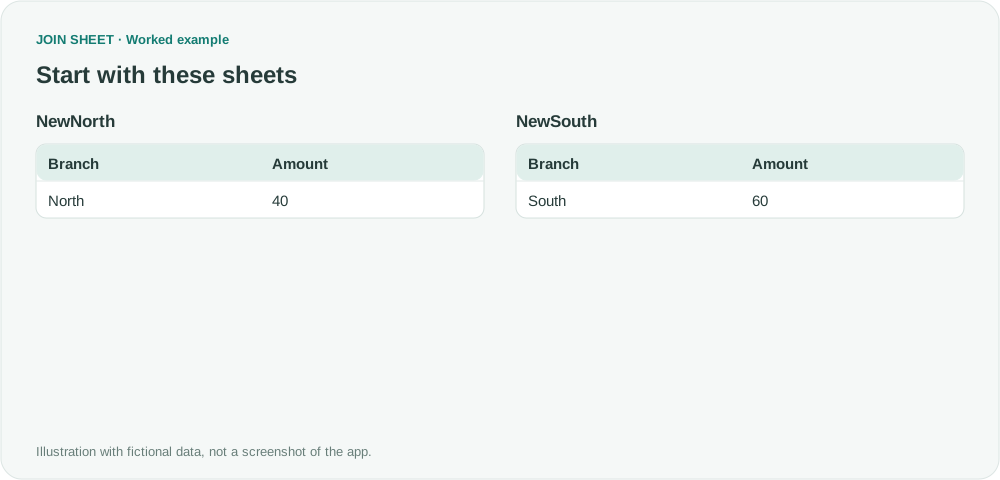
Suppose your first run appended North's amount of 10 and South's amount of 20, then summed Amount as Total to get 30. Next month's files contain 40 and 60. You can reuse the settings after assigning those new files.
NewNorth
| Branch | Amount |
|---|---|
| North | 40 |
NewSouth
| Branch | Amount |
|---|---|
| South | 60 |
Save the recipe and assign the new sheets
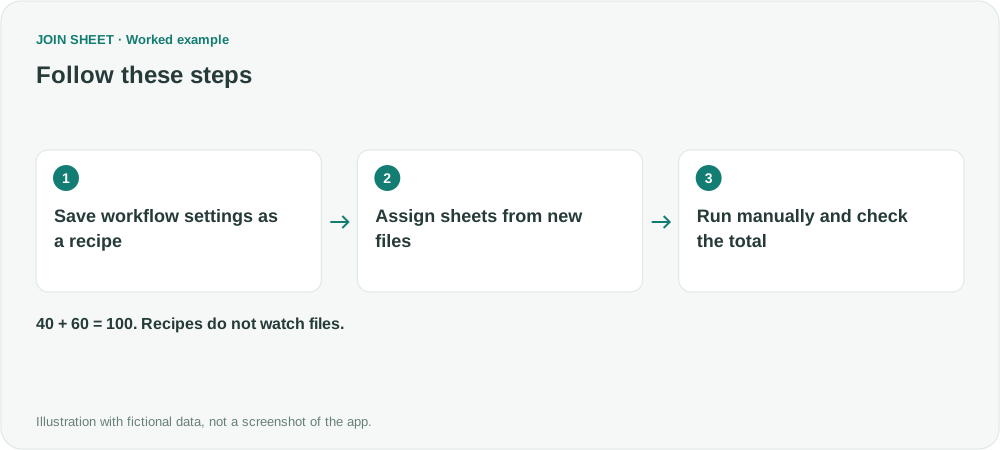
- Append the first month’s sheets. In Refine results → Summarize, sum Amount as Total with no grouping field and choose Apply. Check the result, then open Data Recipe at the bottom left and choose Save Recipe.
- For the next run, use Import Recipe to open the .joinsheet file, then Assign sheets from multiple files to choose the new sources.
- In Choose a compatible sheet, assign the correct new sheet to each North/South role. Review period, columns, types and saved filter values before selecting Run Data Recipe.
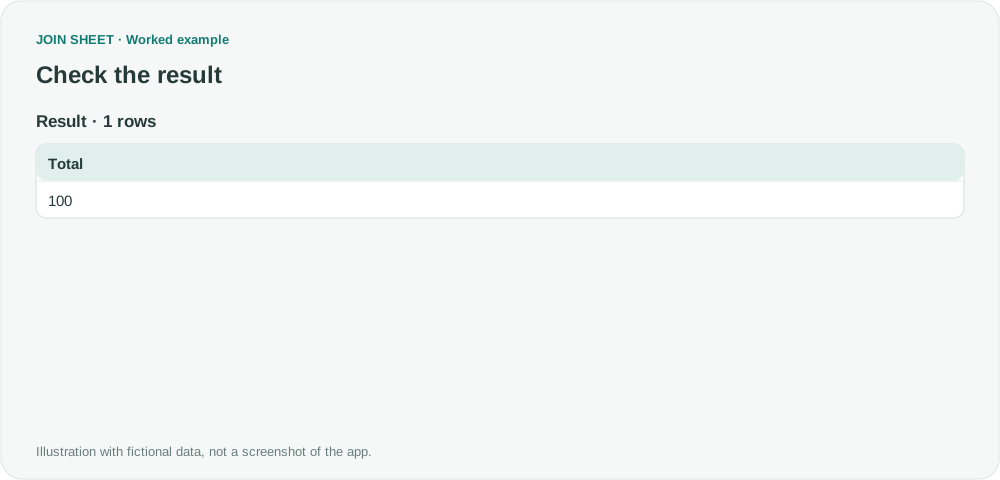
The new total should be 100
The new Total is 40 + 60 = 100. Check the actual input assigned to each role if you still see the old total of 30 or another unexpected amount.
| Total |
|---|
| 100 |
Check assignments and saved filters on every run
Recipes do not watch files or run on a schedule. If several sheets share a structure, review their roles instead of trusting an automatic match. Names may change, but compatible columns and types are required. Saved month/date filters may need updating, and manually entered filter values are included in the recipe file.
Try it with your own files
Start with JOIN SHEET ↗Use a desktop computer for Excel and CSV work.
Opens in a new tab without replacing your current work.
Example last verified:
Sources
How do I create a workbook that combines data from several other workbooks? (Reddit r/excel)
The source asks how to combine several workbooks and includes an author response that the solution works. This guide teaches manual reuse of settings, not automatic refresh of linked Excel workbooks. The example data was created separately for this guide. The source is not a product testimonial or endorsement.