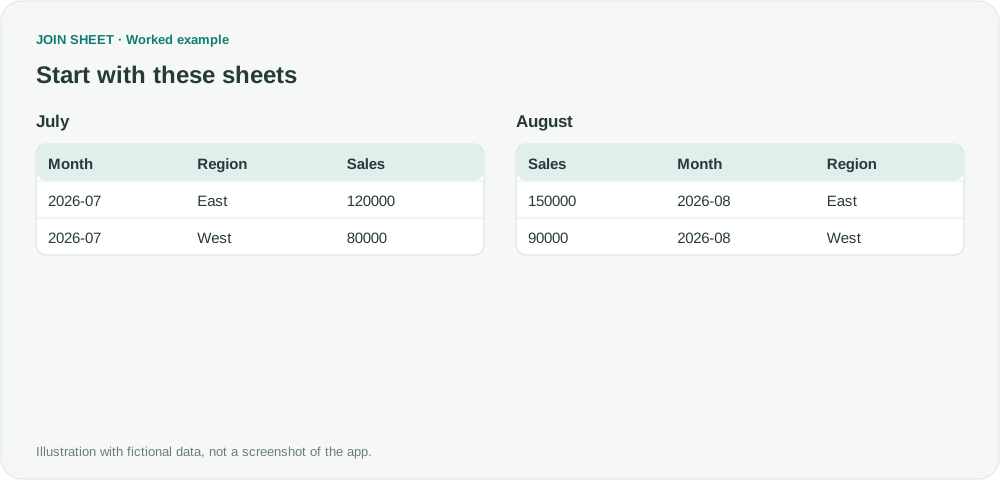
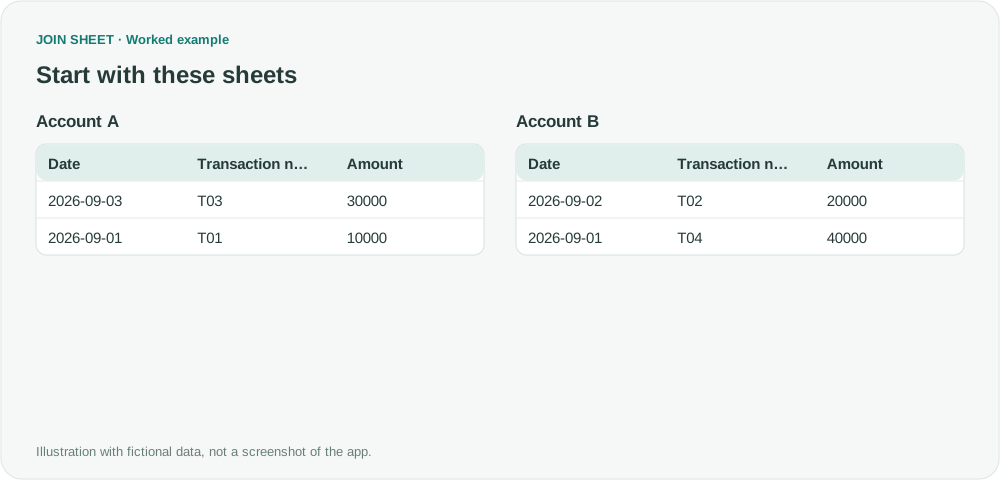
Why do duplicate-looking rows remain after I hide a column?
Duplicate removal checks every source column, even hidden ones. Show hidden fields to find why two rows that look identical both remain.
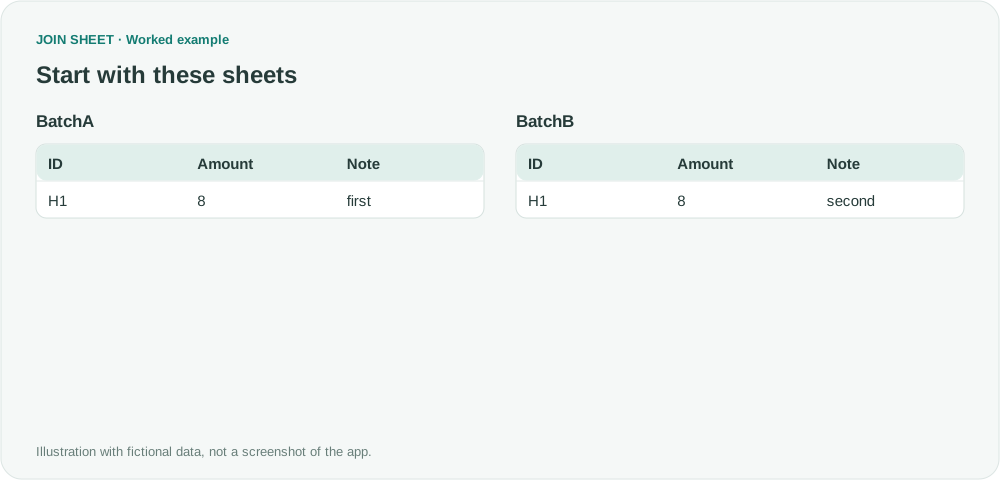
If rows still look identical after you append with duplicate removal, show the hidden columns before deciding whether any rows should be removed. Append compares the complete source rows, including values you have hidden from the output.
Same ID and amount, different notes
Both fictional rows have H1 and amount 8, but their notes are first and second. Hide Note and they appear identical.
BatchA
| ID | Amount | Note |
|---|---|---|
| H1 | 8 | first |
BatchB
| ID | Amount | Note |
|---|---|---|
| H1 | 8 | second |
Hide Note, then show it to check the difference
- Select BatchA as the result source. Drag its bottom + point to BatchB's top + point and choose Keep one copy of identical rows.
- On the top sheet in the append group, turn off the eye icon for Note.
- Check the two preview rows, then show Note again. The different notes explain why both records remain.
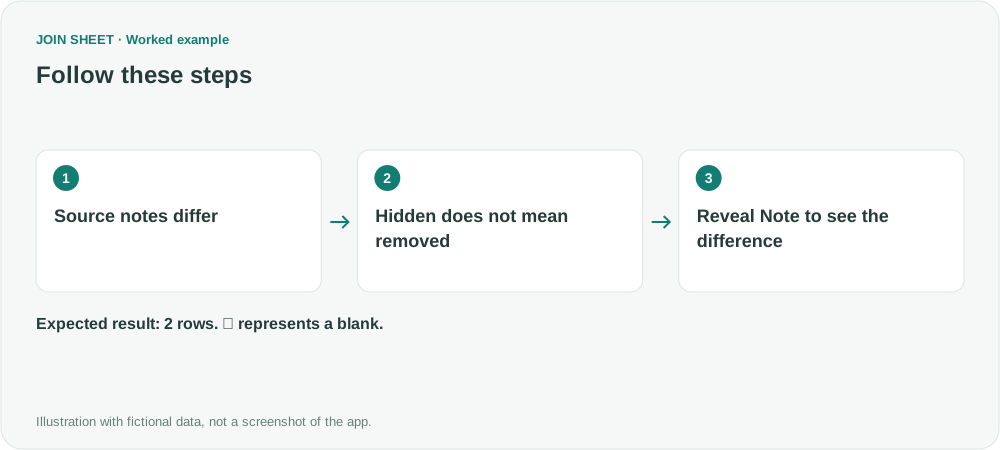
Both rows should remain
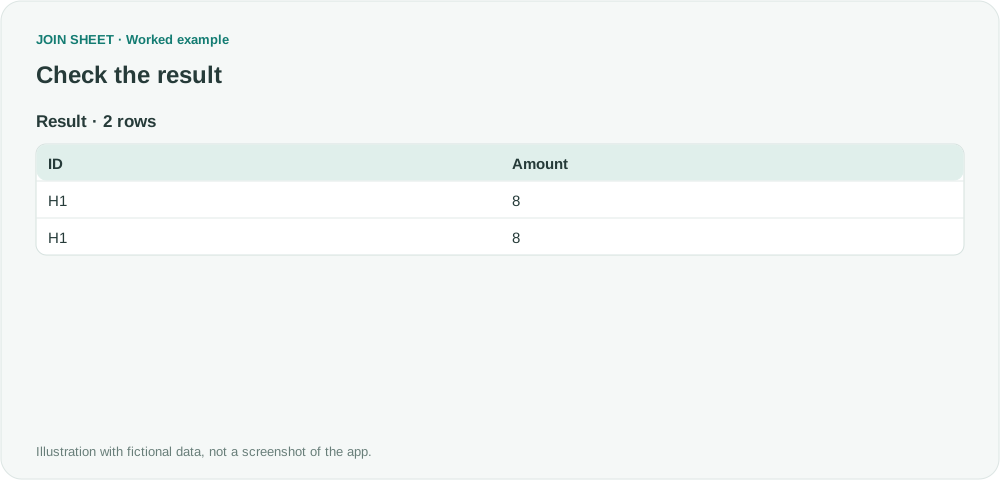
The expected output with Note hidden has two rows. The complete source rows differ, so both are retained.
| ID | Amount |
|---|---|
| H1 | 8 |
| H1 | 8 |
To compare only ID and Amount, prepare those columns first
If the intended records consist only of ID and Amount, prepare separate source copies containing those columns, then append them. First confirm that discarding Note is acceptable for your task.
Try it with your own files
Start with JOIN SHEET ↗Use a desktop computer for Excel and CSV work.
Opens in a new tab without replacing your current work.
Example last verified:
Sources
Issue with excel power query editor remove duplicate rows (Reddit r/excel)
The question concerns preserving the history of a SharePoint CSV replaced each day, with unexpected results after source columns are deleted. This fictional example covers the related question of which columns count when removing duplicates, using hidden columns in JOIN SHEET. It does not diagnose the source's refresh or history-preservation problem and is not the author's data or a product testimonial.