Append sheets
How to combine transaction files and sort them by date
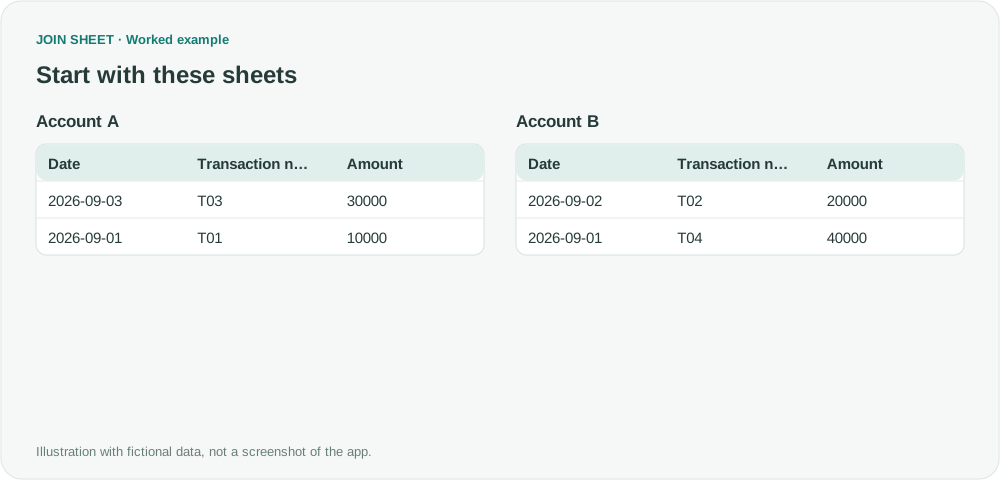
Bring transactions from several files into one chronological list. Sort by date and use transaction numbers to put same-day records in a clear order.
Match customer lists, find missing values, and combine spreadsheets. See how to solve everyday Excel problems with worked examples in JOIN SHEET.
Bring transactions from several files into one chronological list. Sort by date and use transaction numbers to put same-day records in a clear order.
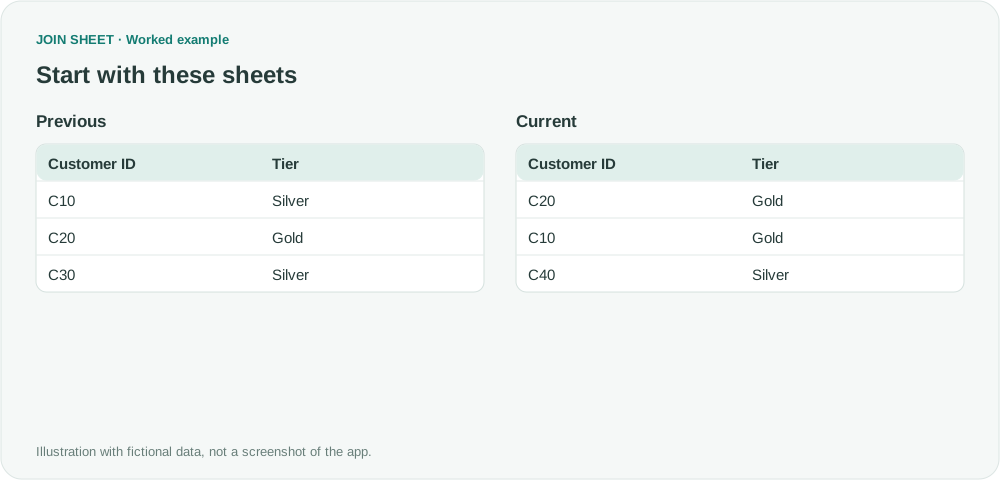
Find changed customer details even after the list is sorted differently. Match customer IDs first, then separate changed, unchanged, new and missing records.
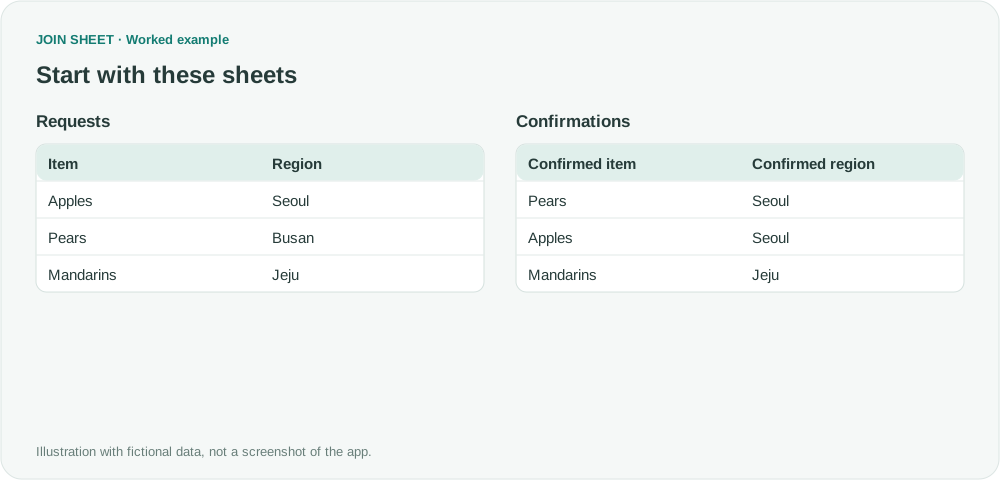
Check whether the same product-and-region requests appear in two files. Compare the columns together to catch differences a product-only check would miss.
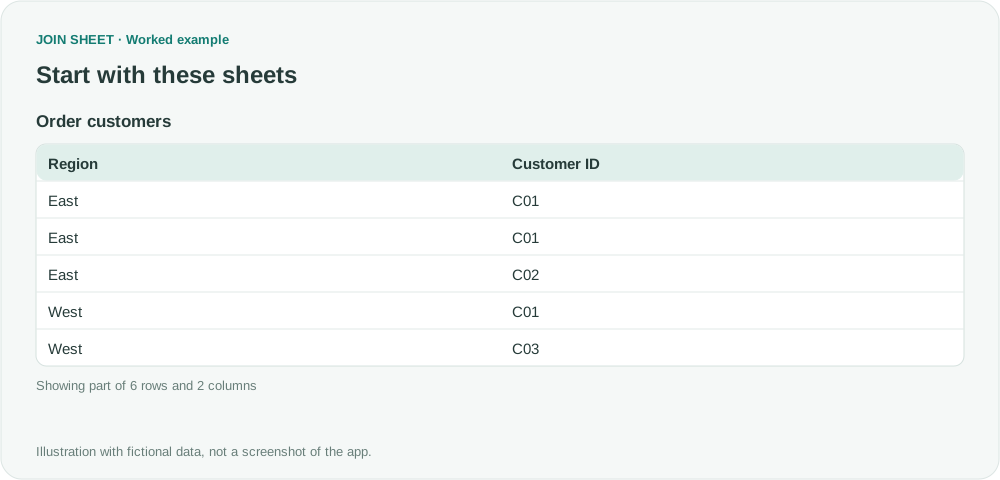
Count each customer once within a region, even if they placed several orders. Use two summaries to turn an order list into regional customer counts.
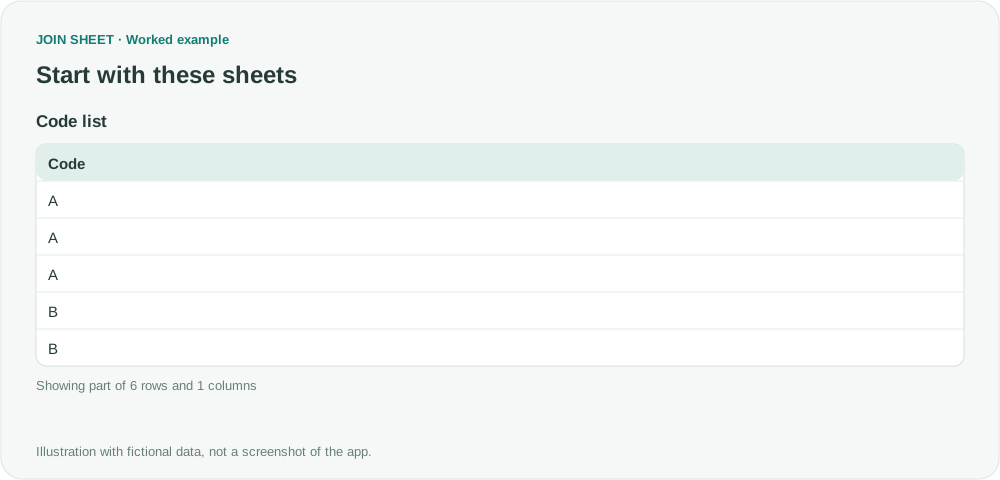
Find how many different codes are duplicated in a list. Count each repeated code once, whether it appears twice or many times.
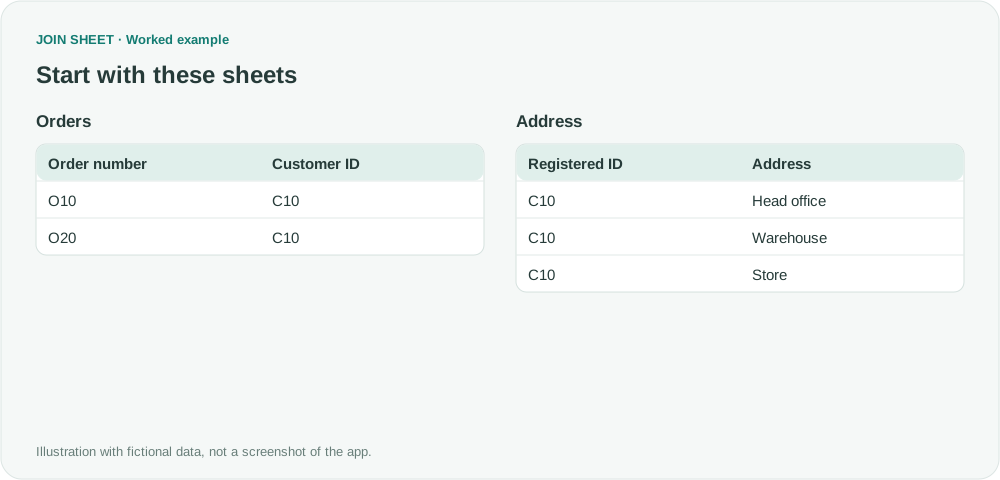
Find out why two orders become six rows after a join. Check duplicate customer IDs and add the missing condition to join each order to the right address.