How many customers ordered once, twice, or three times?
Count orders per customer, then group those counts to build a customer frequency table.
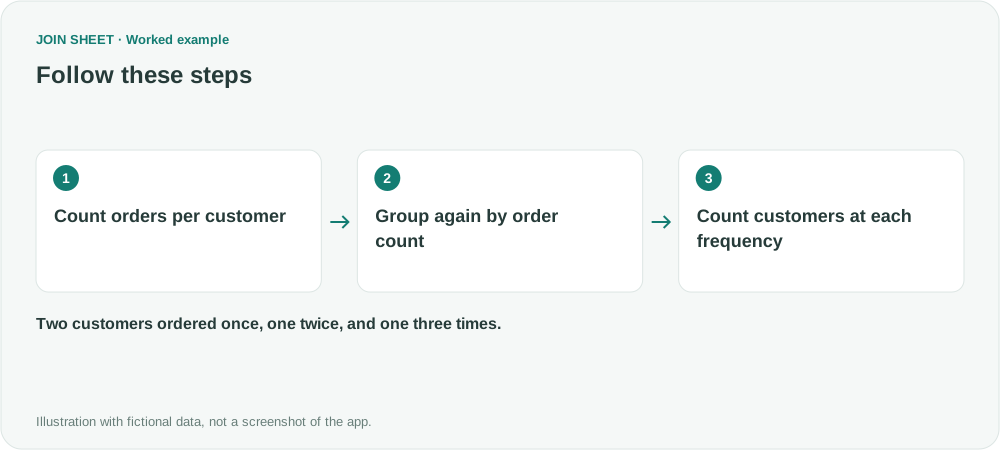
To find how many customers ordered once, twice or three times, summarize the data twice. First count orders per customer. Then group customers by that order count and count the customers in each group.
Start with one row per order
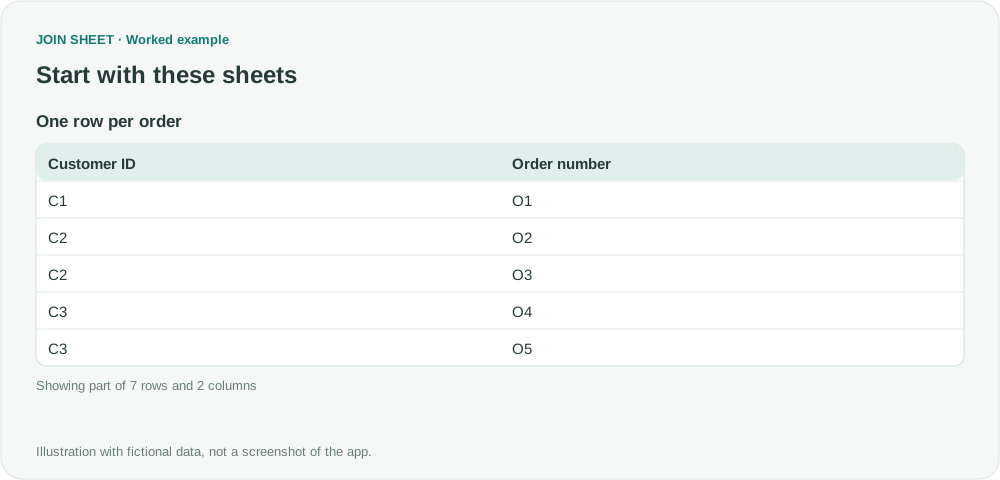
This fictional table has seven orders from four customers. If one order spans several item lines, first group by Customer ID and Order number to get one row per order. Otherwise, the frequency would measure items instead of purchases.
| Customer ID | Order number |
|---|---|
| C1 | O1 |
| C2 | O2 |
| C2 | O3 |
| C3 | O4 |
| C3 | O5 |
| C3 | O6 |
| C4 | O7 |
Count orders per customer, then customers per order count
- Select the data as the result source. In Refine results, add Summarize and select Customer ID under Group by. Keep the default Count method and change Output field name to Orders.
- Choose Apply and check the intermediate counts: C1=1, C2=2, C3=3, and C4=1. Reopen Refine results to continue.
- Add another Summarize. Group by the derived Orders field, keep Count, and change Output field name to Customers.
- Add Sort on Orders in ascending order and choose Apply.
Check customers and orders separately
The customer counts add to 2 + 1 + 1 = 4. Multiplying each frequency by its customer count gives 1 × 2 + 2 × 1 + 3 × 1 = 7 orders, matching the input. Summing Orders in the second step would answer a different question.
| Orders | Customers |
|---|---|
| 1 | 2 |
| 2 | 1 |
| 3 | 1 |
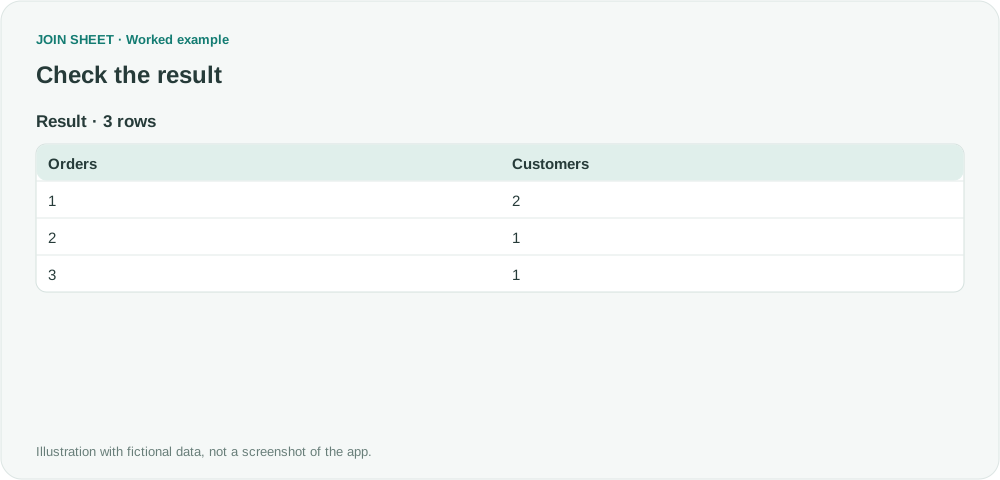
This result lists exact order counts. It does not automatically group counts into ranges or draw a histogram, both of which relate to the broader source question. Customers with no orders do not appear in this input, so there is no zero-order row. If you filter by date first, the counts cover only that period.
Try it with your own files
Start with JOIN SHEET ↗Use a desktop computer for Excel and CSV work.
Opens in a new tab without replacing your current work.
Example last verified:
Sources
The question Grouping of Count Values in a Pivot Table informed this independently created fictional example.