Join different code systems through a mapping table
Join sales codes to a mapping table, then add product descriptions from the catalog without losing unmapped sales.
When sales and catalog files use different product codes, a mapping table lets you join them. In JOIN SHEET, join the sales code to its entry in the mapping table, then use the mapped master code to bring in the catalog description.
A mapping table between two code systems
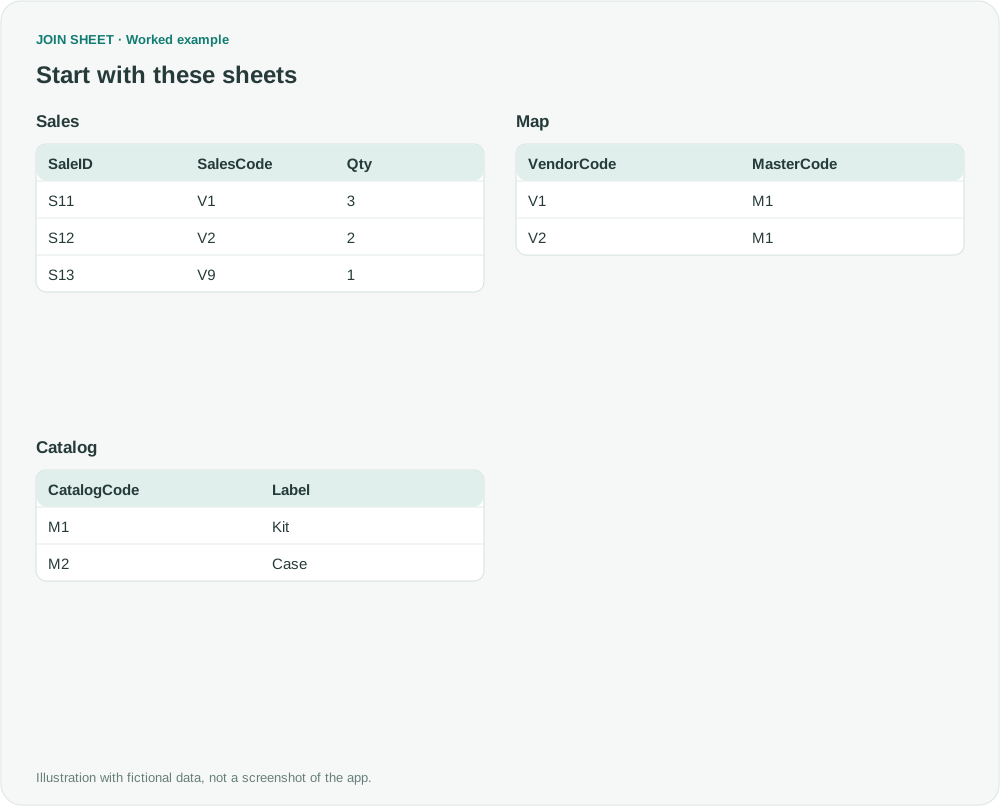
In this fictional example, sales codes V1 and V2 both refer to master item M1. Neither code appears in Catalog, so joining the sales file directly to the catalog would leave them unmatched. V9 has no entry in the mapping table.
In these tables, ∅ represents a blank cell; do not enter it as text.
Sales
| SaleID | SalesCode | Qty |
|---|---|---|
| S11 | V1 | 3 |
| S12 | V2 | 2 |
| S13 | V9 | 1 |
Map
| VendorCode | MasterCode |
|---|---|
| V1 | M1 |
| V2 | M1 |
Catalog
| CatalogCode | Label |
|---|---|
| M1 | Kit |
| M2 | Case |
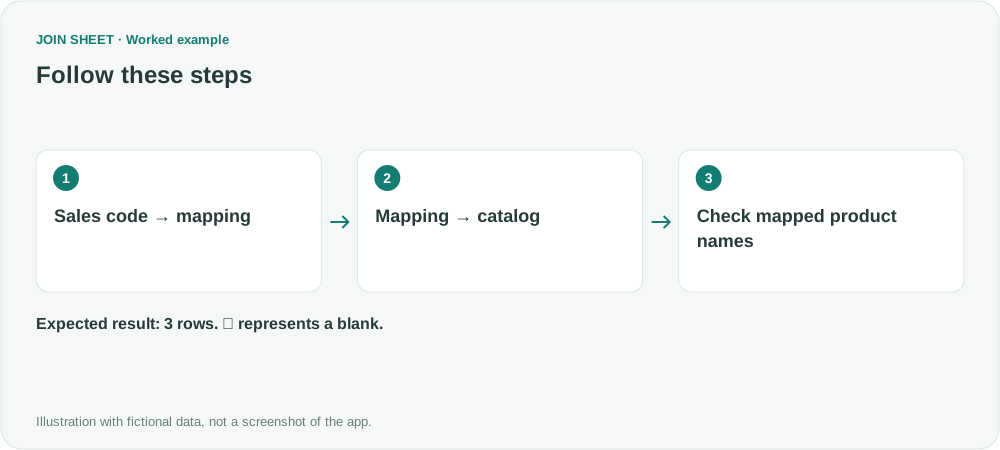
Join Sales to Map, then Map to Catalog
- Load Sales, Map and Catalog and arrange them in that order from left to right.
- Connect SalesCode to VendorCode and choose All rows from the left sheet to retain sales.
- Connect Map.MasterCode to CatalogCode. With Map on the left, choose All rows from the left sheet again.
- Select Sales and open Result preview. Review SaleID, SalesCode, MasterCode and Label together, including unmapped codes, before choosing Save results.
Retain the original sales rows
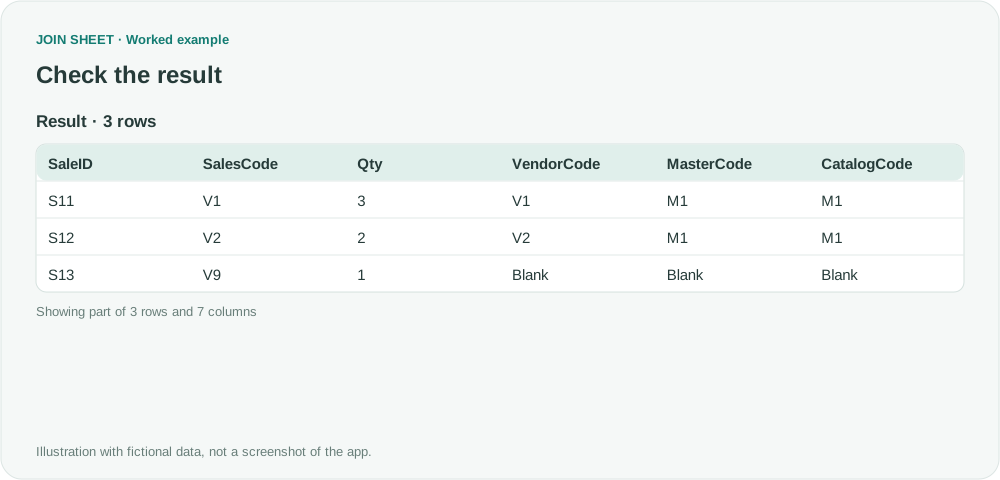
S11 and S12 receive M1 and Kit. S13 remains with blank mapping and catalog fields. Expect three rows. If you also need a total for M1, verify the details first and then summarize by the master code.
| SaleID | SalesCode | Qty | VendorCode | MasterCode | CatalogCode | Label |
|---|---|---|---|---|---|---|
| S11 | V1 | 3 | V1 | M1 | M1 | Kit |
| S12 | V2 | 2 | V2 | M1 | M1 | Kit |
| S13 | V9 | 1 | ∅ | ∅ | ∅ | ∅ |
Check that each sales code has one mapping
VendorCode is unique in this mapping table. Mapping one external code to several master codes repeats that sale in the result. Resolve the mapping using your business rules; the app cannot infer the intended master code.
Try it with your own files
Start with JOIN SHEET ↗Use a desktop computer for Excel and CSV work.
Opens in a new tab without replacing your current work.
Example last verified:
Sources
Join Three Tables in Excel (Reddit r/excel)
The question concerns master part numbers, compatible part numbers and sales stored in three tables. The example above uses fictional data; it is not the question author's data or a product testimonial.