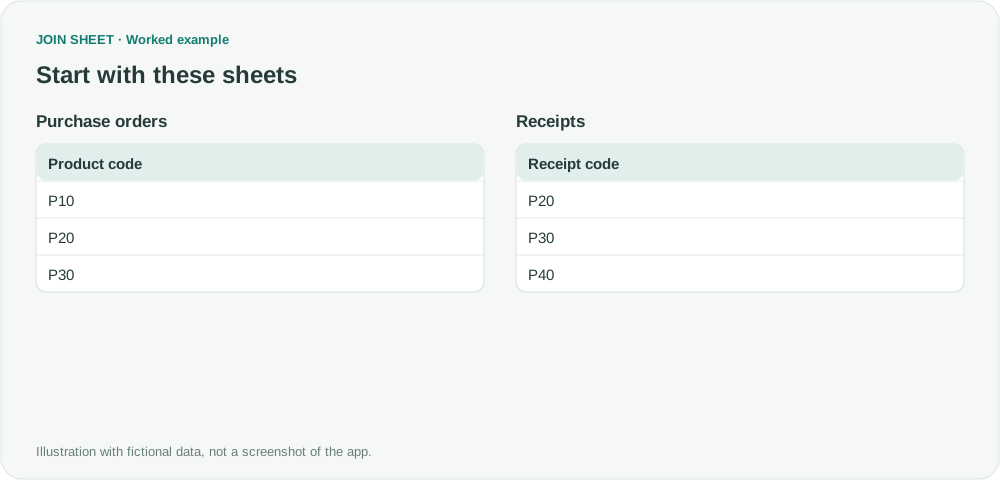
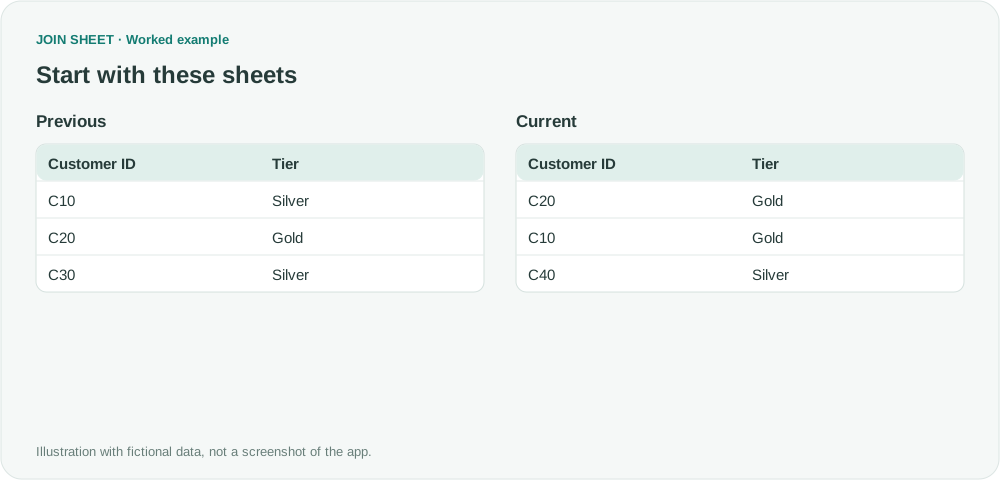
Detect a change from blank to zero
Compare values by ID while preserving the difference between missing data and a recorded zero.
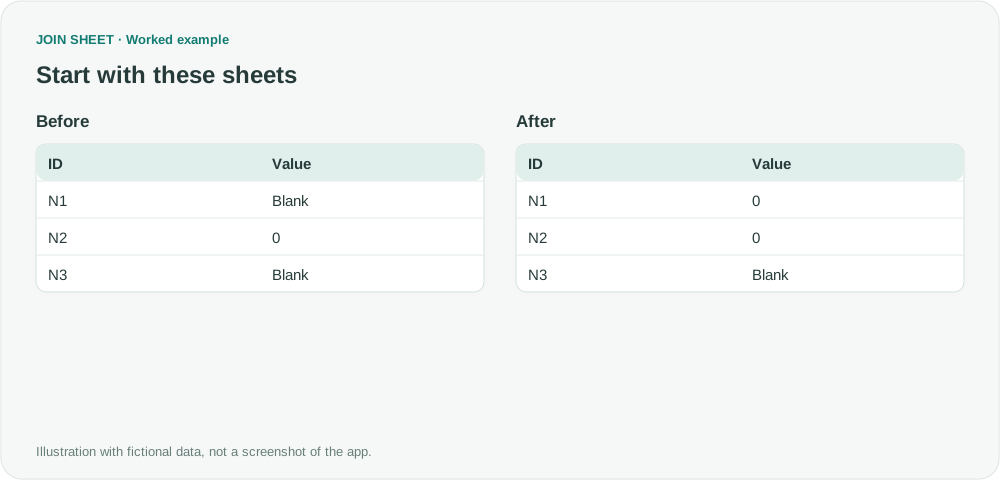
A recorded zero and a missing value have different meanings. Match rows by ID in JOIN SHEET and compare their values to detect when a blank has been filled with zero.
Compare a missing value with a recorded zero
N1 changes from blank to zero. N2 stays at zero, and N3 is blank in both sample tables.
In these tables, ∅ represents a blank cell; do not enter it as text.
Before
| ID | Value |
|---|---|
| N1 | ∅ |
| N2 | 0 |
| N3 | ∅ |
After
| ID | Value |
|---|---|
| N1 | 0 |
| N2 | 0 |
| N3 | ∅ |
Join by ID and compare Value
- Load Before and After. Leave cells truly blank instead of typing the ∅ notation.
- Connect the two ID columns and choose All rows from both sheets. Connect the two Value columns, then use VS on that connection's criterion to choose Compare values.
- In Result preview, compare N1 with N3: one is a blank-to-number change and the other has no value on either side.
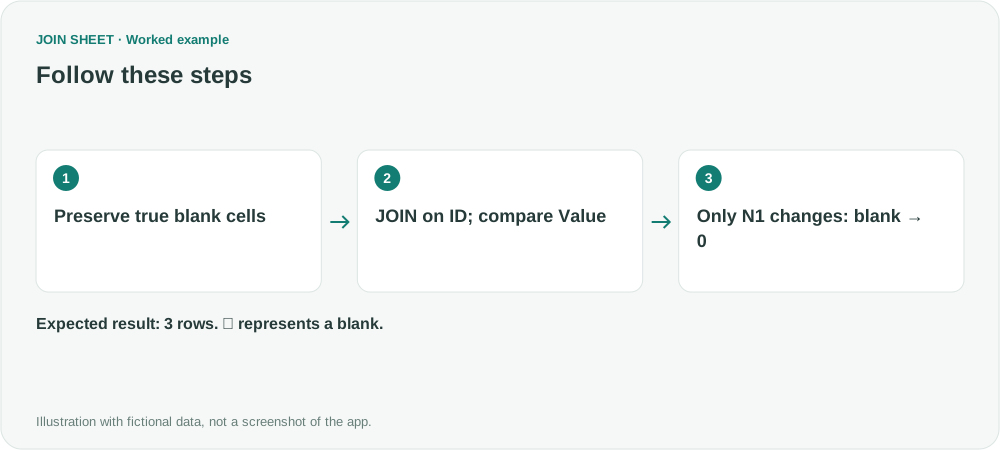
What to check in the result
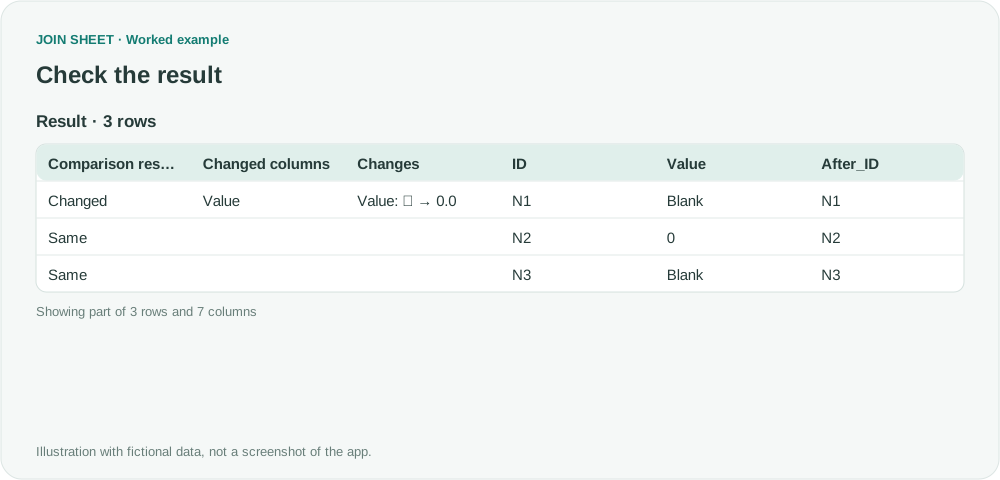
Only N1 is Changed, with Value: ∅ → 0.0. N2 and N3 are Same. Replacing missing values with zero before comparing would destroy this distinction.
| Comparison result | Changed columns | Changes | ID | Value | After_ID | After_Value |
|---|---|---|---|---|---|---|
| Changed | Value | Value: ∅ → 0.0 | N1 | ∅ | N1 | 0 |
| Same | N2 | 0 | N2 | 0 | ||
| Same | N3 | ∅ | N3 | ∅ |
Check imported blanks before changing the data type
Check the imported values for both empty cells and formulas that return empty text. Before changing a column to a numeric type, look for text that cannot be read as a number; the conversion may turn it into a missing value.
Try it with your own files
Start with JOIN SHEET ↗Use a desktop computer for Excel and CSV work.
Opens in a new tab without replacing your current work.
Example last verified:
Sources
ISNULL () or ISEMPTY() ISZERO() (Microsoft Q&A)
This question asks how to distinguish blanks, zero and empty text. The example uses fictional values, not the author's data or a JOIN SHEET testimonial.