How do you count nonblank responses by team?
Keep records whose Response is not empty, then count them by team. Zero counts as a value; blanks and whitespace-only values do not.
Count in JOIN SHEET counts rows, including rows with blank cells. To count only completed responses, filter out empty Response cells before counting by team. Identical answers still count separately if they appear in separate records.
Distinguish blanks from filled values
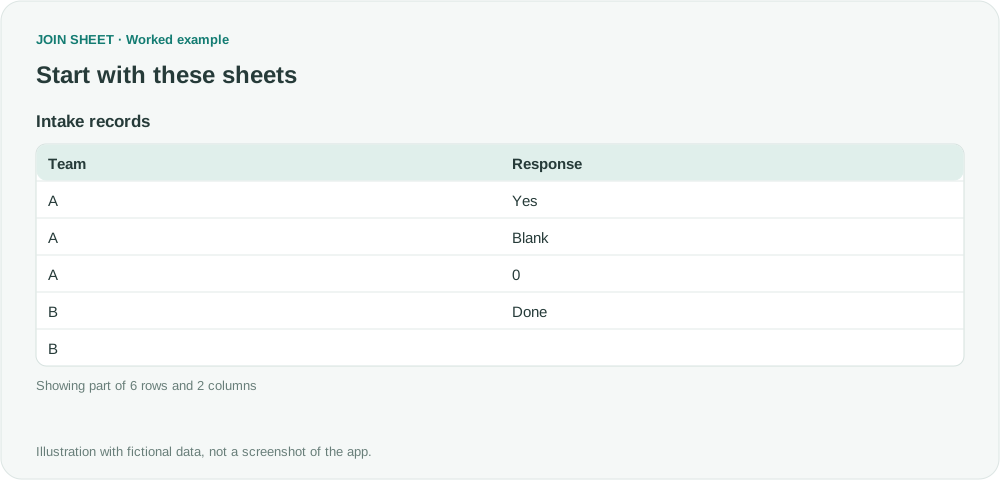
In this fictional input, Blank means an empty cell and 3 spaces means a cell containing only three spaces. Do not type those labels as words when preparing the example. The value 0 is filled. For an Excel formula column, inspect the values that were imported; this workflow does not count the presence of formula text.
| Team | Response |
|---|---|
| A | Yes |
| A | Blank |
| A | 0 |
| B | Done |
| B | 3 spaces |
| C | Blank |
Filter Response before counting
- Select the sheet as the result source and open Refine results.
- Add Filter, select Response, and choose Is not empty.
- Add Summarize below it. Select Team under Group by, keep the default Count method, and enter Responses in Output field name.
- Choose Apply. Do not group by the response text; repeated answers must remain separate records for this count.
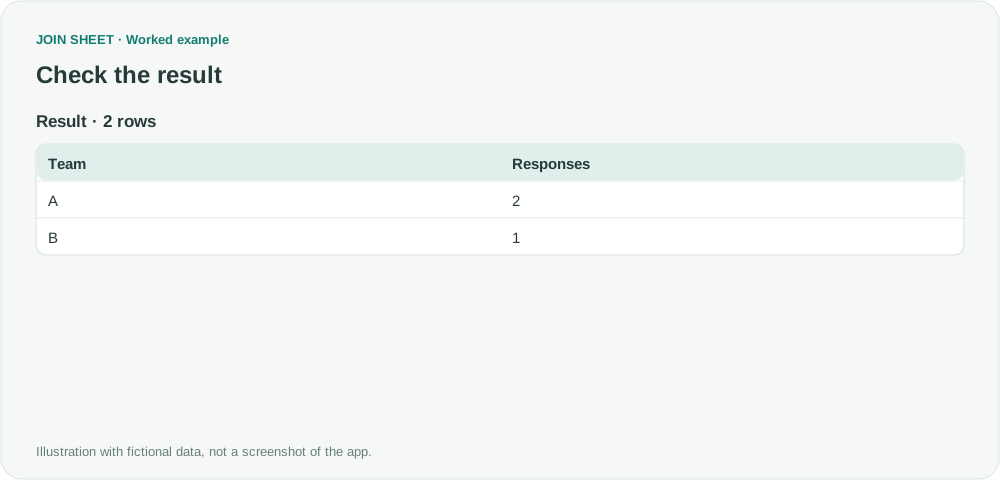
Three responses remain across two teams
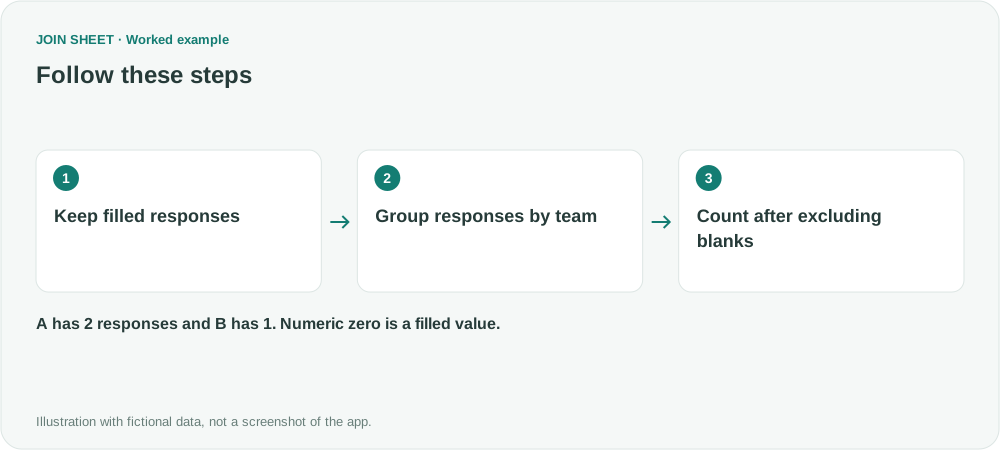
A contains Yes and 0, giving two responses. B contains Done, giving one. Whitespace-only values are excluded. C has no filled responses and does not appear. If A shows three, check the filter field and step order.
| Team | Responses |
|---|---|
| A | 2 |
| B | 1 |
To include teams with no responses, save the summary and load it with a complete team list. Put the complete list on the left, join the team fields, and choose All rows from the left sheet. Review unmatched counts separately before reporting them as zero. If one person can answer several times, this counts responses rather than people. To count people once each, you need an identifier and a distinct-count workflow.
Try it with your own files
Start with JOIN SHEET ↗Use a desktop computer for Excel and CSV work.
Opens in a new tab without replacing your current work.
Example last verified:
Sources
The question Pivot Table is counting blanks. Pivot table counting blanks with formulas inside cell. asks about blanks being included in a count. The response records here are fictional.