Why does 10 sort before 2? Convert numeric text before sorting
Set quantity columns to Number so values sort as 1, 2, 10 instead of 1, 10, 2. Keep codes and identifiers as Text.
An order such as 1, 10, 2 suggests that values are being treated as text. For a quantity where numeric size matters, change the column type to Number, then apply ascending sorting in Refine results.
Three quantities stored as text and one blank
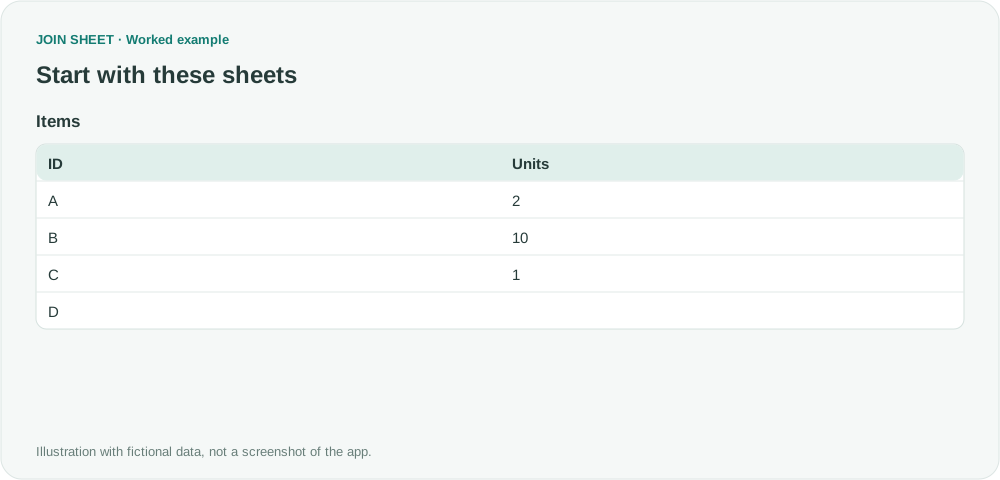
In the fictional Items table, Units contains text values 2, 10 and 1; D contains an empty string. ID values are identifiers and remain text.
The symbol ∅ represents a blank cell, not text to type.
Items
| ID | Units |
|---|---|
| A | 2 |
| B | 10 |
| C | 1 |
| D | ∅ |
Change the type before sorting
- Confirm that Units represents a quantity. Do not convert a product identifier whose leading zeros matter.
- Set the Units column type to Number. Check that conversion has not introduced unexpected blanks.
- Open Refine results and add Sort. Select Units, set Sort order to Ascending, and choose Apply.
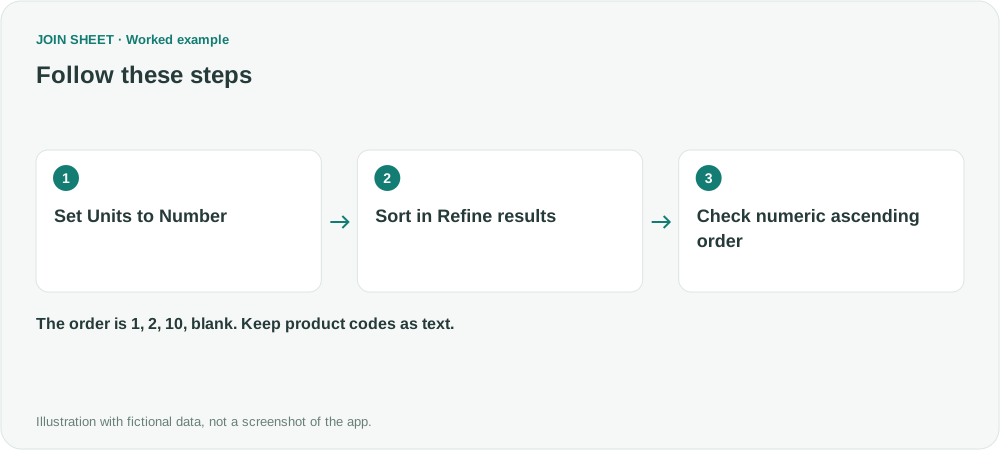
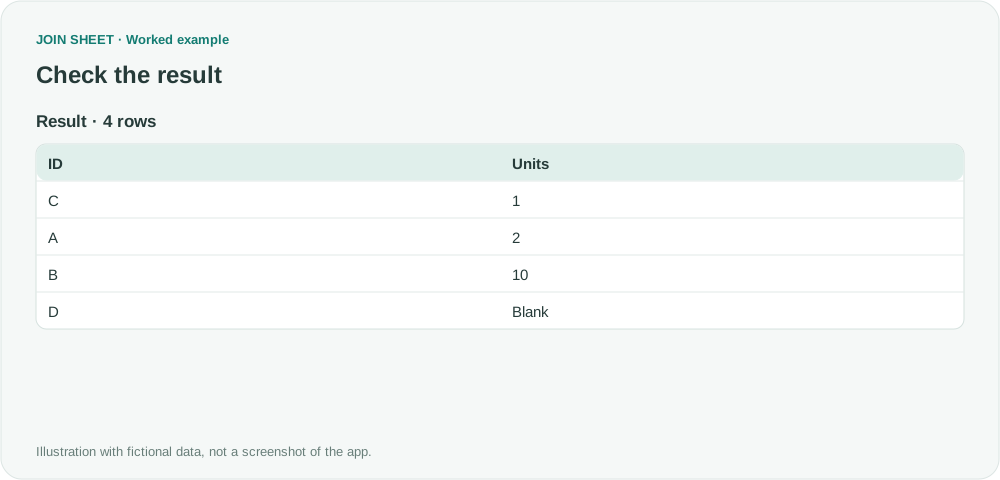
Check that 2 comes before 10 and the blank comes last
The ID order should be C, A, B, D with Units 1, 2, 10, blank. If 10 still precedes 2, recheck the selected field and its type.
| ID | Units |
|---|---|
| C | 1 |
| A | 2 |
| B | 10 |
| D | ∅ |
Check values that did not convert
Displaying a cell like a number does not make its stored value numeric. Clean up entries such as 10 units, currency symbols or inconsistent decimal formats before converting. Check the record count and any new blank cells so values that failed to convert are not missed.
A formula’s empty-string result is treated as a blank when this numeric type is applied and sorts after numbers. Descending order also places blanks last. JOIN SHEET does not recalculate Excel formulas, so save up-to-date calculated values in the source application before importing.
Try it with your own files
Start with JOIN SHEET ↗Use a desktop computer for Excel and CSV work.
Opens in a new tab without replacing your current work.
Example last verified:
Sources
Excel - Sort numeric column by number (Super User)
The source asks why sorting remains lexical despite numeric cell formatting. This example explicitly sets the quantity column’s data type. The example data was created separately for this guide. The source is not a product testimonial or endorsement.
The related question Blank cells with formulas sorted higher than cells with actual numbers also informs the distinction between numeric values and empty strings.