Find every text match within a date range
Combine a description Contains filter with a date range to extract all matching detail rows, including times on the final date.
To find every transaction containing a word during a given period, apply two filters: one to Description and one to When. The result keeps every row that passes both, including transactions late on the final day.
Find September coffee transactions, including the last evening
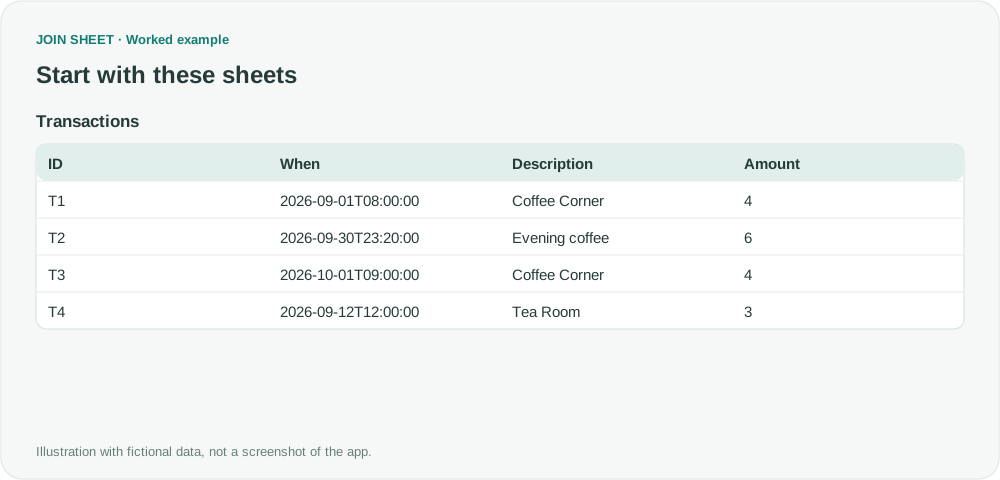
T1 and T2 are the fictional coffee transactions in September. T2 occurs late on the final date. T3 matches the text but falls in October; T4 is in September but has different text.
Transactions
| ID | When | Description | Amount |
|---|---|---|---|
| T1 | 2026-09-01T08:00:00 | Coffee Corner | 4 |
| T2 | 2026-09-30T23:20:00 | Evening coffee | 6 |
| T3 | 2026-10-01T09:00:00 | Coffee Corner | 4 |
| T4 | 2026-09-12T12:00:00 | Tea Room | 3 |
Apply the text and date filters together
- Load Transactions and confirm When is a date-time column. If it imported as text, change the type badge and inspect the conversion.
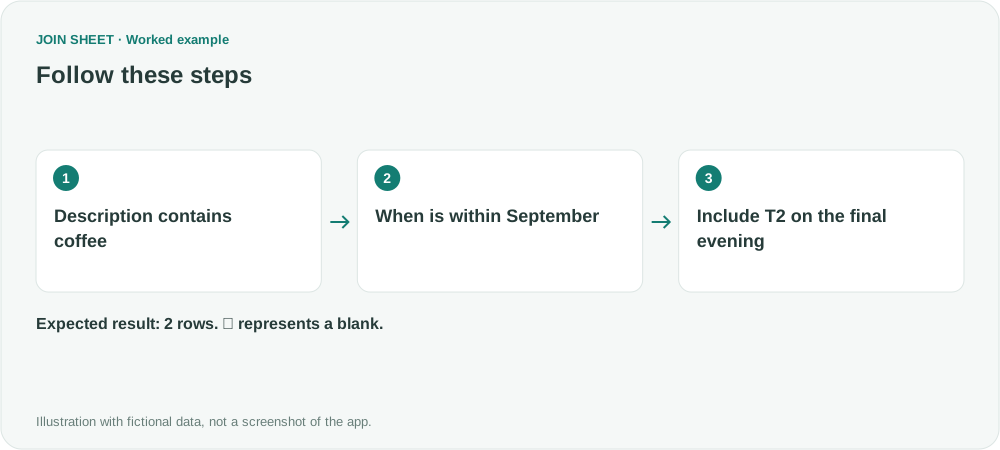
- In the Description source filter, choose Contains and enter coffee, then apply it.
- In the When source filter, choose Date range with 2026-09-01 and 2026-09-30, then choose Apply.
- Check the result with both filters applied, including T2 on the final evening, then save it.
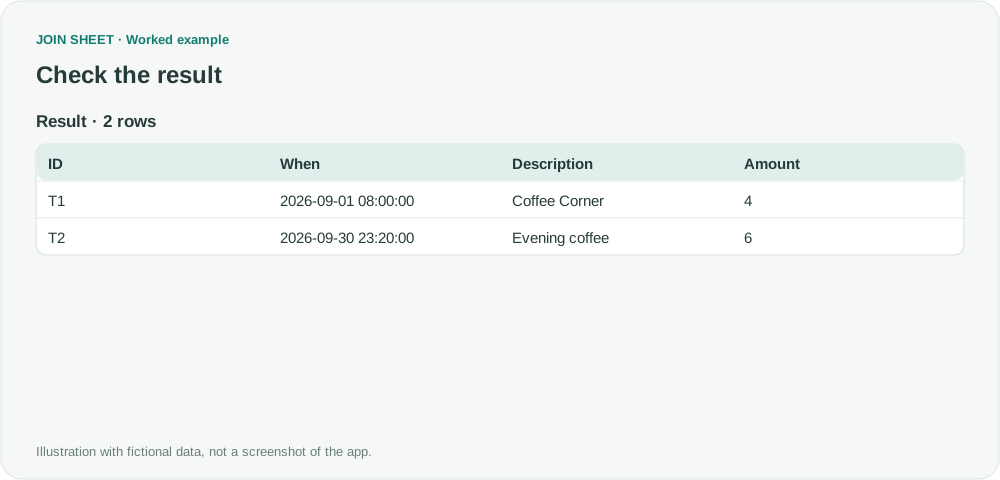
Both September coffee transactions should remain
Two rows remain, with amounts 4 and 6. A Date range using date-only boundaries on a date-time column includes the whole final day. T3 and T4 each satisfy only one condition and are excluded.
| ID | When | Description | Amount |
|---|---|---|---|
| T1 | 2026-09-01 08:00:00 | Coffee Corner | 4 |
| T2 | 2026-09-30 23:20:00 | Evening coffee | 6 |
Contains also matches part of a word
Contains ignores letter case and matches the text anywhere within a value, including inside a longer word. Check that the date-time values converted correctly, and update the date range yourself for the next reporting period.
Try it with your own files
Start with JOIN SHEET ↗Use a desktop computer for Excel and CSV work.
Opens in a new tab without replacing your current work.
Example last verified:
Sources
I have just wasted half a day. Maybe reddit can solve my problem: search for a value, then display more than just the first one found… (Reddit r/excel)
The question asks for every transaction containing a term such as coffee, with its date and amount and an optional date interval. The tables and workflow are a separately created fictional example inspired by this question, not the author's data or a product testimonial.