How to import a table that starts below the report title
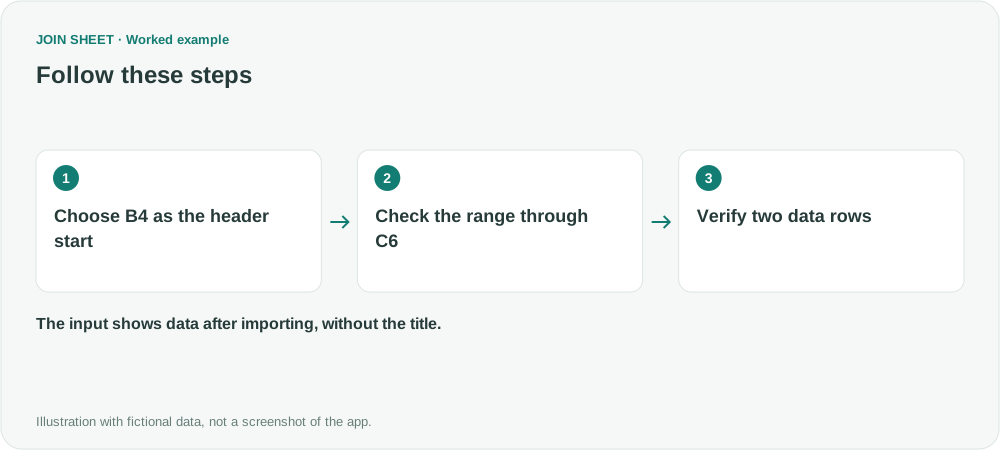
Choose the first header cell, such as B4, to exclude titles and blank space. Check the header row, range and first data row before continuing.
If a report title sits above the table, choose the cell containing the first column header as the start position. That row becomes the headers; data starts on the next row. Fix the import boundary before trying to filter away title rows.
Start at the headers in B4, not the title in A1
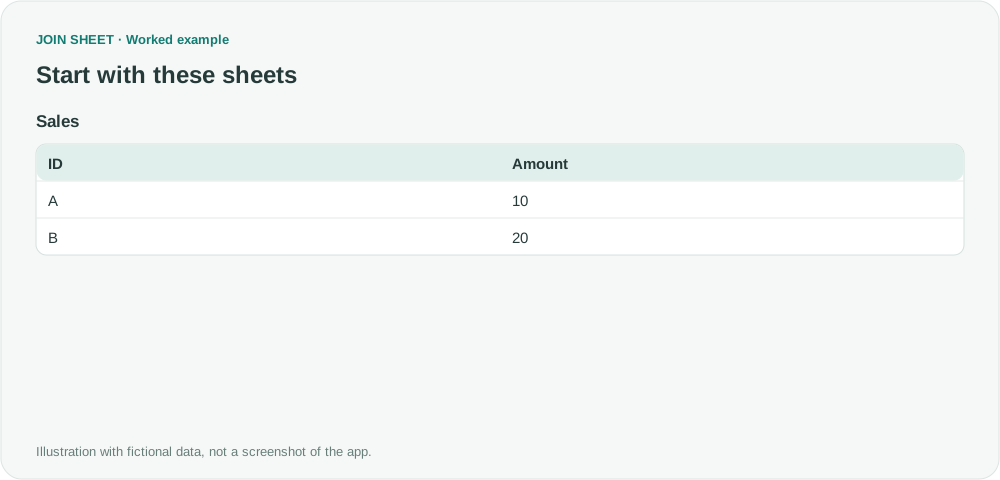
In the sample file, A1 contains Sales report. The table starts at B4 with the headers ID and Amount. Below them, B5:C6 contains A with 10 and B with 20. Import B4:C6 to load the table shown here.
Sales
| ID | Amount |
|---|---|
| A | 10 |
| B | 20 |
Choose the first header cell and check the range
- Add the Excel file. In Check sheet start positions, select the sheet. If it has already loaded, open its Change start position action.
- Set First column header cell to B4. Under Adjust the range to load, check that Last cell is C6.
- Confirm that ID and Amount are the headers, then choose Load selected sheets. Build connections and column settings after settling the import range.
Expected result
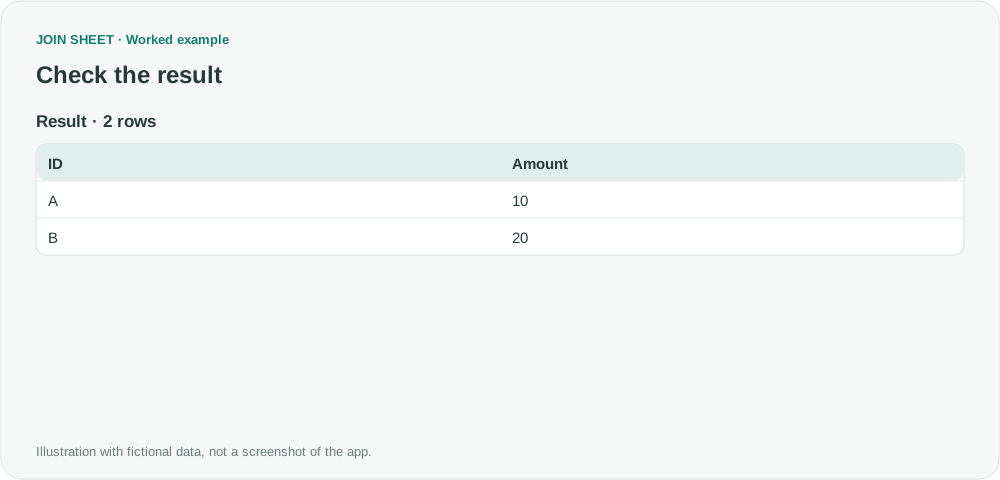
Expect two rows. Sales report and the blank title area should not appear as headers or records; A should have Amount 10.
| ID | Amount |
|---|---|
| A | 10 |
| B | 20 |
Set the range before building connections
Changing the start position resets the sheet's connections and column settings, so check the range first. If the report uses merged cells or two header rows, prepare one header row with a different, nonblank name for each column. Check the range again when the report layout changes; this workflow does not detect a new layout automatically.
Try it with your own files
Start with JOIN SHEET ↗Use a desktop computer for Excel and CSV work.
Opens in a new tab without replacing your current work.
Example last verified:
Sources
Power Query Data dumping all columns from a specific tab, that is unstructured with a varying column names (Reddit r/excel)
The question asks about collecting reports with varying headers and blank space. This guide uses fictional data to show how to choose the first header cell manually. It does not automate layout detection or present the question as a JOIN SHEET review.