How do you calculate an average without zero values?
Exclude zeros used for missing measurements before calculating the average. Keep valid negative readings and check the count of included records.
Zeros used as placeholders for missing measurements change an average even though no measurement was taken. In JOIN SHEET, filter those records before summarizing. Decide first whether an observed zero should remain; excluding a genuine zero changes the meaning of the result.
Keep negative readings
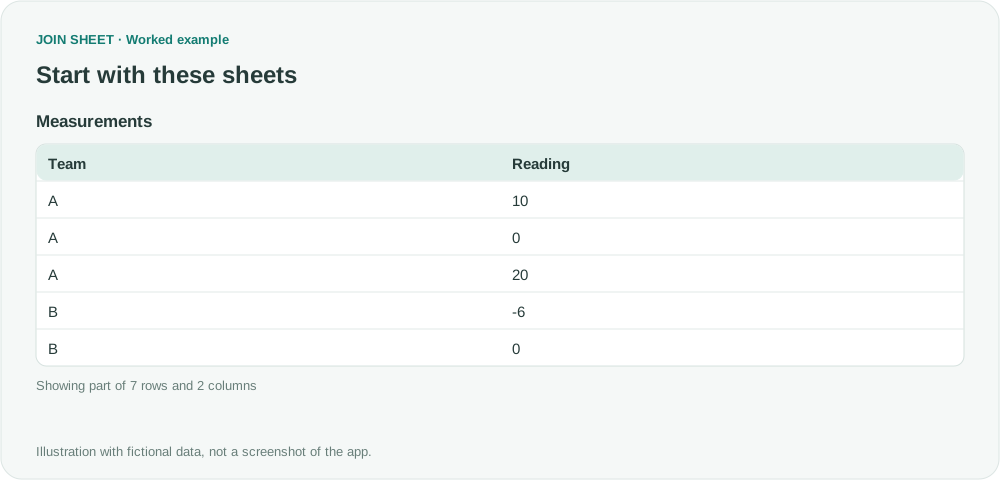
Every zero in this fictional table means no measurement, while B's -6 is a valid reading. Set Reading to a numeric type. The filter applies to the whole record, so every summary in the following step uses the same remaining records.
| Team | Reading |
|---|---|
| A | 10 |
| A | 0 |
| A | 20 |
| B | -6 |
| B | 0 |
| B | 0 |
| C | 0 |
Put the zero filter before the average
- Select the sheet as the result source, open Refine results, and add Filter.
- Select Reading, Does not equal, and 0. Greater than 0 would remove negative readings as well.
- Add Summarize underneath and select Team under Group by. Change Summary method to Average, select Reading, and enter Nonzero average in Output field name.
- Choose Add summary within that same step, keep Count, and enter Records as its output name. Check the step order and choose Apply.
Read the average alongside its count
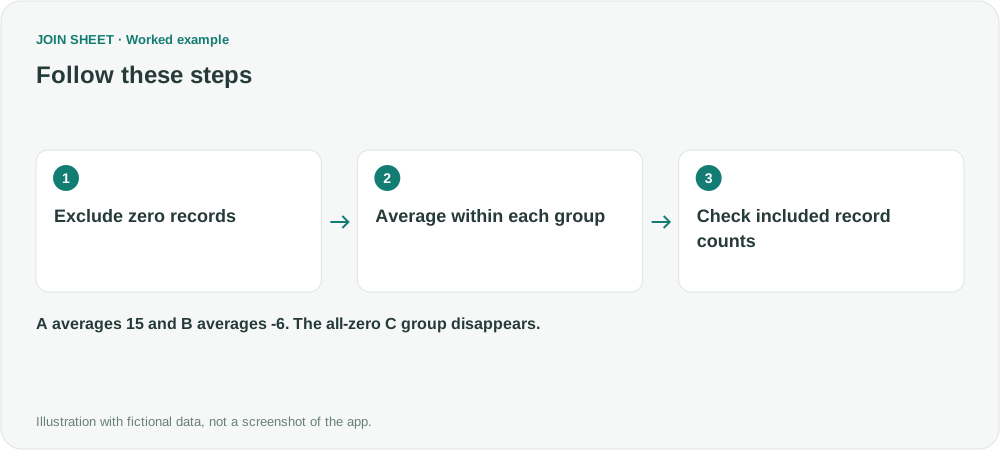
A has two included readings, 10 and 20, with an average of 15. B has one reading, -6, so its average is -6. An average of 10 for A indicates that zero may still be included.
| Team | Nonzero average | Records |
|---|---|---|
| A | 15 | 2 |
| B | -6 | 1 |
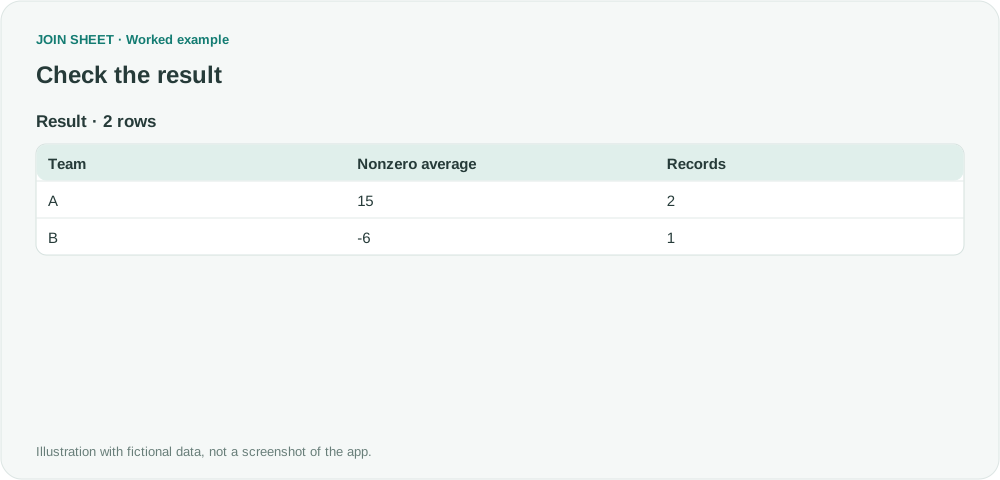
C contains only zeros, so the filter removes the entire group; it has no average in this result. If you need to distinguish missing measurements from actual zero readings, leave missing measurements blank in the source. Run a separate calculation when one measurement should exclude zeros but other measurements need all the rows.
Try it with your own files
Start with JOIN SHEET ↗Use a desktop computer for Excel and CSV work.
Opens in a new tab without replacing your current work.
Example last verified:
Sources
The question How to let Pivot Table ignore ZEROs from the data while calculating Average and Average of Average? asks about excluding zeros from averages. This guide uses a separate set of fictional measurements.