Append tables and keep one copy of identical rows
Combine files and keep one copy of each identical row. Records with different amounts or other values stay in the result.
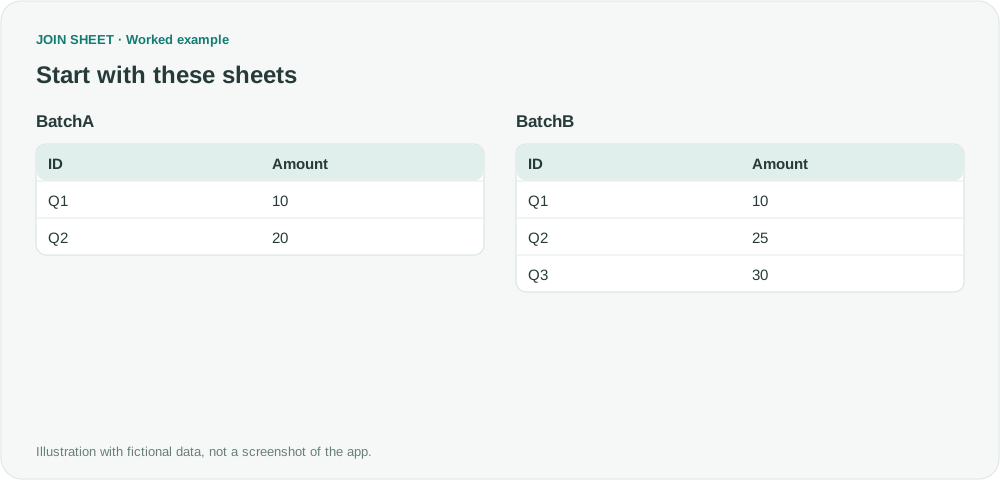
Choose duplicate removal when appending files that contain identical records. One copy of each full row remains, while records differing in any column stay separate.
Identical rows versus partly matching rows
Both sample files contain Q1 with amount 10. Q2 has amount 20 in one file and 25 in the other, so both Q2 records remain. Removing identical copies does not decide which Q2 amount is correct.
BatchA
| ID | Amount |
|---|---|
| Q1 | 10 |
| Q2 | 20 |
BatchB
| ID | Amount |
|---|---|
| Q1 | 10 |
| Q2 | 25 |
| Q3 | 30 |
Append while removing identical copies
- Check that both tables have the same column names and count. Load them and place one above the other.
- Select BatchA as the result source. Drag its bottom + point to BatchB's top + point and choose Keep one copy of identical rows from the connection menu.
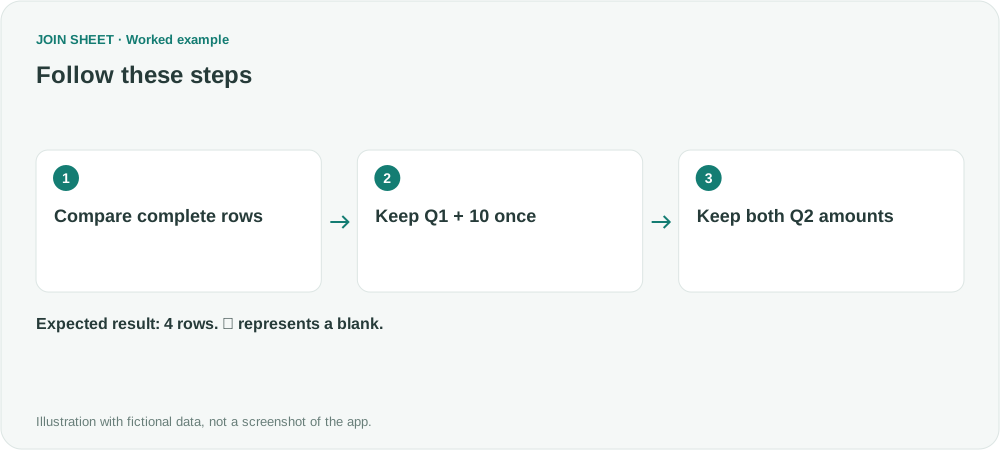
- In Result preview, check that Q1 appears once and Q2 twice before saving the result.
Retain both different Q2 records
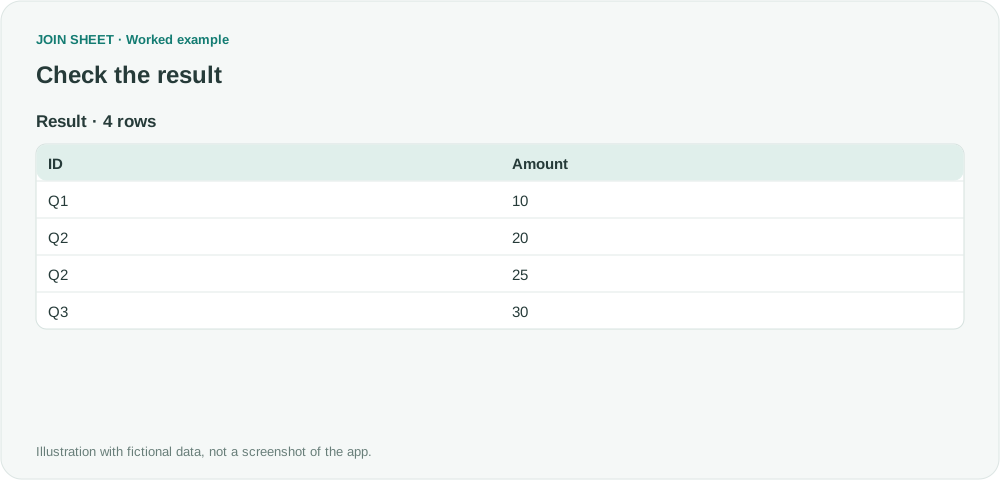
Five input rows produce four output rows. Only the extra Q1/10 copy is removed. If Q2 appears once, check whether the inputs were already deduplicated by ID.
| ID | Amount |
|---|---|
| Q1 | 10 |
| Q2 | 20 |
| Q2 | 25 |
| Q3 | 30 |
Decide separately which conflicting value to keep
Duplicate removal does not select the newest value. Conflicting versions need a separate selection rule. Reload updated source files when you run the workflow again.
Try it with your own files
Start with JOIN SHEET ↗Use a desktop computer for Excel and CSV work.
Opens in a new tab without replacing your current work.
Example last verified:
Sources
Combine tables and remove the duplicates (Reddit r/excel)
This question asks how to combine tables without repeating identical records. The sample data here is fictional; it is not the question author's data or a review of JOIN SHEET.