Sort ISO timestamps with offsets in actual time order
Put events from different time zones in chronological order. Convert timestamps with explicit offsets to Date & time and sort the UTC values.
Events exported from different time zones may appear in the wrong order when their timestamps are sorted as text. If every timestamp includes Z or a numeric offset, set the column to Date & time. JOIN SHEET can then sort the converted UTC values in the order the events occurred.
Text order is not chronological order
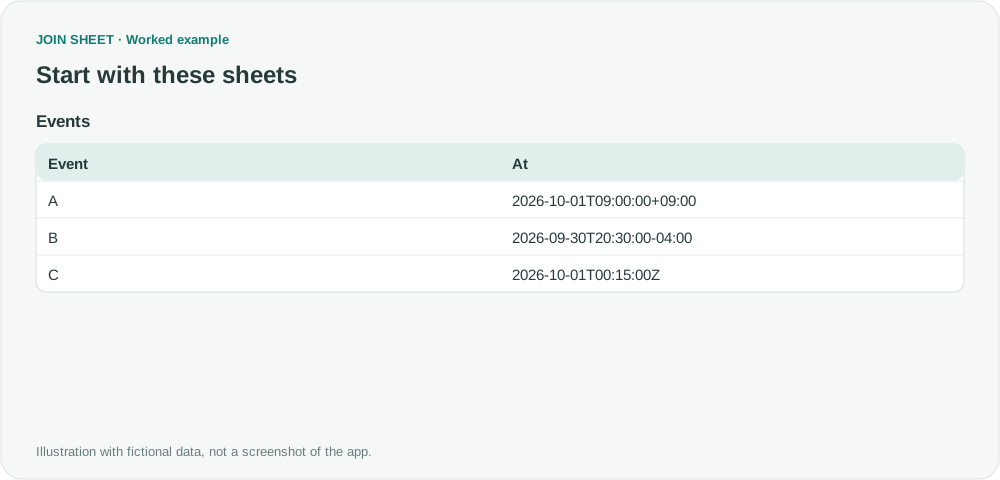
In the fictional Events table, A is 09:00 at UTC+9, B is 20:30 on the previous day at UTC−4, and C is 00:15 UTC. Their UTC times are 00:00, 00:30, and 00:15, so B occurs last.
Events
| Event | At |
|---|---|
| A | 2026-10-01T09:00:00+09:00 |
| B | 2026-09-30T20:30:00-04:00 |
| C | 2026-10-01T00:15:00Z |
Convert At to Date & time, then sort it
- Import Events and check that every At value includes Z or an explicit offset such as +09:00. Keep the original file if you need to audit the original notation.
- Open At's type badge and choose ‘Date & time’, not ‘Date’, which would discard the time needed here.
- Open the result, then ‘Refine results’ → ‘Sort’. Choose At and ‘Ascending’, then click ‘Apply’.
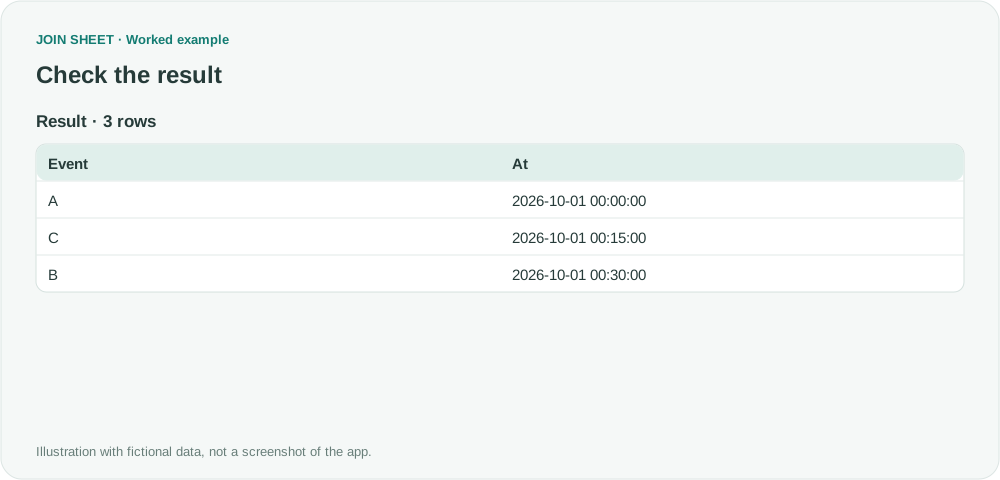
- Confirm A at 00:00, C at 00:15, and B at 00:30. The displayed strings have no time-zone suffix, so document that these normalized values are UTC.
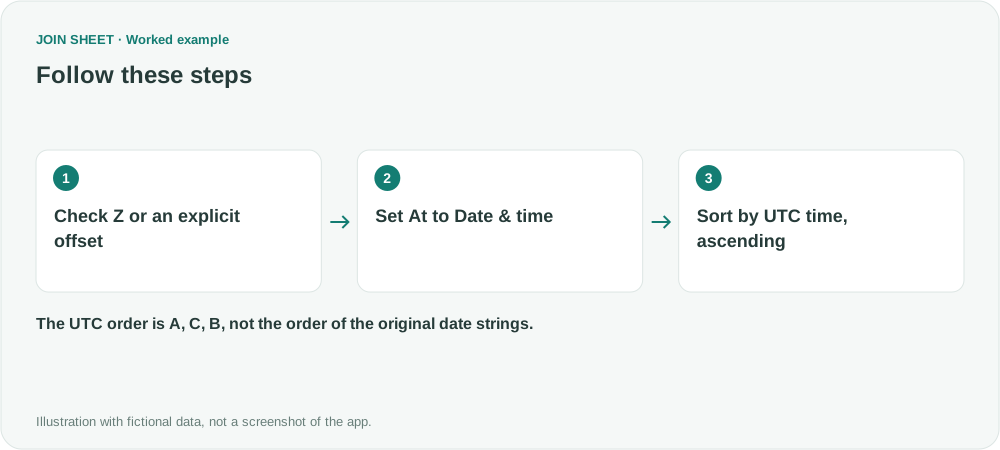
In UTC, the order is A, C, B
The result contains A, C, and B in that order. B's original string starts with the previous day's date, but its UTC instant is later than the other two.
| Event | At |
|---|---|
| A | 2026-10-01 00:00:00 |
| C | 2026-10-01 00:15:00 |
| B | 2026-10-01 00:30:00 |
Supply an offset for every timestamp
A zone-free value such as 2026-10-01 09:00:00 does not identify its time zone. Prepare an explicit, correct offset in the source first. This workflow uses the supplied offset; it does not infer a city’s time zone or daylight-saving rules.
Converting UTC to a chosen local time or retaining the original offset notation is a separate task. This also differs from dropping the time to join by date.
Try it with your own files
Start with JOIN SHEET ↗Use a desktop computer for Excel and CSV work.
Opens in a new tab without replacing your current work.
Example last verified:
Sources
Parsing an ISO8601 date/time (including TimeZone) in Excel (Stack Overflow)
The original question asks how to interpret an ISO timestamp with a time zone and convert it to local time. This fictional example covers conversion to UTC and chronological sorting, not conversion to a chosen local time.