Keep master records that have no matching details
Keep every item in your master list when adding details from another sheet. Show missing matches as blanks without losing the master records.
To add details without losing items from your master list, place the master sheet on the left and choose All rows from the left sheet. Items with no match stay in the result, with blank detail fields.
Include all three master items, even when a detail is missing
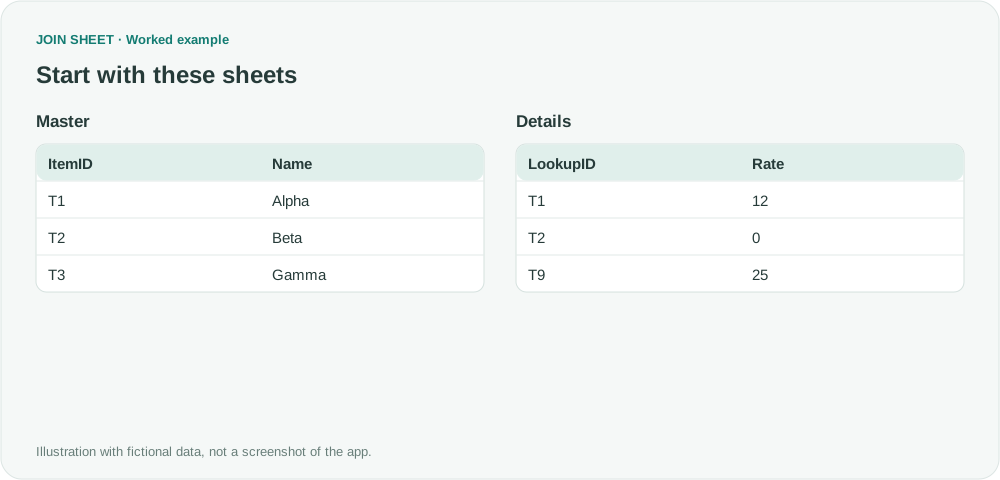
The fictional Master table contains T1, T2 and T3. Details has T1, T2 and T9, and T2 has an actual rate of zero. The output must cover the three master items and reveal T3's missing detail.
In these tables, ∅ represents a blank cell; do not enter it as text.
Master
| ItemID | Name |
|---|---|
| T1 | Alpha |
| T2 | Beta |
| T3 | Gamma |
Details
| LookupID | Rate |
|---|---|
| T1 | 12 |
| T2 | 0 |
| T9 | 25 |
Keep the master on the left
- Place Master on the left and Details on the right. Use the current screen positions when choosing a join direction.
- Connect ItemID to LookupID and choose All rows from the left sheet.
- In Result preview, show both ItemID and LookupID to check the match. The detail key helps distinguish an actual zero rate from a missing record.
- If T3 disappears, inspect the operation on the connection and any result filters. A result filter requiring Rate to be at least zero can exclude the blank T3 detail.
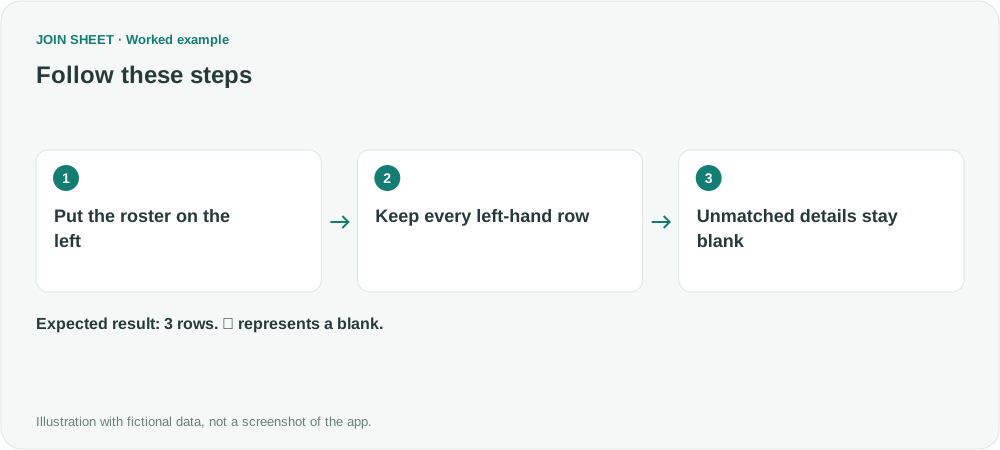
T3 stays blank; T2 keeps its zero rate
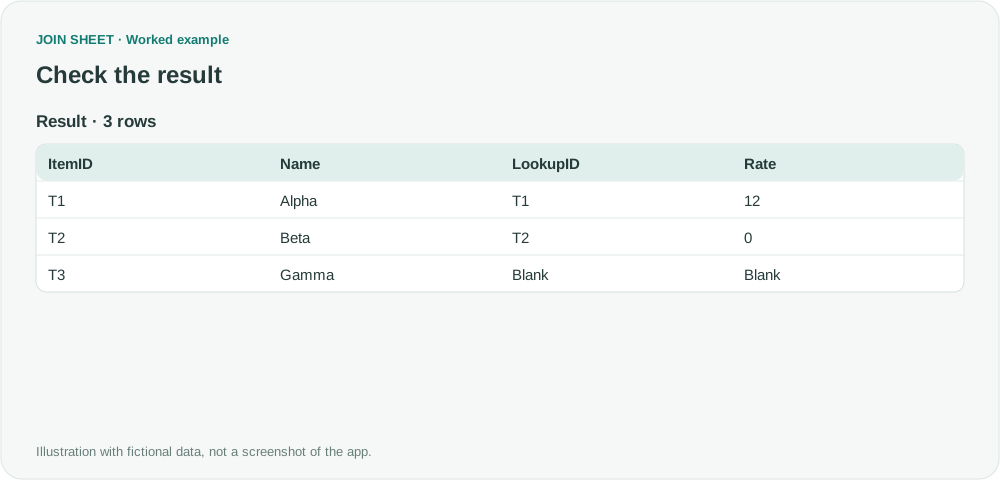
Expect three rows. T2 has LookupID T2 and Rate 0; T3 has blank LookupID and Rate. T9 is absent because it exists only in Details.
| ItemID | Name | LookupID | Rate |
|---|---|---|---|
| T1 | Alpha | T1 | 12 |
| T2 | Beta | T2 | 0 |
| T3 | Gamma | ∅ | ∅ |
Check repeated detail keys before relying on the row count
A duplicate detail key can expand a master row into several matches. The output count equals the master count only when each detail key has at most one row. Keep missing rates blank so that missing records remain distinguishable from zero.
Try it with your own files
Start with JOIN SHEET ↗Use a desktop computer for Excel and CSV work.
Opens in a new tab without replacing your current work.
Example last verified:
Sources
why is merge query deleting unmatched rows? (Reddit r/excel)
The question asks why unmatched rows disappear after a merge. The author reports that rows still disappear with FullOuter and shares the query code; the cause is not established in the thread. This fictional example explains how to retain master rows with a left join in JOIN SHEET. It does not diagnose that Power Query failure and is not the author's data or a product testimonial.