Preserve blank source values in a lookup result
Keep blank amounts blank when joining sheets, and display the matching ID to tell missing values, recorded zeros and missing matches apart.
To keep blank lookup values blank, join the source data without replacing missing values with zero. Display the right-hand RefID beside Amount so you can tell whether a row matched but had no amount, or never matched at all.
A missing amount, a recorded zero and a missing record
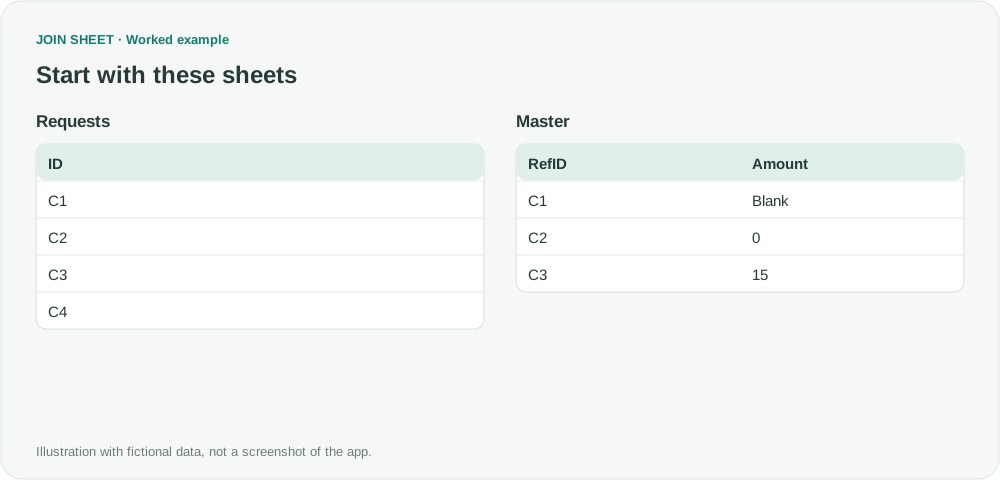
Requests contains C1 through C4. Master has a blank amount for C1, a recorded zero for C2 and 15 for C3. It has no record for C4.
The symbol ∅ represents a blank cell, not text to type.
Requests
| ID |
|---|
| C1 |
| C2 |
| C3 |
| C4 |
Master
| RefID | Amount |
|---|---|
| C1 | ∅ |
| C2 | 0 |
| C3 | 15 |
Keep all requests and show the matched ID
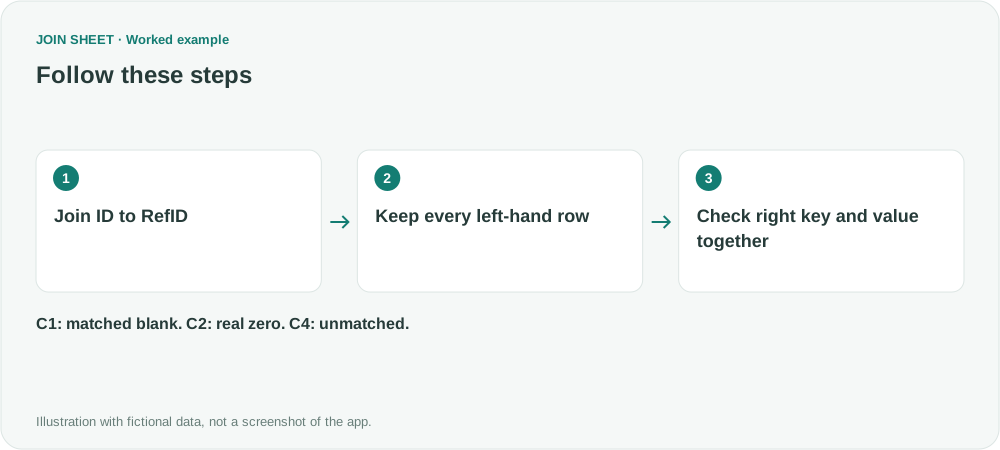
- Place Requests on the left and Master on the right. Join ID to RefID using Join sheets, with matching key types.
- Choose All rows from the left sheet so C4 remains in the result. Confirm that Master has no duplicate RefID values.
- Display ID, RefID and Amount together. Do not add a calculation or preprocessing step that fills blanks with numbers.
Check why each amount is blank
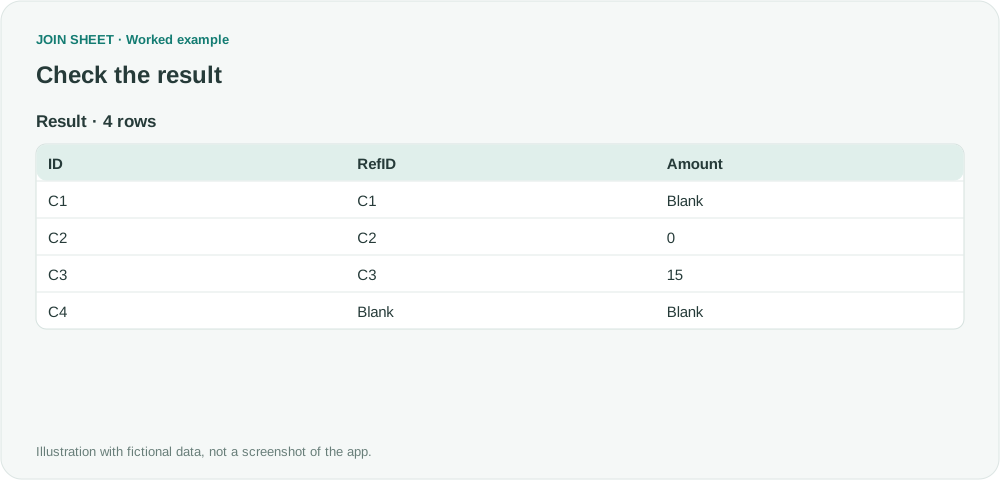
Expect four rows. C1 has RefID C1, so it matched a source record whose amount was blank. C2 retains its actual zero. C4 has a blank RefID too, indicating no matched Master row.
| ID | RefID | Amount |
|---|---|---|
| C1 | C1 | ∅ |
| C2 | C2 | 0 |
| C3 | C3 | 15 |
| C4 | ∅ | ∅ |
Check whether zeros were already added in the source
If a formula or earlier export already converted missing values to zero, JOIN SHEET cannot infer the original intent. Duplicate Master keys can multiply result rows. This example uses genuinely empty cells; literal strings such as 'null', '0' or whitespace need separate checks.
Try it with your own files
Start with JOIN SHEET ↗Use a desktop computer for Excel and CSV work.
Opens in a new tab without replacing your current work.
Example last verified:
Sources
Attempting to pull data from one large data set to a smaller data set, but it is filling in "0" where the original set is blank (Reddit r/excel)
The source describes blank values turning into zero during a lookup. This fictional example keeps the matching ID visible so you can distinguish a blank source amount from a missing match. It is not the question author's data or an endorsement of JOIN SHEET.