Keep multiline CSV cells inside one record
Import a CSV with line breaks inside quoted cells without splitting one record into several rows. Check the record count and saved cell contents.
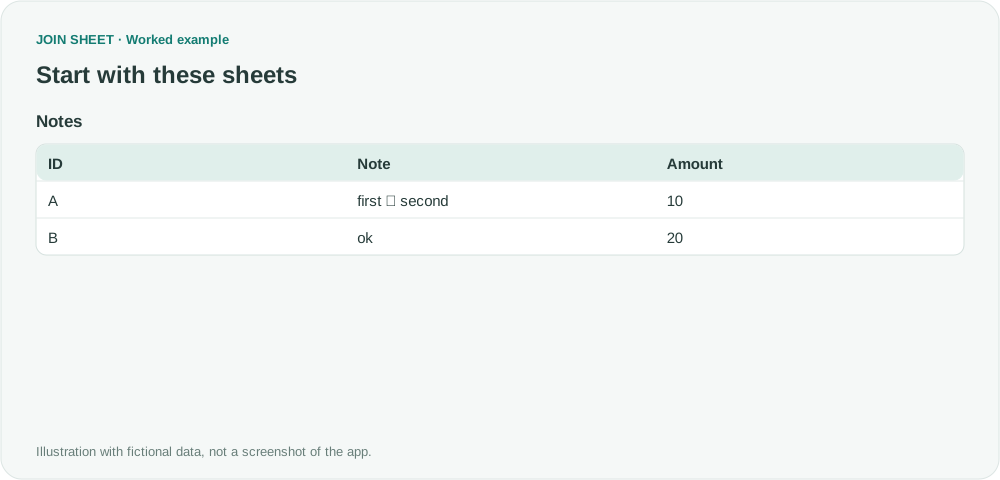
A note can contain a line break without starting a new CSV record. When the field is correctly quoted, both lines belong to the same cell. Import the original CSV directly, then check the record count and the note contents.
One cell containing two lines
The fictional Notes file contains records A and B. A's Note has first on one line and second on the next, inside the same cell. In the actual CSV text, quotes enclose the whole Note value:
ID,Note,Amount
A,"first
second",10
B,ok,20
In the tables and diagrams, ↵ marks a newline within a cell for readability. It is not a character to type or a reproduction of the app's display.
Notes
| ID | Note | Amount |
|---|---|---|
| A | first ↵ second | 10 |
| B | ok | 20 |
Import the quoted CSV directly
- Export from the source program with the memo's newline and CSV quoting intact. Do not delete all newlines or treat every text line as a separate record.
- Add the CSV file directly to JOIN SHEET. For this example, use ID, Note, and Amount in the first row as the headers.
- Check that A's Note remains one cell and B is the next record. There should be two data rows and three columns.
- If you save to Excel, inspect A's Note cell for the embedded newline. Row height and text wrapping can affect whether both lines are visible on screen.
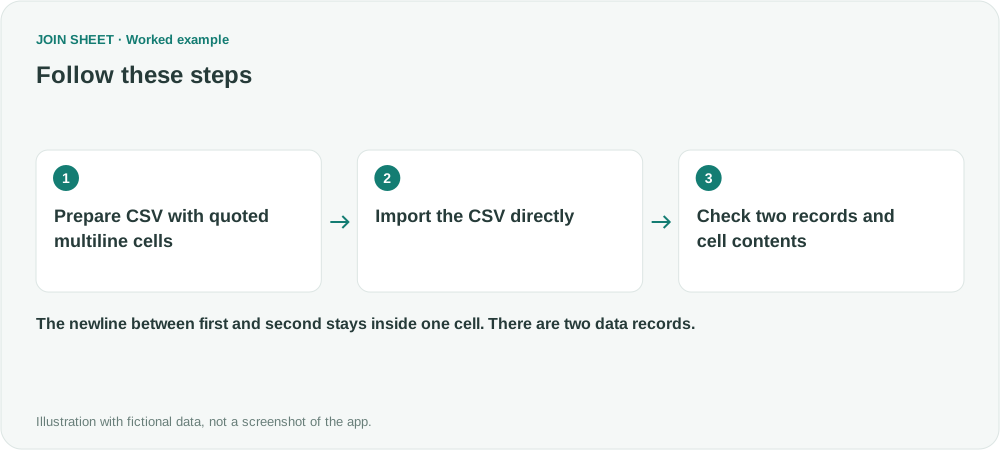
Count two records, not text lines
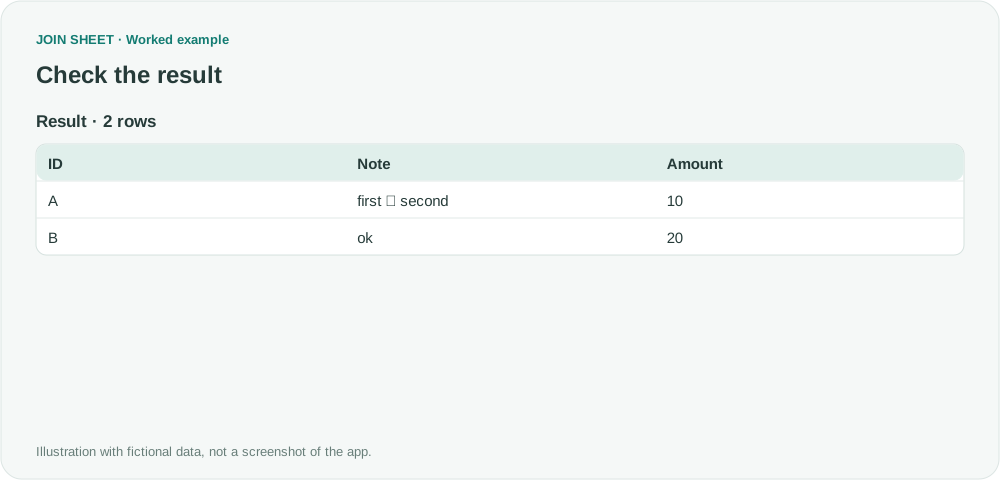
Both first and second remain inside A's Note cell. The CSV text has four physical lines including the header, but only two data records. Amounts 10 and 20 remain attached to A and B.
| ID | Note | Amount |
|---|---|---|
| A | first ↵ second | 10 |
| B | ok | 20 |
Fix unquoted newlines at the source
If quotes are missing or close in the wrong place, JOIN SHEET may be unable to tell whether a line break belongs inside a cell or starts another record. Correct the export in the source program; the app cannot infer the intended structure. The CSV exporter must also escape any quote characters within a field correctly.
Renaming a TXT extension to CSV does not add valid quoting.
Try it with your own files
Start with JOIN SHEET ↗Use a desktop computer for Excel and CSV work.
Opens in a new tab without replacing your current work.
Example last verified:
Sources
Why does PQ not like Hard Return (Alt+Enter)? (Reddit r/excel)
The original post describes a stalled XLSB connection and rows splitting after conversion to TXT. The fictional example here covers line breaks inside correctly quoted CSV cells; it does not address the XLSB connection problem.