Remove empty rows that still contain a filename
Remove rows containing only a source filename by checking the required ID column. Keep valid records even when their amount is zero.
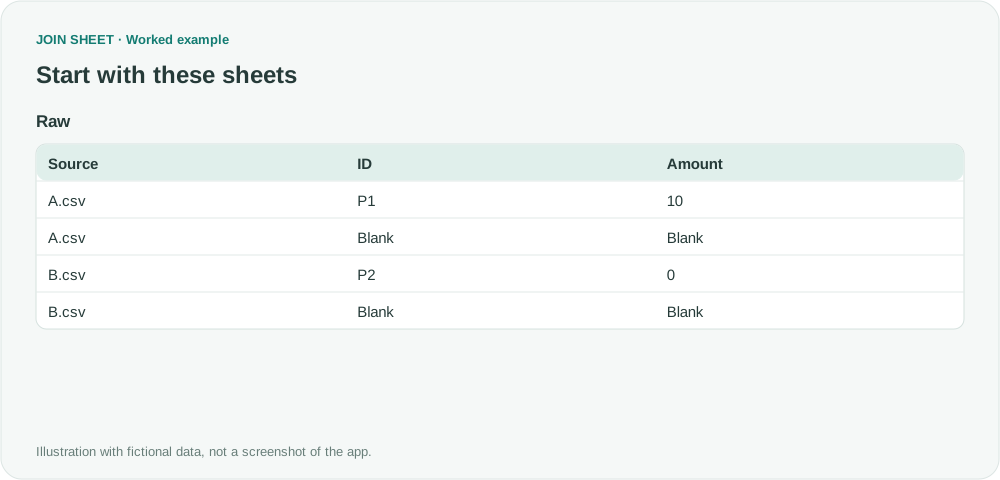
If every valid record has an ID, apply Is not blank to the ID column. This removes records whose only content is a filename in Source. Do not use this rule if legitimate records may lack IDs.
A source filename does not make a row a valid record
Only P1 and P2 are actual records in the four rows below. Remove the two filename-only rows, but keep P2’s Amount of zero.
The symbol ∅ represents a blank cell, not text to type.
Raw
| Source | ID | Amount |
|---|---|---|
| A.csv | P1 | 10 |
| A.csv | ∅ | ∅ |
| B.csv | P2 | 0 |
| B.csv | ∅ | ∅ |
Check the ID column for empty records
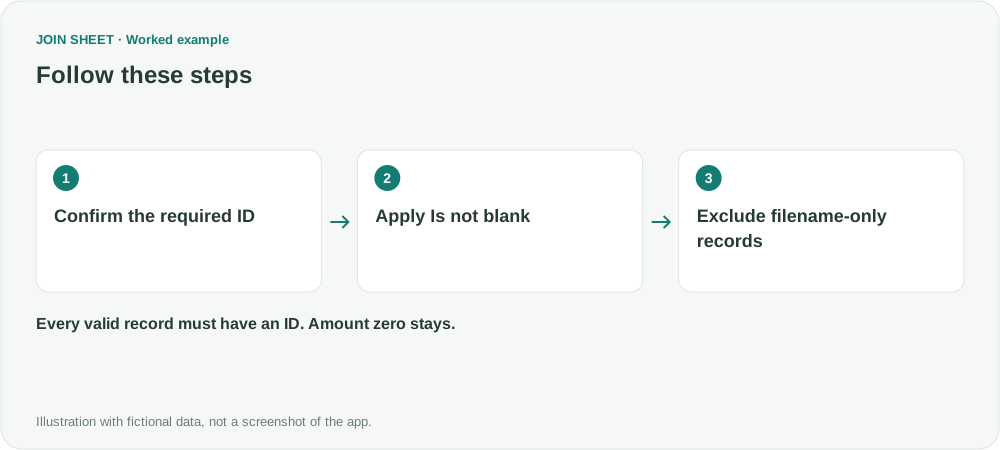
- Load Raw and confirm the business rule that every valid record contains an ID.
- Open the ID column's filter, choose Is not blank and click Apply. Do not use Source or Amount as the test for an empty record.
- Check that only P1 and P2 remain. Continue appending or summarizing with this source condition applied.
Expected result
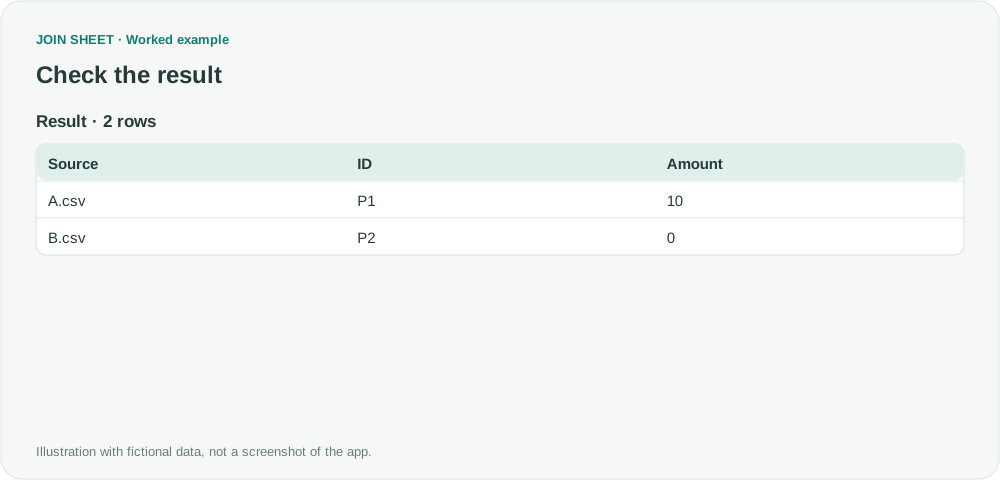
Expect two rows with Amount 10 and 0. Their A.csv and B.csv source labels remain attached.
| Source | ID | Amount |
|---|---|---|
| A.csv | P1 | 10 |
| B.csv | P2 | 0 |
Review records that should have an ID but do not
Whitespace, formula output or a literal string such as 'null' may not be equivalent to a genuinely blank cell. Inspect suspicious source rows. Preserve valid records with missing IDs for review instead of dropping them merely because the amount is empty.
Try it with your own files
Start with JOIN SHEET ↗Use a desktop computer for Excel and CSV work.
Opens in a new tab without replacing your current work.
Example last verified:
Sources
Power Query is adding thousands of blank rows (Reddit r/excel)
The question describes blank rows that remain because they contain a source filename. This fictional example applies only when every valid record requires an ID; the question is not a review or endorsement of JOIN SHEET.