Filter by a hidden field and export selected columns
Filter rows by Account, then hide Account and Owner from the output. Keep the source condition while exporting five nonadjacent columns.
You may need Account to choose the right rows without including it in the file you send. Filter Account on the source sheet, then use the eye icons to select which columns appear in the result. Those columns do not need to be next to one another.
Filter by Account, then leave it out of the export
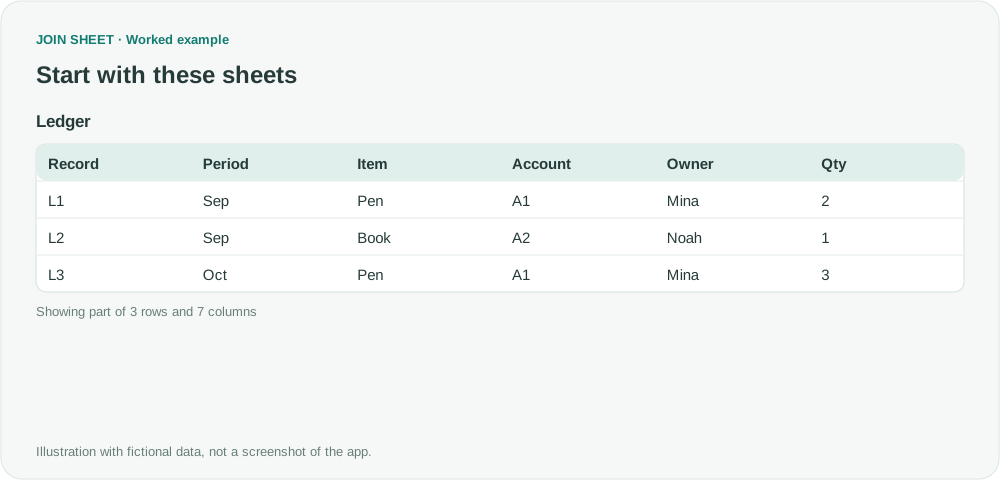
From fictional Ledger's seven columns, omit Account and Owner. Deliver Record, Period, Item, Qty and Amount only for Account=A1. Removing the two middle columns should not change the remaining values or merge records.
Ledger
| Record | Period | Item | Account | Owner | Qty | Amount |
|---|---|---|---|---|---|---|
| L1 | Sep | Pen | A1 | Mina | 2 | 10 |
| L2 | Sep | Book | A2 | Noah | 1 | 12 |
| L3 | Oct | Pen | A1 | Mina | 3 | 15 |
Keep the Account condition while reducing output columns
- Load Ledger. No connection is needed for this single-sheet task. With Account still visible, open its filter icon and set Equals A1 and click Apply.
- Check that the selected records are L1 and L3. Keep the Account filter. Do not clear the condition or delete the source column just to hide it.
- Turn off the eye icons beside Account and Owner. Leave Record, Period, Item, Qty and Amount visible. Each eye controls whether that source field appears in the result.
- In Result preview, check that only the five desired headers remain and L2 is absent. Export the full result to Excel, then inspect the saved file's headers too.
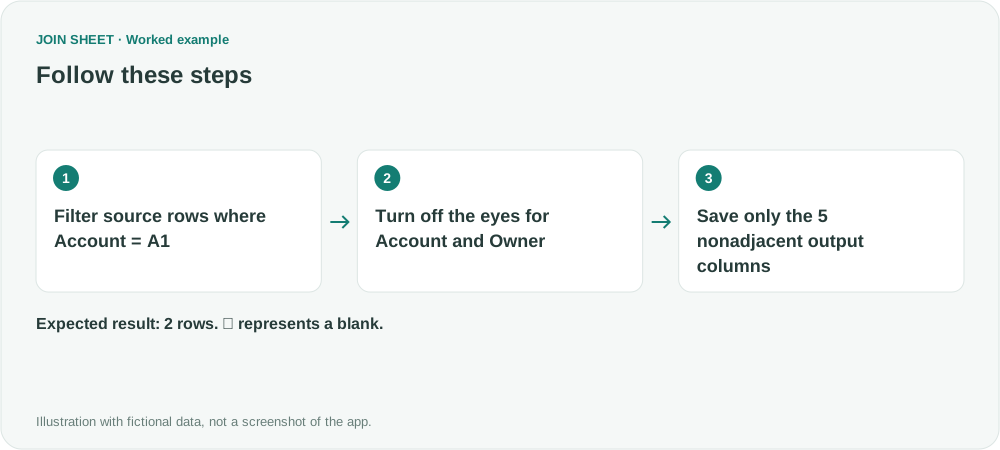
Check for two rows and five columns
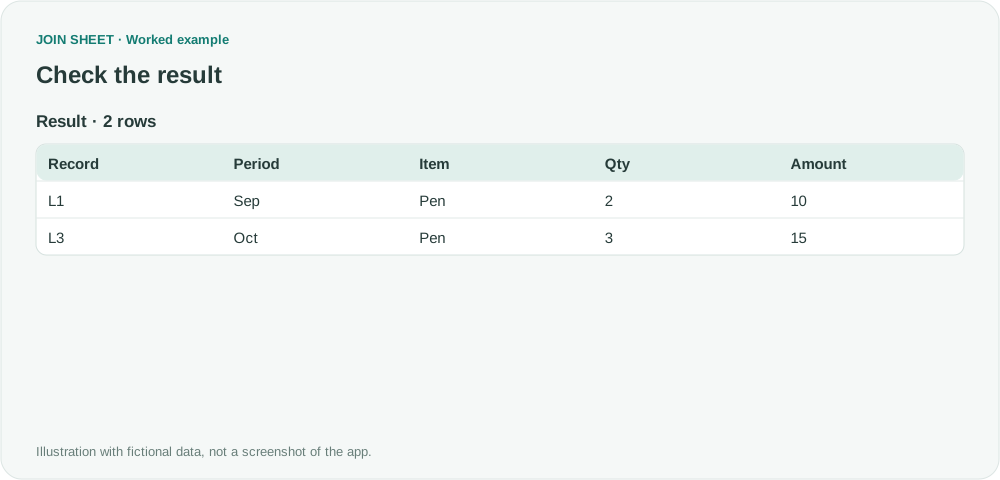
Account is hidden, but its A1 condition still excludes L2. Qty and Amount remain 2 and 10, then 3 and 15. Reducing visible columns does not itself summarize or deduplicate rows.
| Record | Period | Item | Qty | Amount |
|---|---|---|---|---|
| L1 | Sep | Pen | 2 | 10 |
| L3 | Oct | Pen | 3 | 15 |
Check the exported file before sharing it
Account and Owner remain in the original file even when you leave them out of the export. Hiding columns does not anonymize that source file or restrict access to it. Before sharing a file, inspect the export and check that the remaining columns do not reveal information you meant to leave out. A hidden column may need to be shown again for a later result calculation or filter. Here, the Account condition is applied to the source sheet, before any result calculations.
Try it with your own files
Start with JOIN SHEET ↗Use a desktop computer for Excel and CSV work.
Opens in a new tab without replacing your current work.
Example last verified:
Sources
How to exclude columns in =Filter (Reddit r/excel)
This question asks how to leave repeated ID and name columns out of a filtered result. The ledger here is a fictional example, not the author's data or a JOIN SHEET testimonial.