Find extra occurrences when both lists contain the same values
Find extra copies of codes even when both lists contain the same codes. Compare each occurrence and see which copies have no match.
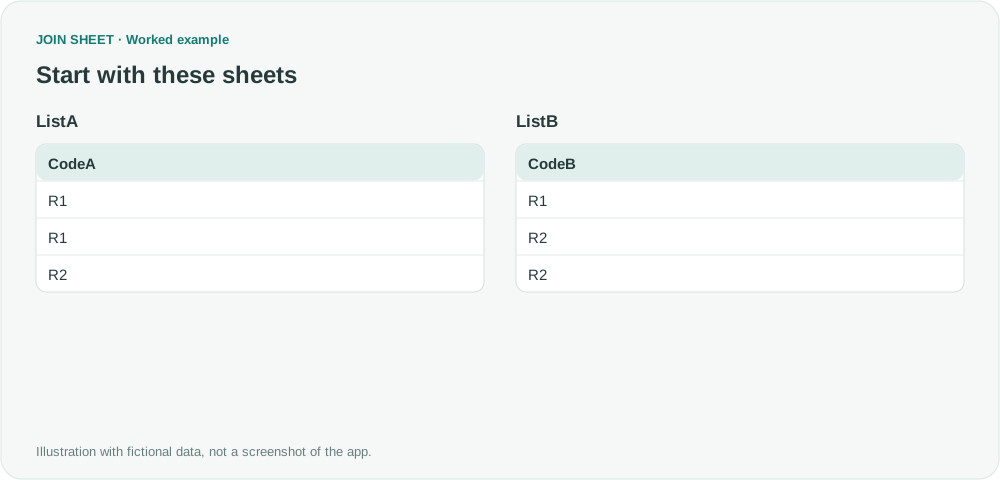
Two lists can contain the same distinct codes but different numbers of each. In JOIN SHEET, Compare values without a JOIN key pairs matching occurrences one at a time and leaves excess copies on their original side.
Duplicates a presence check misses
ListA has two R1 entries and one R2. ListB has one R1 and two R2 entries. Checking only whether R1 and R2 exist would miss the difference. Matching each copy leaves an extra R1 in A and an extra R2 in B.
In these tables, ∅ represents a blank cell; do not enter it as text.
ListA
| CodeA |
|---|
| R1 |
| R1 |
| R2 |
ListB
| CodeB |
|---|
| R1 |
| R2 |
| R2 |
Compare code values without record keys
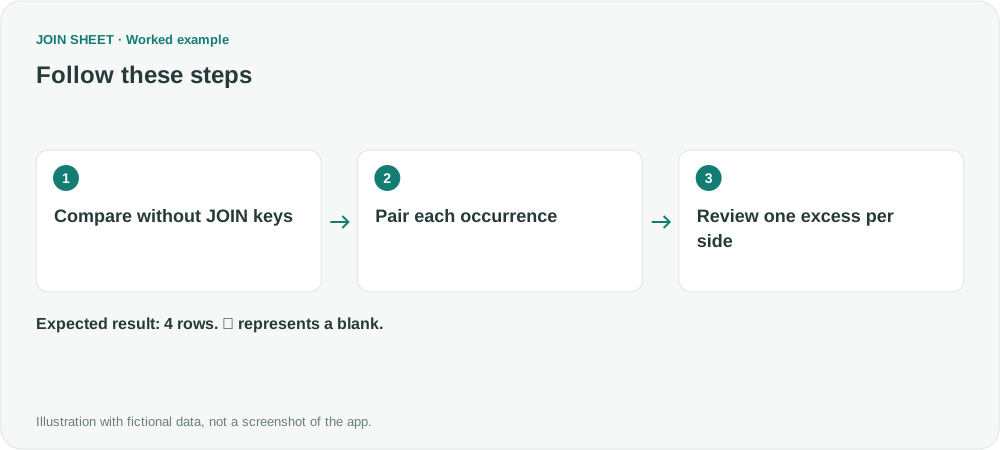
- Load both lists with headers. Keep duplicates because they are the information being compared.
- Connect CodeA and CodeB. Open the criteria menu on the line and use VS to switch that criterion to Compare values. Do not add a separate JOIN key.
- Open Result preview and inspect both matched and one-sided occurrences.
- To export only extras, open Refine results and add Filter. Set Field to Comparison result, Condition to Does not equal, and Value to In both sheets, then choose Apply. Distinguish this filtered count from the full comparison count.
Find occurrences without a counterpart
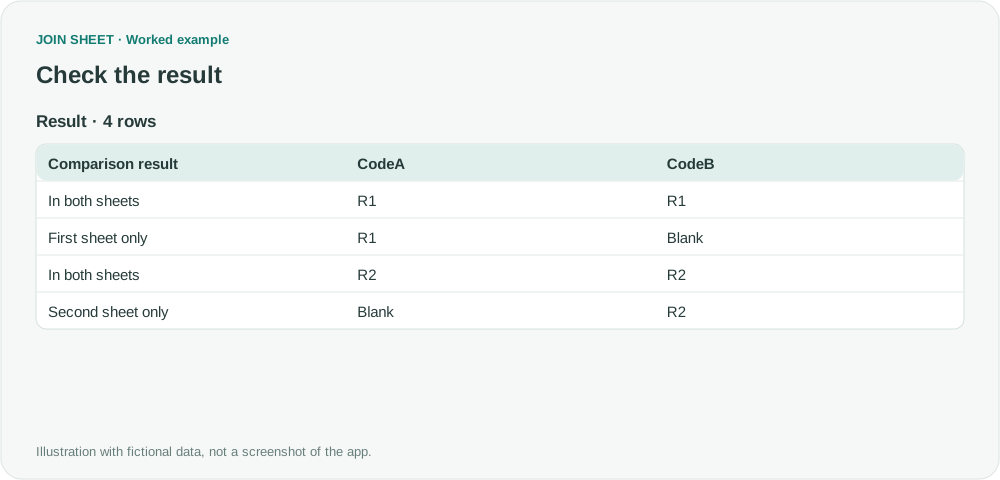
The full comparison has four rows: two In both sheets, one First sheet only and one Second sheet only. Filtering out In both sheets leaves two rows. Each original list accounts for three occurrences: two matched plus one extra on that side.
| Comparison result | CodeA | CodeB |
|---|---|---|
| In both sheets | R1 | R1 |
| First sheet only | R1 | ∅ |
| In both sheets | R2 | R2 |
| Second sheet only | ∅ | R2 |
To find a specific missing transaction, use its ID
The result tells you that one R1 is unmatched, but not which R1 transaction it is. Use a unique transaction ID if you need to identify the missing record. If a code and date together define what you want to compare, include both columns.
Try it with your own files
Start with JOIN SHEET ↗Use a desktop computer for Excel and CSV work.
Opens in a new tab without replacing your current work.
Example last verified:
Sources
How to compare two columns while accounting for duplicates within a column (Reddit r/excel)
This question asks how to compare columns that contain repeated values. The example uses fictional data, not the question author's records or a testimonial for JOIN SHEET.